Skip to content
GearOpen.com

GearOpen.com

GearOpen.com is the hub for the latest developments in technology, AI, software, computers, transportation, consumer electronics, and scientific innovation.

  • Phones
  • Tablets
  • Laptops
  • Computers & IT
  • AI & Bots
  • Apps
  • Gaming
  • Audio & Video
  • Wearables
  • Smart Home
  • Cameras
  • Drones
  • Cars
  • Motorcycles
  • Yachts & Boats
  • Planes
  • Science
  • Tools
  • Toggle search form
How to Experience Windows Mixed Reality Without a Headset

How to Experience Windows Mixed Reality Without a Headset

Posted on October 26, 2017May 28, 2019 By Jarvis

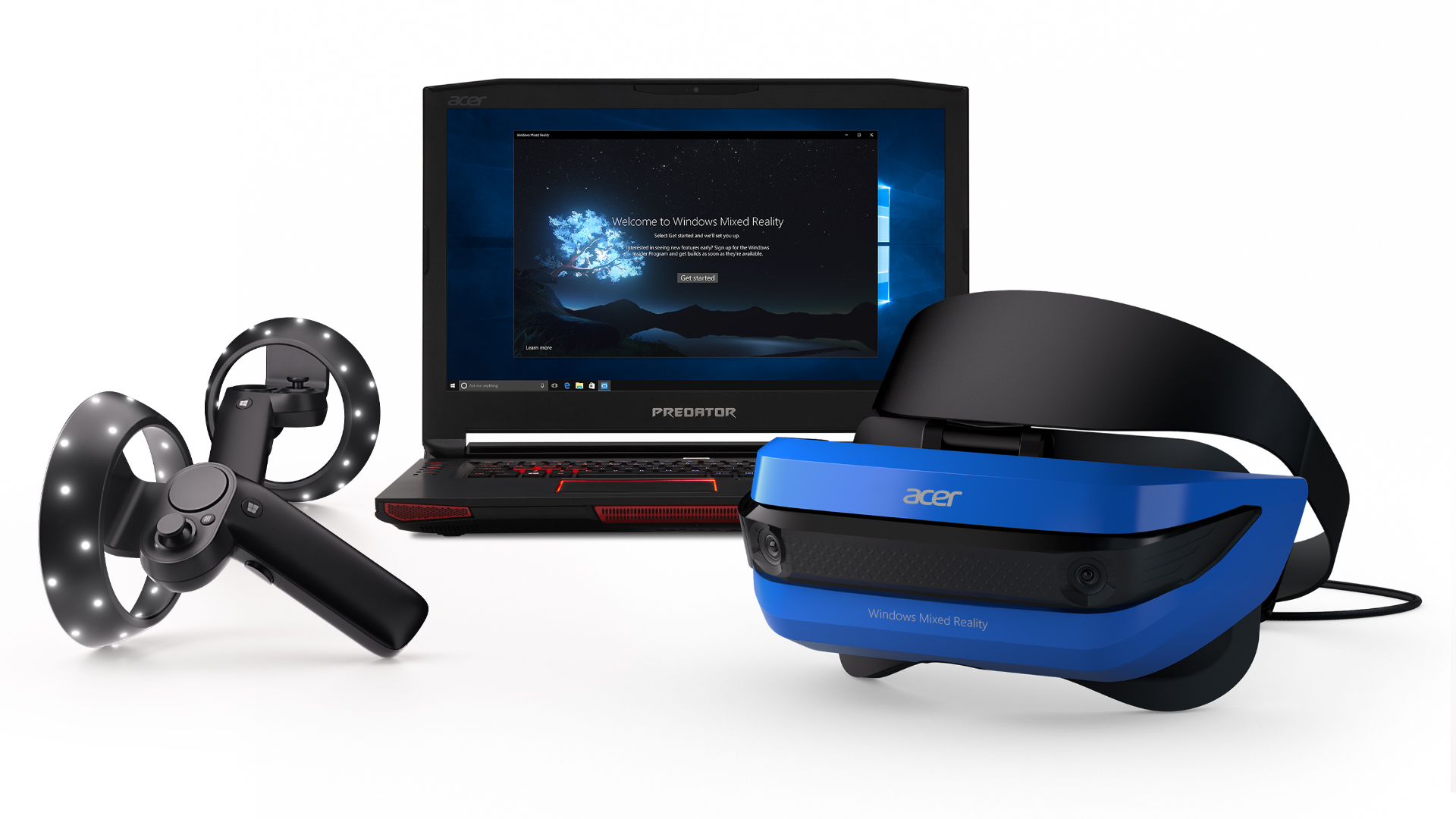
Typically, you’d need a Mixed Reality (MR) headset in order to get a taste of Microsoft’s new MR content in the Windows 10 Fall Creators Update. But if you don’t own such hardware, you can simulate it with just your computer.

But in order to run MR, you’ll need a machine with at least the following: a dual-core Core i5-7200U CPU with Hyper-Threading Technology enabled, 8GB of RAM, 10GB of storage space and an Intel HD Graphics 620 integrated GPU.

What can you do in the MR simulation? At the moment, you can walk around in a virtual house reminiscent of PlayStation Home, and possibly experience Windows apps such as Edge, Skype and Photos. I say possibly because they didn’t always open for us when we right-clicking our mouse, even though that’s how it’s supposed to work.
…
Read full post here:
https://www.laptopmag.com/articles/experience-windows-mixed-reality-without-headset
Computers & IT, Wearables Tags:computer, core i5, gpu, hardware, HD, headset, home, how to, Intel, Microsoft, Playstation, ram, Windows, Windows Mixed Reality

Post navigation

Previous Post: RHA MA650 Wireless In-Ear Headphones review
Next Post: Samsung Exynos 8895 vs Qualcomm Snapdragon 835 Comparison

Related Posts

Review: Acer Aspire One Cloudbook Windows 10 laptop Review: Acer Aspire One Cloudbook Windows 10 laptop Computers & IT
Huawei Watch 3 Pro Huawei Watch 3 Pro in for review Wearables
GTX 1050 Ti Battle: Acer Aspire VX 15 (VX5-591G) vs HP Omen 15 – gaming notebooks on a budget GTX 1050 Ti Battle: Acer Aspire VX 15 (VX5-591G) vs HP Omen 15 – gaming notebooks on a budget Computers & IT
Acer Aspire Switch 11 review: the best of both worlds Computers & IT
HP Z2 Mini G5 Workstation Review HP Z2 Mini G5 Workstation Review Computers & IT
Asus ZenBook UX306UA Review Asus ZenBook UX306UA Review Computers & IT

Copyright © 2026 GearOpen.com.

Powered by PressBook Grid Dark theme