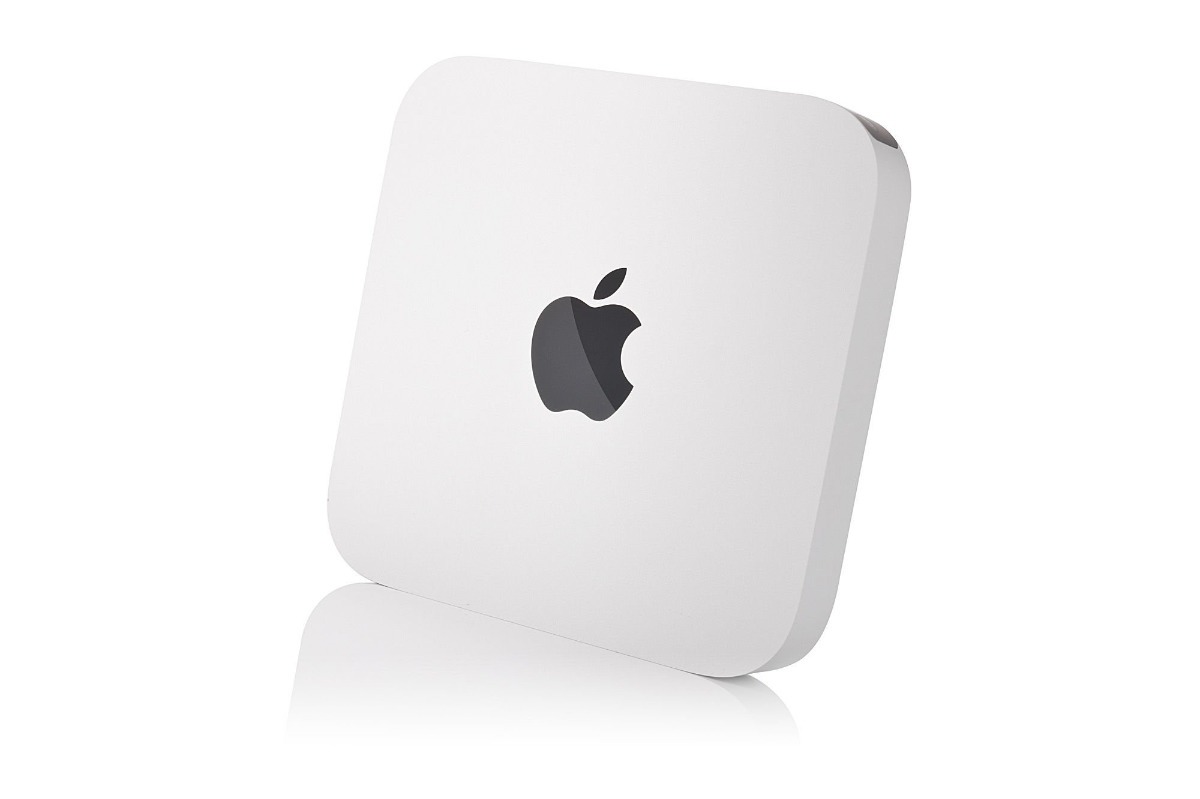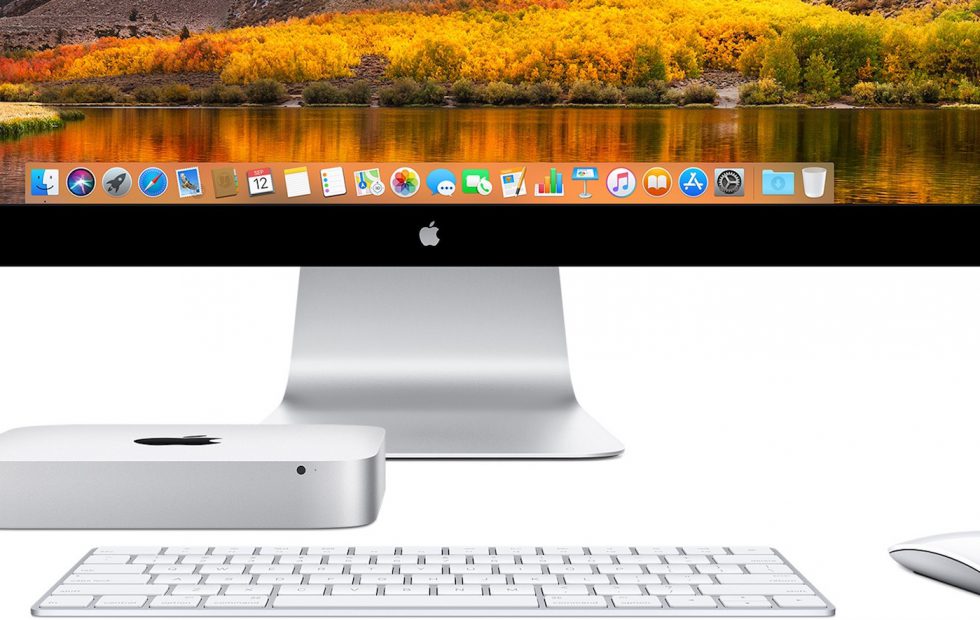
Four years after its last update, the Mac mini is finally getting some attention – we’re just hoping it’s the right sort of attention. Apple’s most affordable computer is long overdue an update, and the rumor mill suggests 2018 is when it will happen. Still, things have changed at Cupertino since the last Mac mini was designed, for better and for worse. Read on for 4 key things we hope Apple delivers with the 2018 Mac mini.

A big speed boost
It’s fair to say that the current Mac mini isn’t exactly a speed-demon. Last updated in late 2014, it’s still using 4th Generation Core Intel Haswell processors, with a choice of dual-core Core i3 and Core i5 chips. They might have been fine at the time, but they’re looking seriously outdated in 2018.
The time is clearly ripe – a cynic might say it has been ripe for a while yet – for a big processor update. Happily Intel has some options there, courtesy of 8th Generation Coffee Lake. Indeed, the chip-maker may have given us a good template of just what Apple could do.

Earlier this month it revealed its latest range of NUC mini PCs and NUC kits, all using Coffee Lake processors. With Core i3, Core i5, and Core i7 options – topping out at the Core i7-8559U quadcore – there’s no shortage of speed on tap. Meanwhile, Intel Iris Plus Graphics 655 should offer a good uptick compared to the aging Intel Iris Graphics 5100 the current Mac mini maxes out at.
Don’t give up on expansion
Apple has gradually been moving away from anything resembling user-accessible repair and expansion over the past few years, much to the dismay of pro users who prize the ability to upgrade their own machines. The current Mac mini is, ironically, one of the more readily-updated models in the existing line-up. Remove its circular base panel, and you eventually get access to the storage, memory, and processor.

Now, Apple solders the RAM and processor in place, and we’re not expecting that to change for the 2018 Mac mini. However, swappable storage doesn’t seem such an unlikely possibility. If the leaks today are anything to go by, Apple is said to be targeting pro users with the new Mac mini.
With the new Mac Pro in the pipeline, Apple has already said that it recognizes professionals demand expansion and upgrade potential. If it’s envisaging a similar audience for the Mac mini – albeit on a different budget scale – it’s not impossible to hope that the same ethos holds true for this much smaller computer.
Plenty of ports – very few dongles
The increasing number of dongles found in MacBook and MacBook Pro users’ bags and briefcases is a sour reminder that not everything is up to speed with the cutting-edge of connectivity. Thunderbolt 3 and USB-C may not be especially new any more, but there are plenty of devices – even brand new ones – which still rely on older connectors. Question is, will Apple design the 2018 Mac mini to handle them?

The current model has an impressive array of ports, despite its size, even if some of them are looking a little old right now. As well as four USB 3.0, HDMI, and gigabit ethernet, there are two Thunderbolt 2, an SDXC card slot, 3.5mm audio input, and a headphone jack.
Now, Thunderbolt 2 being replaced with Thunderbolt 3 is a given: after all, Apple has been at the vanguard of pushing the new connector. That doesn’t mean we’d want nothing but USB-C, mind. The iMac Pro may be Apple’s latest all-in-one, but it still puts both USB 3 Type-A and USB-C Thunderbolt 3 on the back. Let’s hope the new Mac mini does the same.
A price that doesn’t forget entry-level users
One of the original Mac mini’s charms was always its accessibility. No, it was never the fastest machine in Apple’s line-up, but by leaving the display and peripherals up to the buyer, it could be offered at a competitive price in comparison to the rest of the Mac range. Question is, will Apple keep that moving forward?

There’s a not-insignificant gulf between the current entry-level Mac mini and the cheapest iMac. The former will cost you $499, while the latter will set you back $1,099 in 21.5-inch form. It’s a big step up; even if you settle on a notebook rather than a desktop, the cheapest current MacBook Air is still $999 (and the rumors suggest that could well be replaced with a $1,200 13-inch MacBook, too).
If the pro-focus pans out, the 2018 Mac mini won’t necessarily be cheap. Nonetheless, we’re keeping our fingers crossed that Apple keeps its entry-level users in mind too, and delivers a range of models that don’t cost the earth to put on your desk.
(slashgear.com, http://bit.ly/2Mt064g)