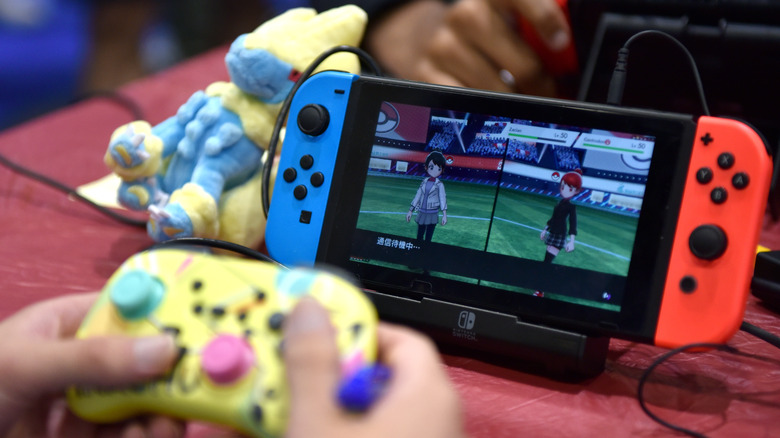
Modern gaming consoles are complete multimedia consumption devices. You can install a streaming app such as Netflix, Hulu, HBO Max, etc., and watch your favorite movies and TV shows. They also come with a functional — albeit basic — Internet browser so you can surf the web. The Microsoft Xbox, Nintendo Wii, and Sony PlayStation are some of the few gaming consoles in the market that can essentially do it all.
Like smartphones, tablets, computers, and other devices that we use daily, gaming consoles collect Personally Identifiable Information (PII) and other data to allow users to interact with software vendors and team up with other players. Gaming consoles will ask for personal information, financial information, location data, etc., in an effort to deliver a customized experience.
And whenever personal user data is involved, issues to do with privacy and data security are bound to arise. This article will look at the privacy and security risks associated with gaming consoles and how to increase protection.
Gaming Consoles Security Risks
Anything that’s connected to your home internet is a possible entry point for cybercriminals. The increased use of network-connected gaming consoles poses a significant data security risk for users. As mentioned earlier, these devices collect a lot of personal information. Personal data is highly valuable to hackers. Cybercriminals will often try to get their hands on this data by targeting online gaming accounts.
Hackers will also target online games and gaming accounts for in-game valuables. Players with large amounts of in-game currency and other in-game items like virtual weapons are also frequently targeted. In-game valuables may be virtual, but they are still commodities with real value to players and fetch high prices in the real world.
Best Ways for Gamers to Protect Themselves
Internet-connected consoles put your privacy and data security at risk. The good news is that it’s not that hard to avert the cybersecurity threats associated with gaming consoles and online gaming in general. There are several measures that gamers can take to better protect their accounts and internet-connected consoles from harm. Here are some of them.
Secure Your Network with a VPN
One of the most effective ways to keep hackers and other online adversaries at bay is using a gaming VPN. Short for a Virtual Private Network, a VPN provides you secure and encrypted connections to allow for greater privacy and security for the data you send and receive over the internet. A VPN also masks your IP address to ensure that your online presence is private and anonymous.
Good Password Practices
When it comes to gaming console security risks, weak authentication is a common attack vector. The average gamer has to manage accounts from multiple games, publishers, and distribution platforms. As a result, weak passwords and password reuse are common issues. If you want to protect your data, consider using strong, unique passwords to protect against brute-forcing. A password manager tool can help you create and store complex passwords.
Antivirus Protection
Phishing and malware are some of the biggest security threats for gamers out there. Players of popular games are often targeted with phishing campaigns, usually tricking them into giving up their login details or spreading malware. An effective way to detect and stop malware is with robust antivirus software. A good antivirus should come with anti-spam/phishing capabilities as well to detect and thwart phishing attacks.
Over the years, internet-connected gaming consoles have become mainstream. Modern consoles are much more capable; they are basically mini computers. Like other consumer devices, gaming consoles collect personal data to enhance user experience. However, data collection puts user privacy and security at risk. Therefore, gamers should take the necessary security measures to protect their data when using gaming consoles.