Skip to content
GearOpen.com

GearOpen.com

GearOpen.com is the hub for the latest developments in technology, AI, software, computers, transportation, consumer electronics, and scientific innovation.

  • Phones
  • Tablets
  • Laptops
  • Computers & IT
  • AI & Bots
  • Apps
  • Gaming
  • Audio & Video
  • Wearables
  • Smart Home
  • Cameras
  • Drones
  • Cars
  • Motorcycles
  • Yachts & Boats
  • Planes
  • Science
  • Tools
  • Toggle search form
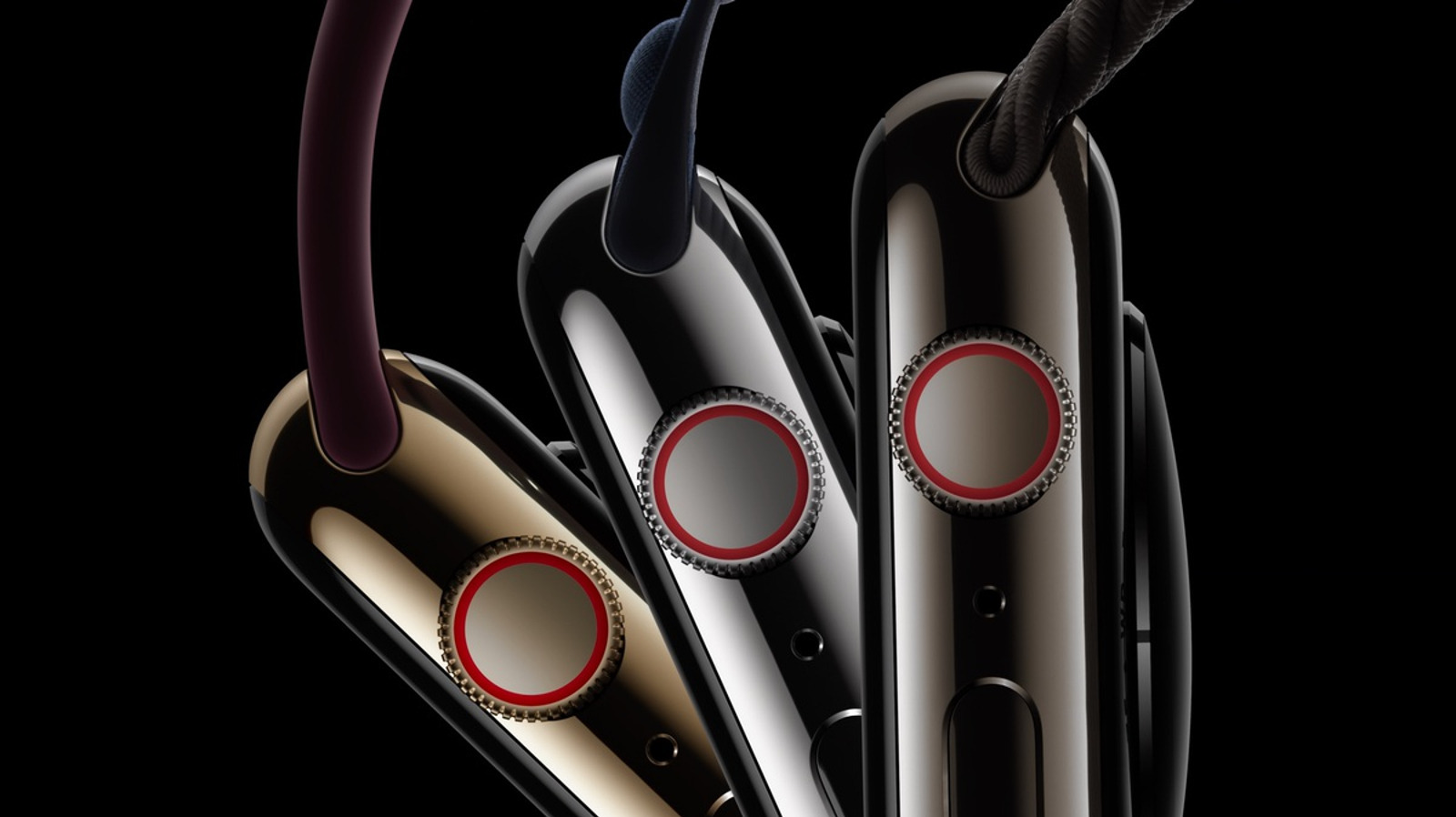
Apple Watch 7

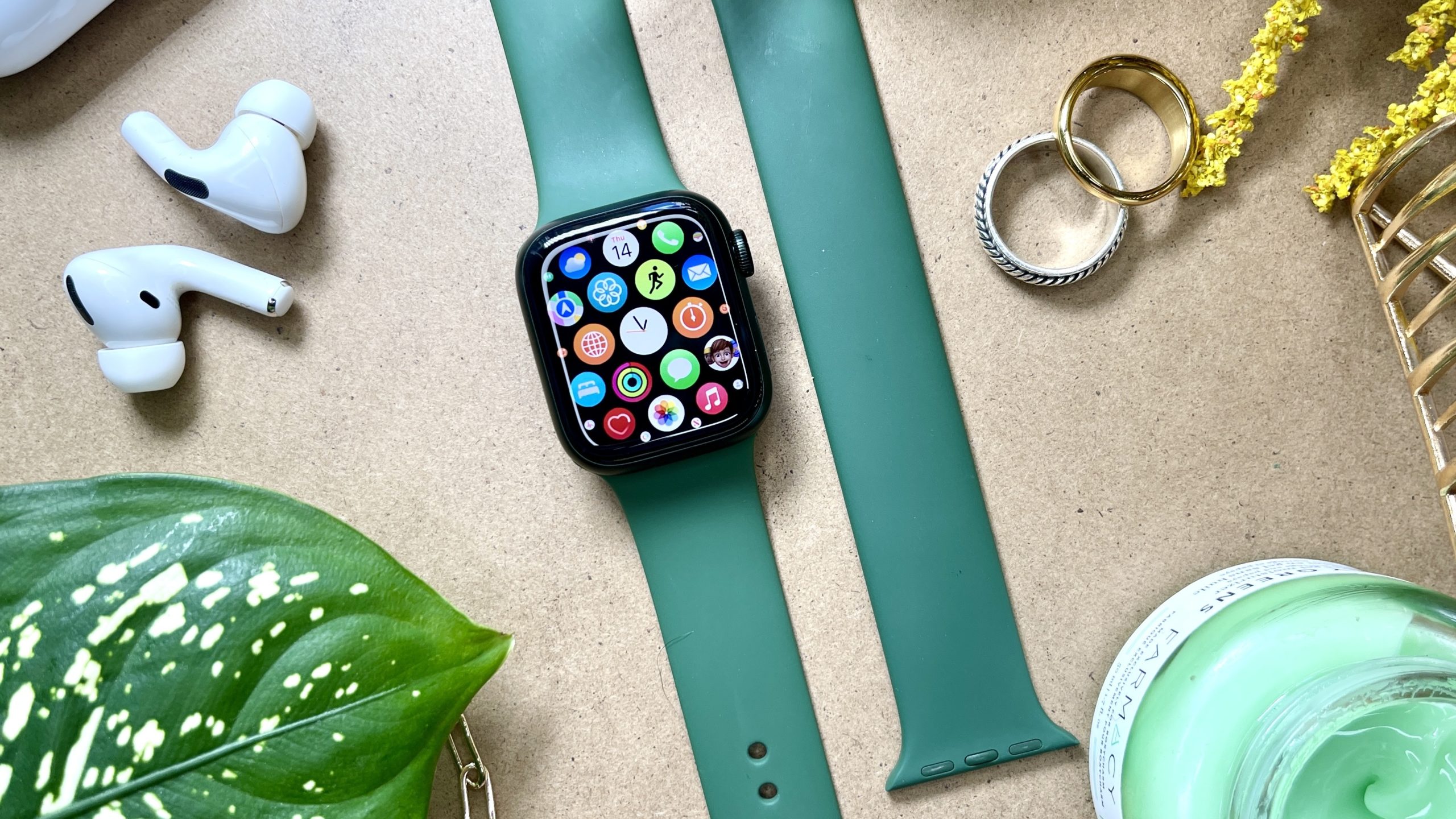
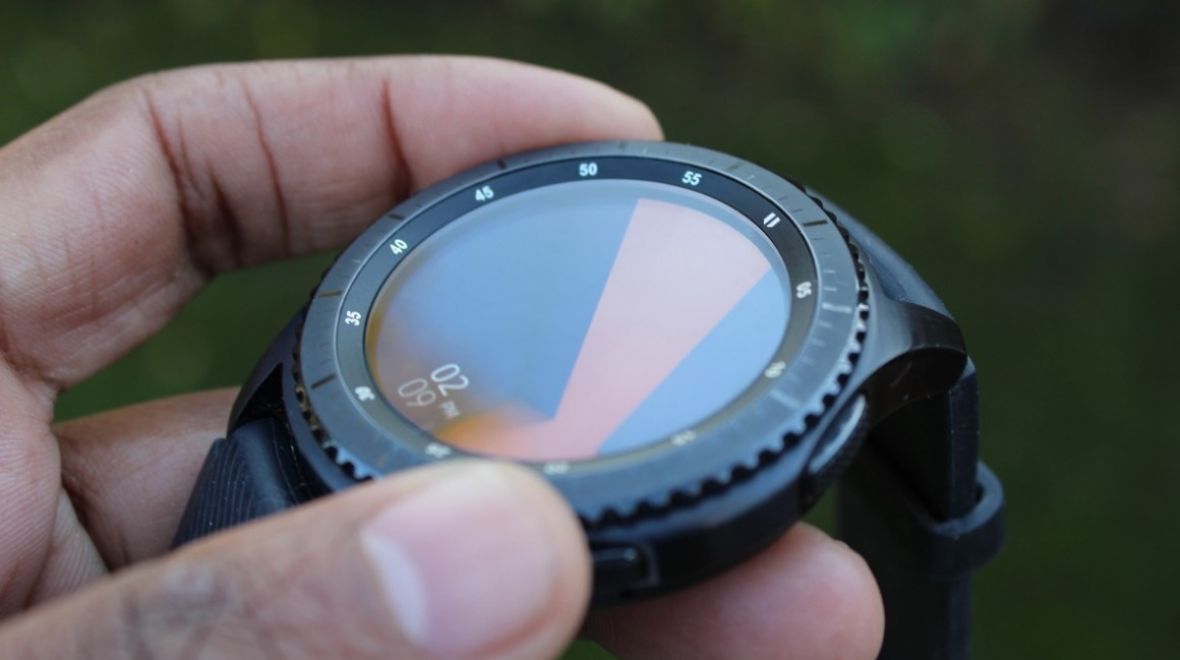
How to use a picture as an Apple Watch face: Portrait and Photos faces explained

Posted on October 25, 2021August 27, 2023 By Jarvis

Dress your Watch with a face you love to stare at

Apple has taken its time, but it has finally made it easier to let you customise the look of your watch face on your Apple smartwatch.

We’ve now got complications (widgets), the ability to tinker with colors and now you can even drop a photo (both static and live) on the place you glance to check in on the time and whether you’re getting closer to closing those rings.
…
Read more
Wearables Tags:Apple, Apple watch, how to, watch

Post navigation

Previous Post: 5 top benefits of using a text to speech software in 2021
Next Post: Sony A7 IV vs A7R IV (A7R IVA) – The 10 Main Differences

Related Posts

b225o-c225o-samsung-dang-l224m-viec-tr234n-chiec-galaxy-watch-active-2-1 Samsung Galaxy Watch Active 2 Breaks Cover Way Ahead Of Schedule Wearables
Apple Watch Apple Watch Series 7: Larger display sizes means several new faces Wearables
Android XR Wants To Give You Tony Stark Vision (But You’ll Still Look Pretty Dorky) Wearables
V-Moda Crossfade 2 Wireless Codex Edition review: Tailored to your taste V-Moda Crossfade 2 Wireless Codex Edition review: Tailored to your taste Wearables
Huawei FreeLace review: At least it’s better than the FreeBuds Huawei FreeLace review: At least it’s better than the FreeBuds Wearables
How To Track Your Sleep Habits With An Apple Watch Wearables

Copyright © 2026 GearOpen.com.

Powered by PressBook Grid Dark theme