Skip to content
GearOpen.com

GearOpen.com

GearOpen.com is the hub for the latest developments in technology, AI, software, computers, transportation, consumer electronics, and scientific innovation.

  • Phones
  • Tablets
  • Laptops
  • Computers & IT
  • AI & Bots
  • Apps
  • Gaming
  • Audio & Video
  • Wearables
  • Smart Home
  • Cameras
  • Drones
  • Cars
  • Motorcycles
  • Yachts & Boats
  • Planes
  • Science
  • Tools
  • Toggle search form
WIndows 10 Anniversary Update Review

WIndows 10 Anniversary Update Review

Posted on July 25, 2016December 9, 2018 By Jarvis

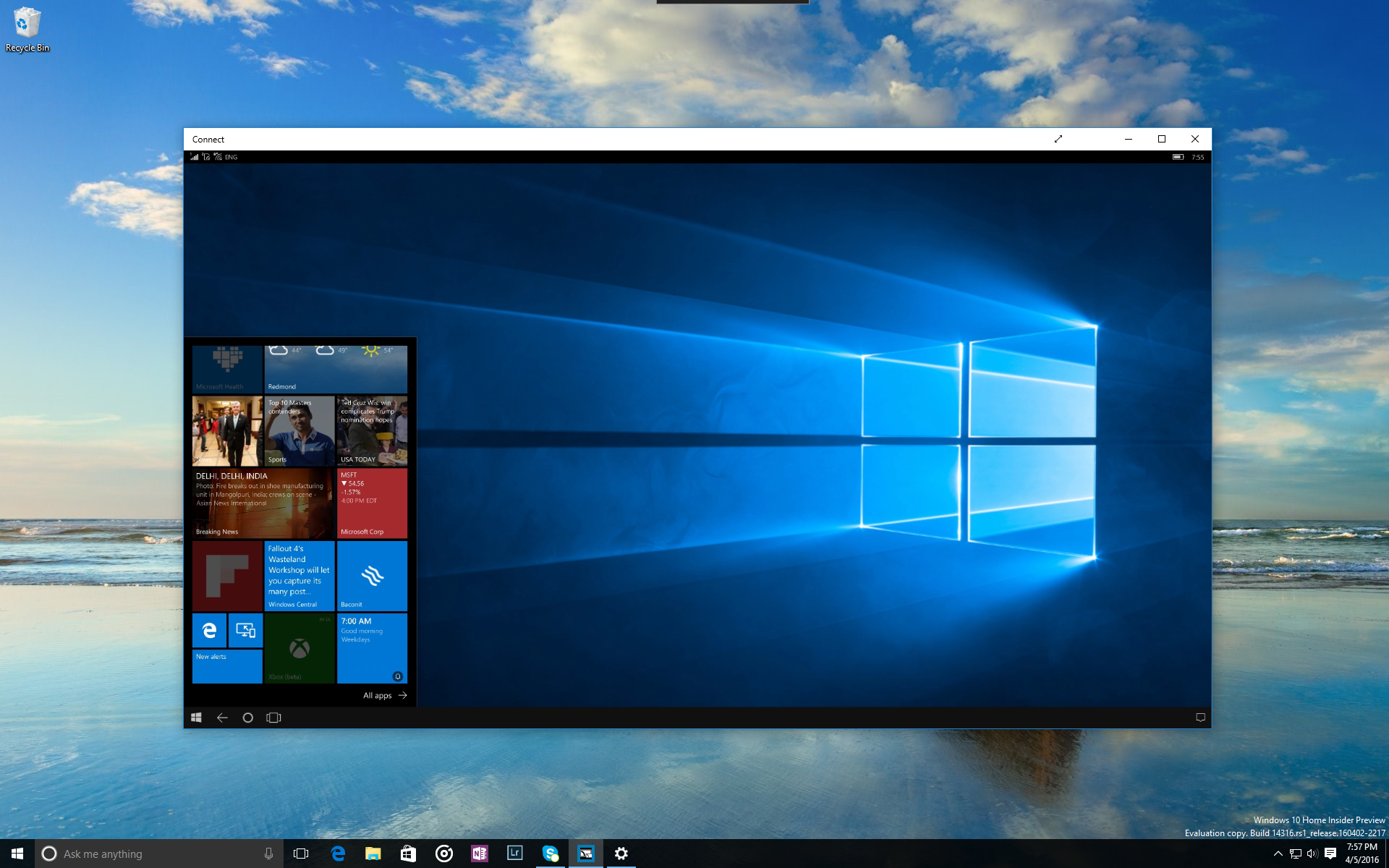
What a difference a year makes. Last summer, Microsoft rolled outWIndows 10, a new system that was designed to both make up for the mistakes of the past — cough, Windows 8 — and move the PC ecosystem into a new era of convergence between different devices such as tablets, phones and laptops. Twelve months and 350 million installs later, Microsoft is rolling out “Windows 10 Anniversary Update,” a substantial patch that adds a few significant capabilities such as Cortana on the lock screen, “Windows Hello” Security for apps / websites and “Windows Ink,” a nerve center for pen-enabled apps.

If you’ve already made the jump to Windows 10, you’ll be getting Anniversary as a free, automatic update sometime on or soon after August 2nd. Members of Microsoft’s Windows Insider program already have all the Anniversary features installed in the latest test build and have had access to them in beta form for months now.
…
Read full post here:
https://www.laptopmag.com/reviews/software/windows-10-anniversary-edition
Computers & IT Tags:cortana, Microsoft, PC, review, security, software, Windows, Windows 10, Windows 8

Post navigation

Previous Post: Sennheiser HD 201 review
Next Post: Now TV Smart Box review: Is live TV and Sky in one device worth the price?

Related Posts

Ceneva F158G Ceneva F158G business laptop review Computers & IT
Best Antivirus 2023: The top 4 picks to keep your PC protected Computers & IT
Cybersecurity experts weigh in on the Uber hack Computers & IT
Upgrade Your Mic Setup With $30 Off This Blue Yeti Today Computers & IT
Ctrl+Alt+Delete: Huawei’s new monitor is a key step in its Android back up plan Ctrl+Alt+Delete: Huawei’s new monitor is a key step in its Android back up plan Computers & IT
Philips 328P6AUBREB review: A colour-accurate HDR monitor with some key problems Philips 328P6AUBREB review: A colour-accurate HDR monitor with some key problems Computers & IT

Copyright © 2026 GearOpen.com.

Powered by PressBook Grid Dark theme