Skip to content
GearOpen.com

GearOpen.com

GearOpen.com is the hub for the latest developments in technology, AI, software, computers, transportation, consumer electronics, and scientific innovation.

  • Phones
  • Tablets
  • Laptops
  • Computers & IT
  • AI & Bots
  • Apps
  • Gaming
  • Audio & Video
  • Wearables
  • Smart Home
  • Cameras
  • Drones
  • Cars
  • Motorcycles
  • Yachts & Boats
  • Planes
  • Science
  • Tools
  • Toggle search form
How to Use Chrome in Light Mode With a Windows 10 Dark Mode Theme

How to Use Chrome in Light Mode With a Windows 10 Dark Mode Theme

Posted on July 28, 2019 By Jarvis

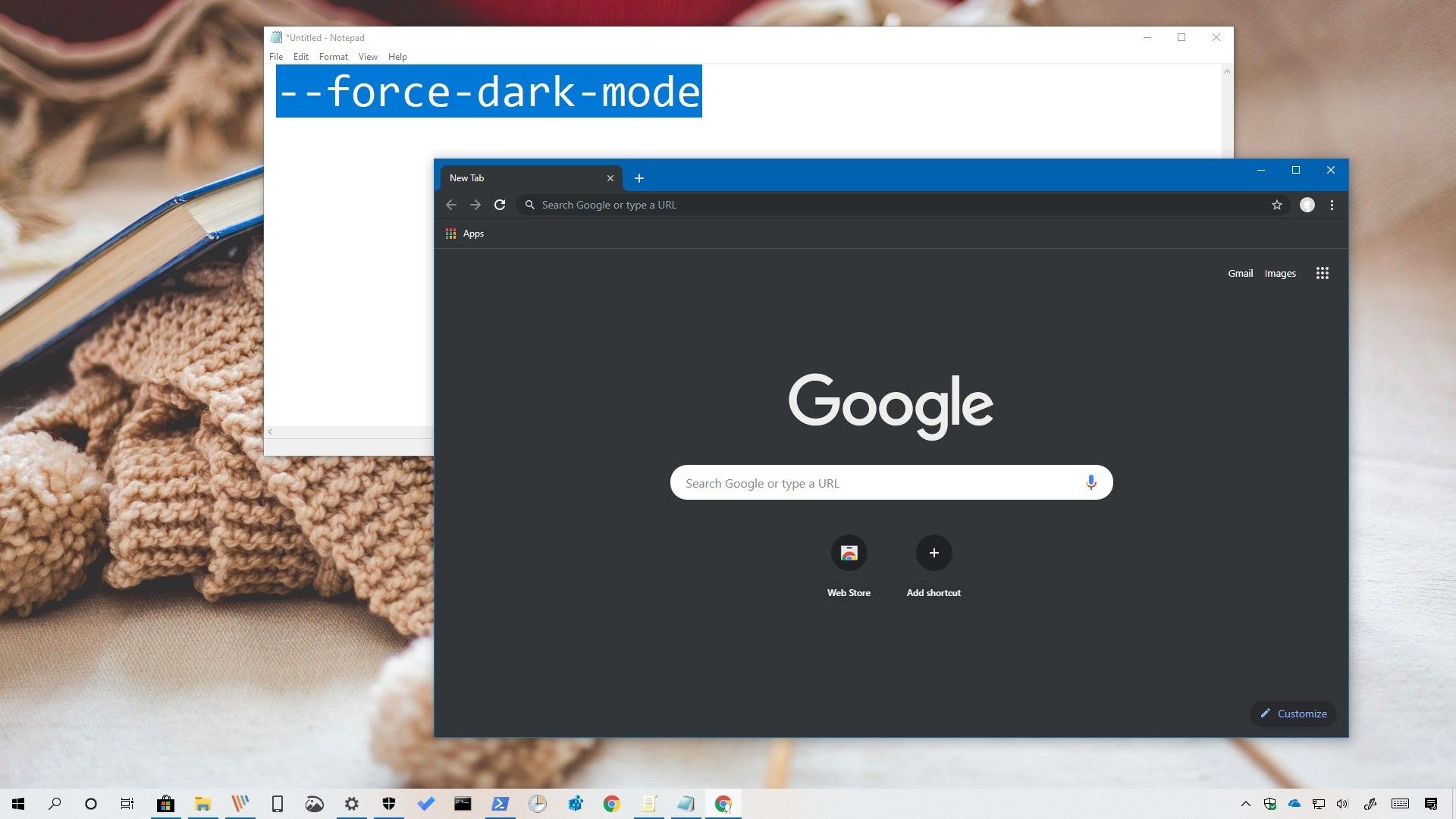
Windows Dark Mode switches the color orientation on your screen, making light elements dark, and darker elements light(er). It’s a feature we’ve been asking for for years now, one that’s specifically designed to be easy on the eyes, especially when working in a dark room.

hero-(1)

Unfortunately, it doesn’t come with many customization options. I found myself recently wanting to use the Light mode in Chrome while maintaining the Dark Mode vibe on Windows itself. It wasn’t immediately clear that this was even possible, but with a few tweaks, I think I’ve figured it out.
…
Read full post here:
https://www.laptopmag.com/articles/chrome-light-mode-windows-10-dark-mode

Computers & IT Tags:Chrome, how to, Vibe, Windows, Windows 10

Post navigation

Previous Post: The 2021 Mercedes-Benz EQS Will Be a New Flagship EV
Next Post: Cherry Mobile Flare S8 Plus vs Flare X3: Which one to get?

Related Posts

iMac Pro review: Mac Pro power in the shape of an iMac iMac Pro review: Mac Pro power in the shape of an iMac Computers & IT
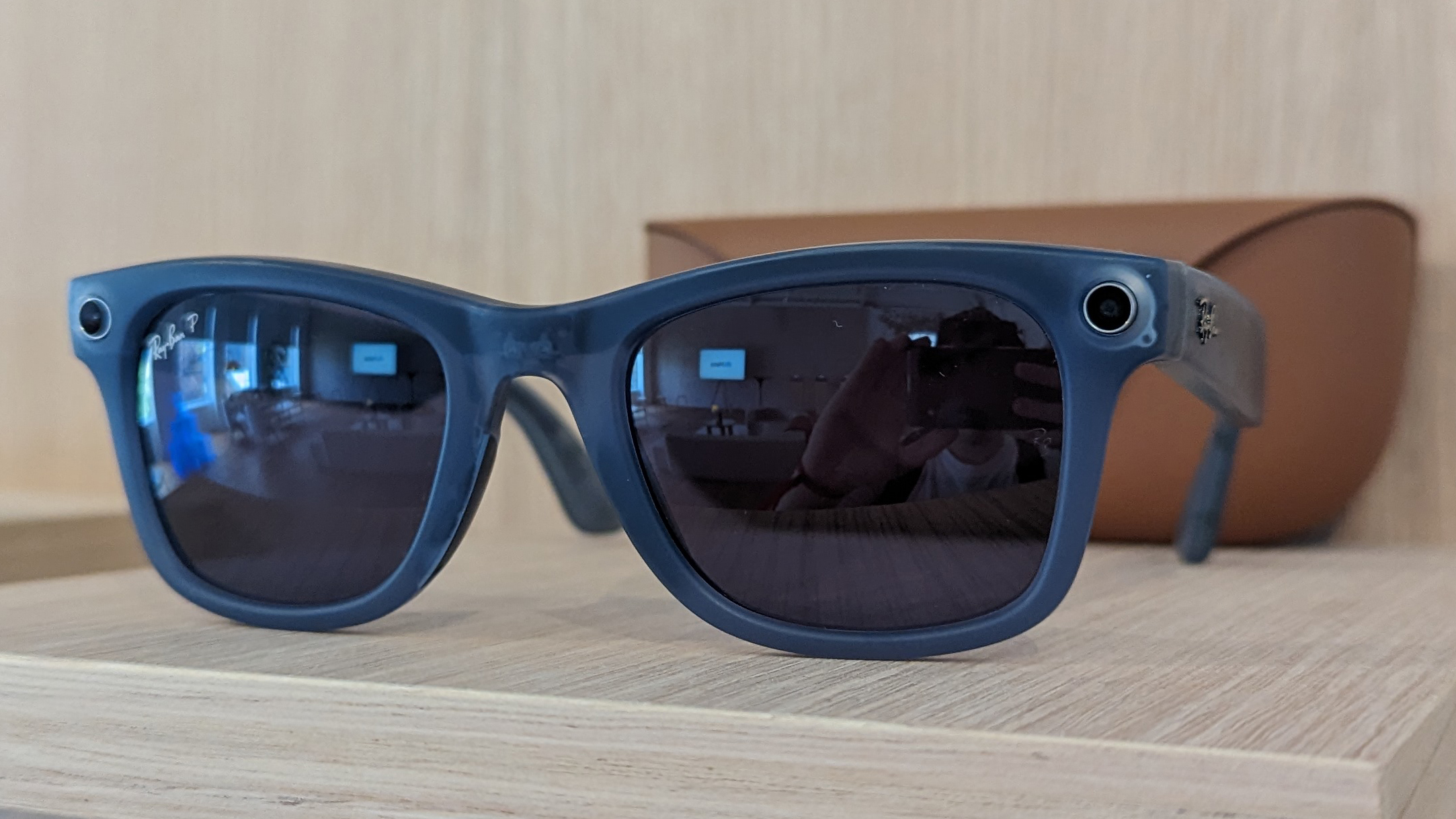
Mark Zuckerberg confirms new Ray-Ban smart glasses are coming ‘later this year’ – here are the 3 pairs I think we’ll see Computers & IT
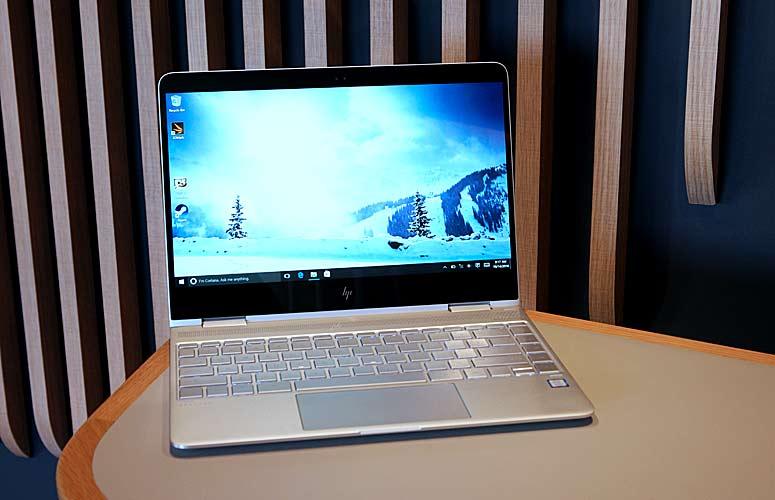
hp-spectre-x360-lead-2 HP Spectre x360 (13-inch, 2017) review Computers & IT
Acer Aspire 3 (2022) Computers & IT
13900K vs 13700K: which is best for enthusiasts, creatives, and gamers Computers & IT
Your next Chromebook might know when you’re sitting in front of it Computers & IT

Copyright © 2026 GearOpen.com.

Powered by PressBook Grid Dark theme