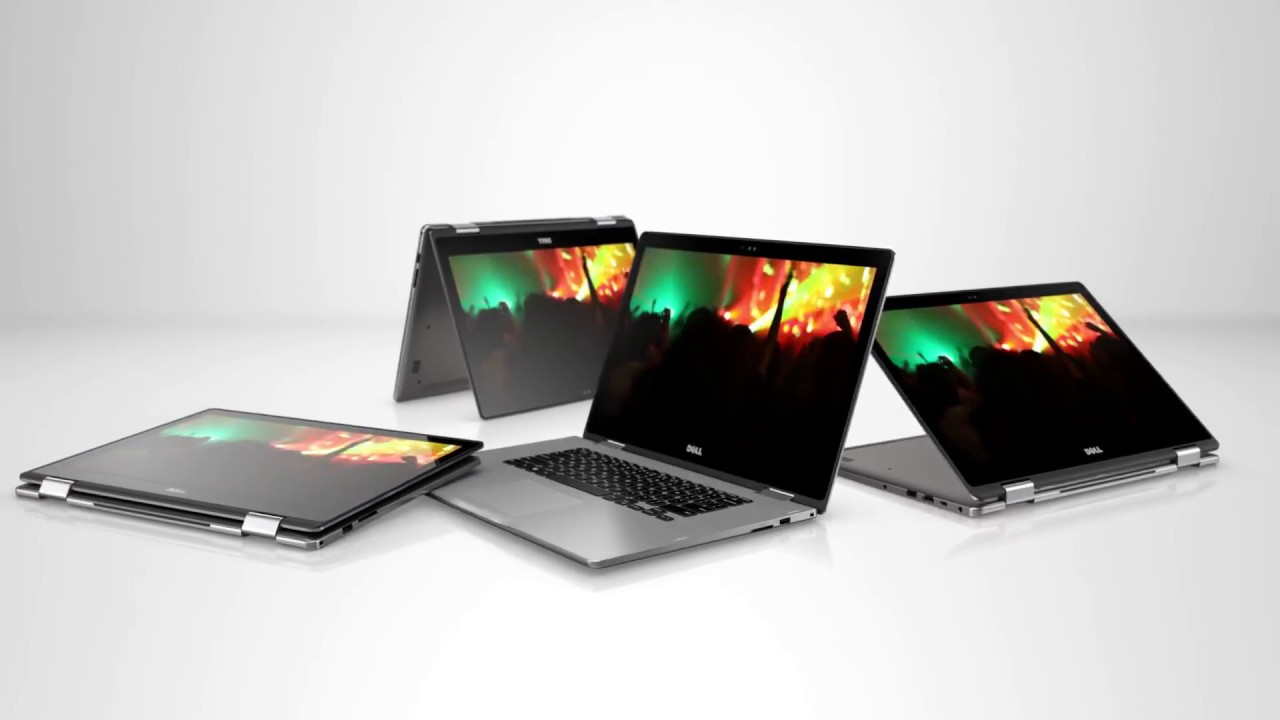
Earlier today, Dell Philippines officially launched their revamped Inspiron 13 and 15 7000 series of laptops. The company bolstered the ranks of the Inspiron 13 line by releasing two new devices, one of those is what we’re taking a look at here — the Dell Inspiron 13 7370. Packed with the latest Intel 8th gen processor Dell’s new laptop aims to offer performance and portability.

The Inspiron 13 7370 has a simple overall design. Covered in a matte silver finish, the laptop has little intricate designs apart from the Dell logo, chrome accents, and the fingerprint scanner that doubles as a power button. Nevertheless, even with no noticeable design features the device is very well-built as there is only minimal screen flex and the hinges are rock-solid. The whole body itself feels sturdy and compact and it’s also relatively slim and light.

Another interesting thing to take note is that it has a dual exhaust at the back, which is quite a surprise as other laptops with this form factor usually only have one. Not only that but the laptop really isn’t packing that much of a hardware to warrant such a setup, then again we aren’t complaining as this would most certainly keep the laptop cool in any or all situations.

The notebook is equipped with, as the name implies, a 13-inch Full HD IPS display. The panel itself has thin side bezels, although the bottom bezel is evident. Even so, the laptop still has quite the screen real-estate thanks to those minimal side bezels. Sadly, we weren’t able to look at the quality, since the unit’s display was turned off and locked.

On to the keyboard and trackpad. Being a 13-inch laptop, the Inspiron 13 7370 was given a TKL (tenkeyless, no numpad) keyboard layout. Travel distance is quite short and tactile feedback is good, making typing a pleasant experience. The keyboard deck itself is built like a tank as there is no flex at all. Backlighting is also a plus here and brightness is adjustable. However, the arrows keys are smaller than normal which might cause wrong key presses at times.
The trackpad’s surface isn’t entirely smooth but fingers still easily glide on it. Down at its base are two buttons for the left and right click functions, both are springy and have good haptic feedback. We weren’t able to test responsiveness though because, as we’ve said, the laptop’s display was locked.

Left Side

Right Side
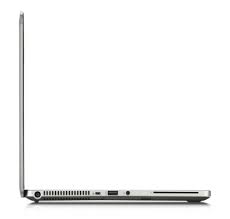
As for the I/O, Dell equipped the Inspiron 13 7370 with a pretty good selection of ports for a 13-inch device. At the left side, we have the power input, USB 3.1 Gen 1 Type-C port, HDMI port, USB 3.1 Gen 1 Type-A port with power share (can be used to charge other devices even when the laptop is turned off), and an Audio port. The right side is a little less crowded with only a Kensington lock, USB 3.1 Gen 1 Type-A port, and a Multi-card reader.

Overall, Dell’s Inspiron 13 7370 is shaping up to be quite the premium device with a humble selection of essential ports, a well-built and constructed body, and a respectable screen size. The device is a perfect choice for anyone looking to have a lightweight and portable machine. Performance is yet to be tested though, but rest assured if we ever get one we’ll certainly test it out.
Dell Inspiron 13 7370 specs:
- 13.3-inch FHD (1920×1080) IPS Truelife LED-Backlit Narrow Border Non-Touch Display
- 8th-Gen Intel Core i5-8250U 1.60GHz Processor
- Intel UHD Graphics 620
- 8GB DDR4 2400Mhz
- 256GB PCIe NVMe SSD
- Standard Widescreen HD (720p) w/ Digital Microphone
- Backlit, spill-resistant keyboard, Multi-touch gesture-enabled precision touchpad with integrated scrolling
- WiFi 802.11ac + Bluetooth 4.2
- USB 3.1 Gen 1 Type-C
- USB 3.1 Gen 1 Type-A
- USB 3.1 Gen 1 with PowerShare
- HDMI 2.0
- 3-in-1 SD Media Card Reader
- 2x speakers w/ Waves MaxxAudio Pro
- Combo headphone/microphone jack
- 38WHr, 3-Cell Battery
- Windows 10
(yugatech.com, https://goo.gl/frKXQW)