Skip to content
GearOpen.com

GearOpen.com

GearOpen.com is the hub for the latest developments in technology, AI, software, computers, transportation, consumer electronics, and scientific innovation.

  • Phones
  • Tablets
  • Laptops
  • Computers & IT
  • AI & Bots
  • Apps
  • Gaming
  • Audio & Video
  • Wearables
  • Smart Home
  • Cameras
  • Drones
  • Cars
  • Motorcycles
  • Yachts & Boats
  • Planes
  • Science
  • Tools
  • Toggle search form
ASUS ROG XG Station 2 Review: The External GPU Dock You’ve Been Waiting For?

ASUS ROG XG Station 2 Review: The External GPU Dock You’ve Been Waiting For?

Posted on August 1, 2017March 27, 2019 By Jarvis

It’s a great solution for people with deep pockets

The idea of slapping a discrete graphics card on a thin and light notebook is not a new one: you can actually do that right now if you have the right tools, moxie and technical know-how, but for many the dream of putting the latest GPU on their skinny notebook has been just that – a dream. But there’s been a few solutions that have cropped up that allow people with enough cash and technical know-how to plug in a graphics card to get the best of both worlds – a skinny notebook during the day, and a kick-ass gaming machine at night. ASUS’ ROG XG Station 2 is one such option, but because of its technical quirks and high price tag, it’s not a solution that’ll work for everybody.

It’s like a mini-desktop for gamers

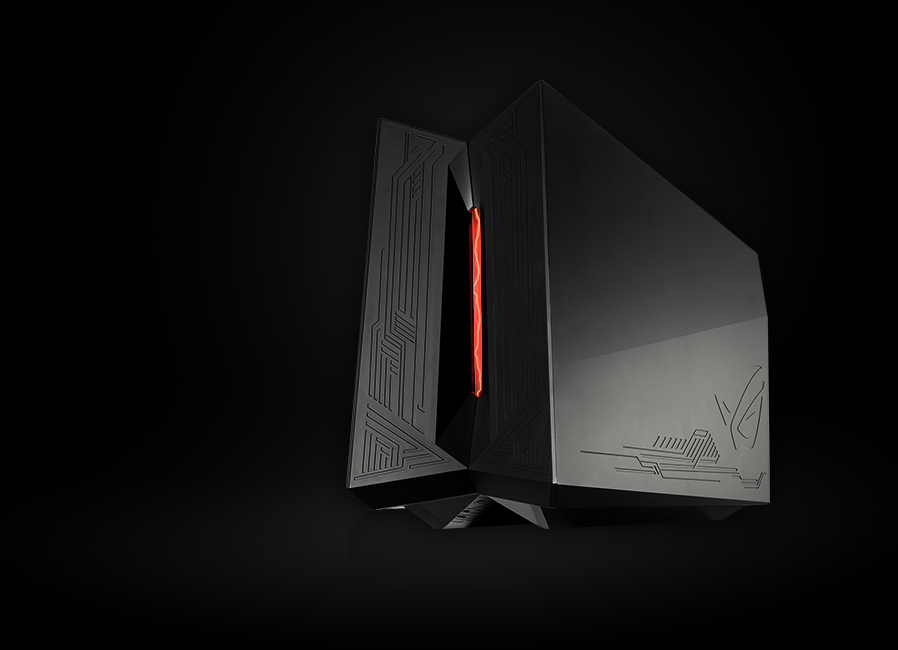
For what the XG Station 2 does, it’s pretty huge. Easily the size and width of a compact desktop, the ROG XG Station 2 is basically a receptacle for a GPU, and can handle teeny-weeny ones like the GTX 1050 all the way up to the GTX 1080 Ti. It has its own 600W 80 Plus Gold power supply to keep both the notebook that you’re using and the GPU you’re connecting fed and supplied with power.
…
Read full post here:
https://www.unbox.ph/gadget/asus-xg-station-2-review-the-external-gpu-dock-youve-been-waiting-for/
Computers & IT Tags:Asus, desktop, dock, gaming, gpu, graphics card, GTX, how to, kick, notebook, review

Post navigation

Previous Post: Seagate DJI Fly Drive Quick Review
Next Post: Anker SoundCore Boost Review: Big Bass for a Bargain

Related Posts

Save a massive $400 on the powerful and four-star-rated Dell 16 Plus laptop at Best Buy Computers & IT
Don’t keep your Mac laptop charged to 100 percent all the time. Here’s why Don’t keep your Mac laptop charged to 100 percent all the time. Here’s why Computers & IT
I tried United’s new Starlink Wi-Fi, and it feels like the internet finally reached the sky Computers & IT
Gigabyte Aero 16 review: You can do better | Digital Trends Computers & IT
The Best Mobile Workstations for 2022 Computers & IT
Screen-Shot-2017-08-22-at-08.08.32 HP Omen X Laptop first impressions: The Best Gaming Laptop HP has on offer Computers & IT

Copyright © 2026 GearOpen.com.

Powered by PressBook Grid Dark theme