Skip to content
GearOpen.com

GearOpen.com

GearOpen.com is the hub for the latest developments in technology, AI, software, computers, transportation, consumer electronics, and scientific innovation.

  • Phones
  • Tablets
  • Laptops
  • Computers & IT
  • AI & Bots
  • Apps
  • Gaming
  • Audio & Video
  • Wearables
  • Smart Home
  • Cameras
  • Drones
  • Cars
  • Motorcycles
  • Yachts & Boats
  • Planes
  • Science
  • Tools
  • Toggle search form
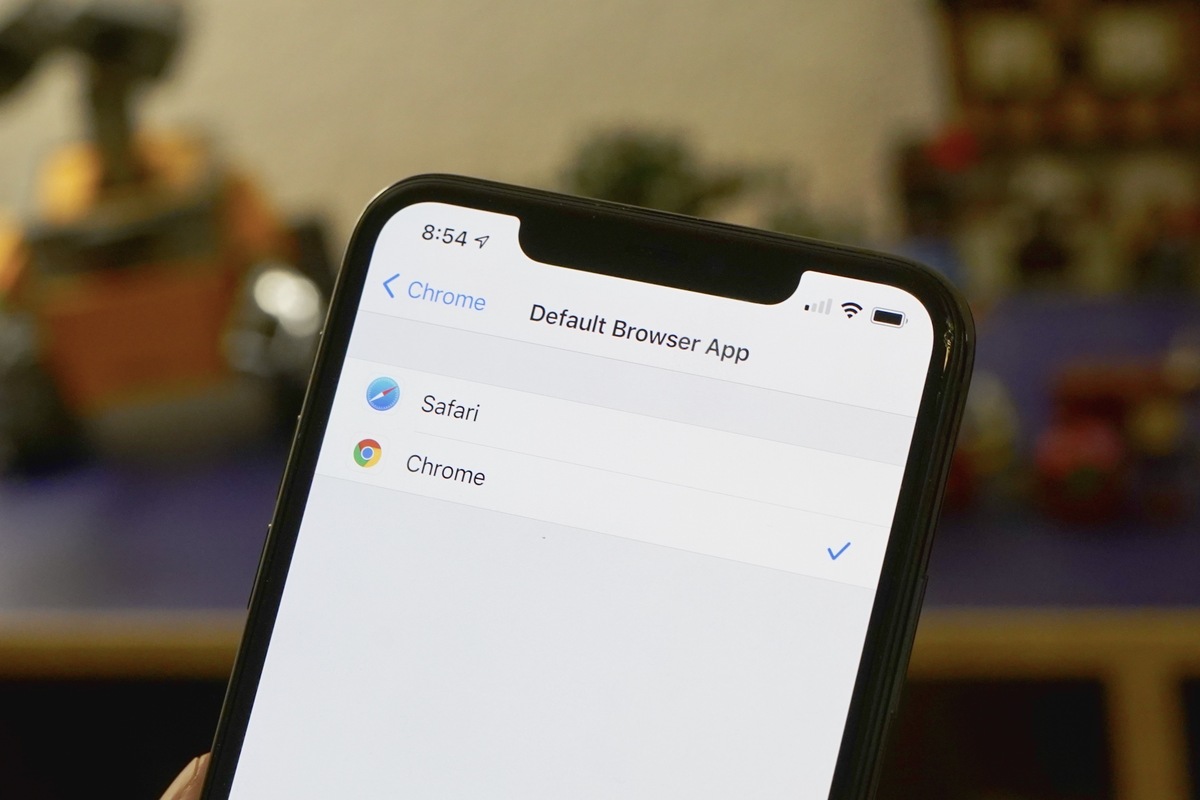
How to set Chrome as your default web browser in iOS 14

How to set Chrome as your default web browser in iOS 14

Posted on September 12, 2020August 27, 2023 By Jarvis

If you prefer Chrome to Safari, you can make it the browser used to open web links from any app.

On iPhone, most users just browse the web with Safari. It’s the default, it’s fast, secure, and power-efficient, and Apple goes out of its way to advance privacy-protecting features. But iOS does support third party browsers (even if they have to use Apple’s WebKit page rendering engine), and some people prefer Chrome. There are millions of iPhone and iPad users who prefer to use Chrome, whether it’s because of Google’s integration with its other services or to more easily synchronize with Chrome for the desktop.
…
Continue here:
https://www.macworld.com/article/3574913/how-to-set-chrome-as-your-default-web-browser-ios-14.html

Apps Tags:app, Apple, browser, Chrome, desktop, Google, how to, iOS, iOS 14, ipad, iphone, privacy, safari

Post navigation

Previous Post: Mercedes-Benz A 250e priced
Next Post: Rumour: Xbox Series V could be an all-digital version of the Series X

Related Posts

Apple’s iOS 17 Debut at WWDC Sees Major Updates to Journal, FaceTime and More Apps
I’m gutted there’s no One Piece episode this week, but I can’t wait to stream these 3 unmissable shows on Crunchyroll instead Apps
US Open 2025 live stream: how to watch the golf online, schedule Apps
3 canceled Netflix shows in 2025 that are still worth watching Apps
OpenAI may be working on AI that can perform research without human help – which should go fine Apps
New ‘ShadowVault’ macOS malware steals passwords, crypto, credit card data Apps

Copyright © 2026 GearOpen.com.

Powered by PressBook Grid Dark theme