This year is definitely a game-changer! The pandemic is forcing all of us to get used to remote working and learning. Being stuck at home most of the time, or being bound to a screen can trigger feelings of anxiety and stress. The last thing you want to be dealing with is a slow computer. Since buying a new one doesn’t seem like the best financial decision to take at the moment, learning a few tricks to fix your unresponsive computer can make your life so much easier. Instead of quickly getting frustrated and dealing with the thought of destroying it to pieces because you think it’s a worthless machine, you can try learning how to give it a boost. In this article, we will be going through guaranteed fixes to your slow computer, so you can try them out the next time it gives up on you. And who knows? Maybe you will do a better job than tech support. Here’s what you need to do.
Make Sure to Update Your Software
You have to make sure that everything on your computer is up-to-date. You can start by accepting the operating system updates if you have left any pending. Updating your operating system will usually fix bugs and glitches that might be slowing down your computer. That said, you need to make sure that all drivers are updated regularly. If you don’t know how to do that manually, there are freeware programs that can do it automatically for you. Even though some updates may seem unnecessary and a total waste of space, some of them are vital to speeding up your PC.
Make Sure Your Computer Has Room to Breathe
If you don’t regularly free up disk space, you will end up with a computer that is unable to perform at its best. For that reason, you have to make sure that you clean up as much space as possible and avoid the accumulation of files and applications. Tech professionals at https://alrigh.com/bottleneck-calculator/ stress on how picking the best graphics card according to your CPU usage can ensure the fastest performance if you’re into PC games or run demanding software programs and if you’re unsure what you need, using an online bottleneck calculator can help you measure the gap between the GPU and CPU. It doesn’t matter how large your hard drive is, it can still run out of space fast enough if you’re not being careful and attentive. You need to make sure to free up some memory by uninstalling all the programs that you no longer use. Remove all the out-of-date programs, trial versions, and applications that you don’t necessarily use.
Get an SSD
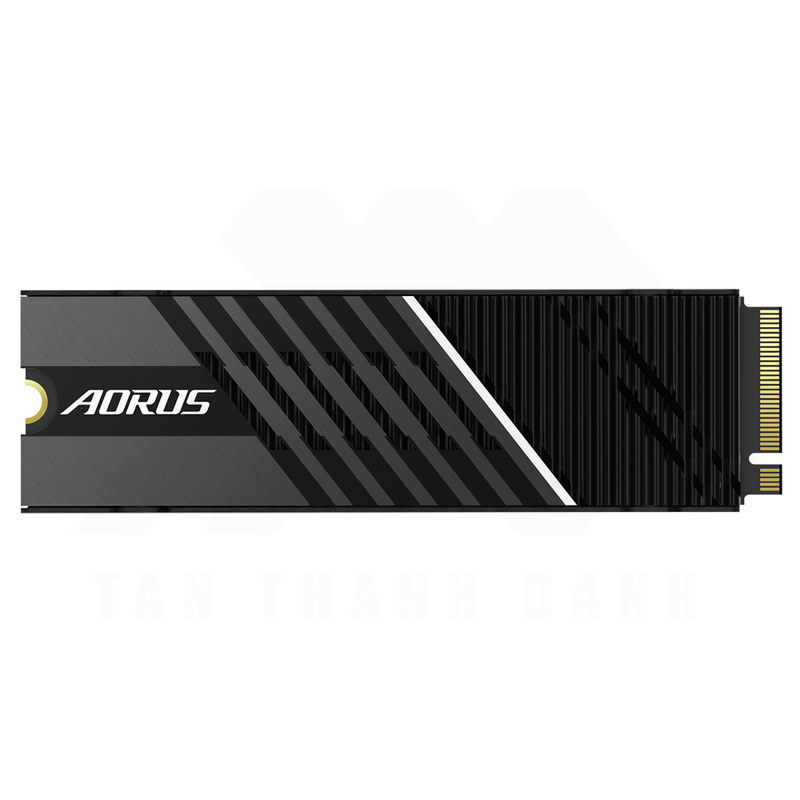
Traditional hard drives are now old school. You need to invest in a solid-state drive, which is a hard drive with no moving parts, to ensure speed and efficiency. However, installing the SSD and removing the hard drive is not a very easy process. It requires a lot of effort and technical knowledge. For that reason, it’s not recommended for you to try this at home if you’re not sure of what you’re doing. You can always call a professional to come to help you install it without risking your data and information. Alternatively, you can watch some online tutorials instead of trying out your luck.
Make Sure Your Computer is Clean
Maybe you’re familiar with the term cookies, which contains information about you and your browsing history. This is a tool that most websites use to track their performance and traffic generation. There’s also cache history, which is a small file in your temporary internet files folder. Cache history takes up disk space and cookies can slow down your browser and increase loading and buffering time. Remember to clean out your browser’s history, cache, and cookies every now and then to make sure that it works faster.

You need to schedule a monthly clean up to avoid getting poor performance in the future. Computers tend to slow down quickly after the cleanup process, and even after implementing the tips mentioned in this article. For that reason, you need to make sure that you take some necessary steps for maintenance on a regular basis to avoid getting frustrated all the time and to ensure that it is running at top speed. If you give up, you can always try and get a professional’s advice on the matter, take your laptop, and visit the IT department. You can also find shops that offer computer maintenance services to identify issues and offer solutions.