Skip to content
GearOpen.com

GearOpen.com

GearOpen.com is the hub for the latest developments in technology, AI, software, computers, transportation, consumer electronics, and scientific innovation.

  • Phones
  • Tablets
  • Laptops
  • Computers & IT
  • AI & Bots
  • Apps
  • Gaming
  • Audio & Video
  • Wearables
  • Smart Home
  • Cameras
  • Drones
  • Cars
  • Motorcycles
  • Yachts & Boats
  • Planes
  • Science
  • Tools
  • Toggle search form

How To See FPS In Games On Windows

Posted on January 15, 2025 By bot

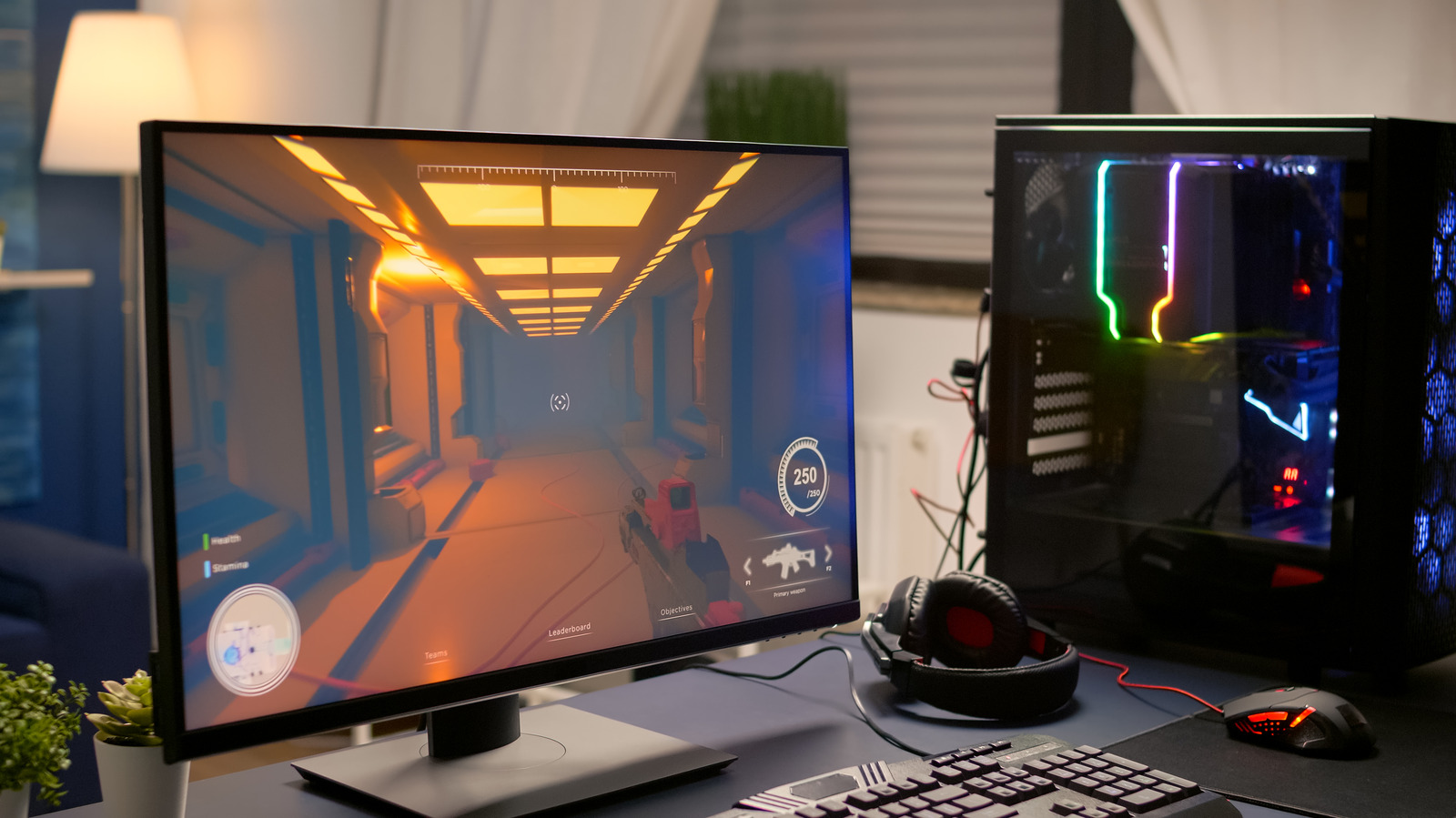
When gaming on your Windows PC, having a smooth and responsive experience is crucial. One of the key indicators of a game’s performance is frames per second (FPS), which indicates how many frames your computer can render each second. FPS directly impacts the fluidity and enjoyment of your gaming experience. A higher FPS generally results in smoother gameplay, while a lower FPS can cause lag and stuttering, making the game difficult to play.
****
Knowing how to monitor your FPS is essential for optimizing your system’s performance and adjusting settings to achieve the best balance between visual quality and responsiveness. It can also help you identify any bottlenecks and fix low FPS issues that may be affecting your gameplay.
The good news is that there are several ways to check FPS in games on your Windows 10 or 11 computer, ranging from built-in features like Xbox Game Bar to GPU apps like NVIDIA GeForce. Here’s how to use them.
…
Read more

Gaming

Post navigation

Previous Post: How To Pair A PS4 DualShock Controller To iPhone, iPad, And Mac
Next Post: How To Set Or Change The Primary PS5 On Your PSN Account

Related Posts

Review: Forza Horizon 6 (Xbox) – Playground Delivers Another Exceptional Open-World Racer Gaming
Hisense TVs get Dolby Vision 2 first Gaming
PS5 PS5 sales hit 10m, but Sony ‘some time’ from meeting demand Gaming
Ex-Xbox workers warn of potential retaliation in rumored layoffs Gaming
Alan Wake 2 was my big winner at the PlayStation Showcase – here’s why Gaming
A modder has brought No Man’s Sky-style seamless takeoffs to Starfield, and even in beta they look pretty great Gaming

Copyright © 2026 GearOpen.com.

Powered by PressBook Grid Dark theme