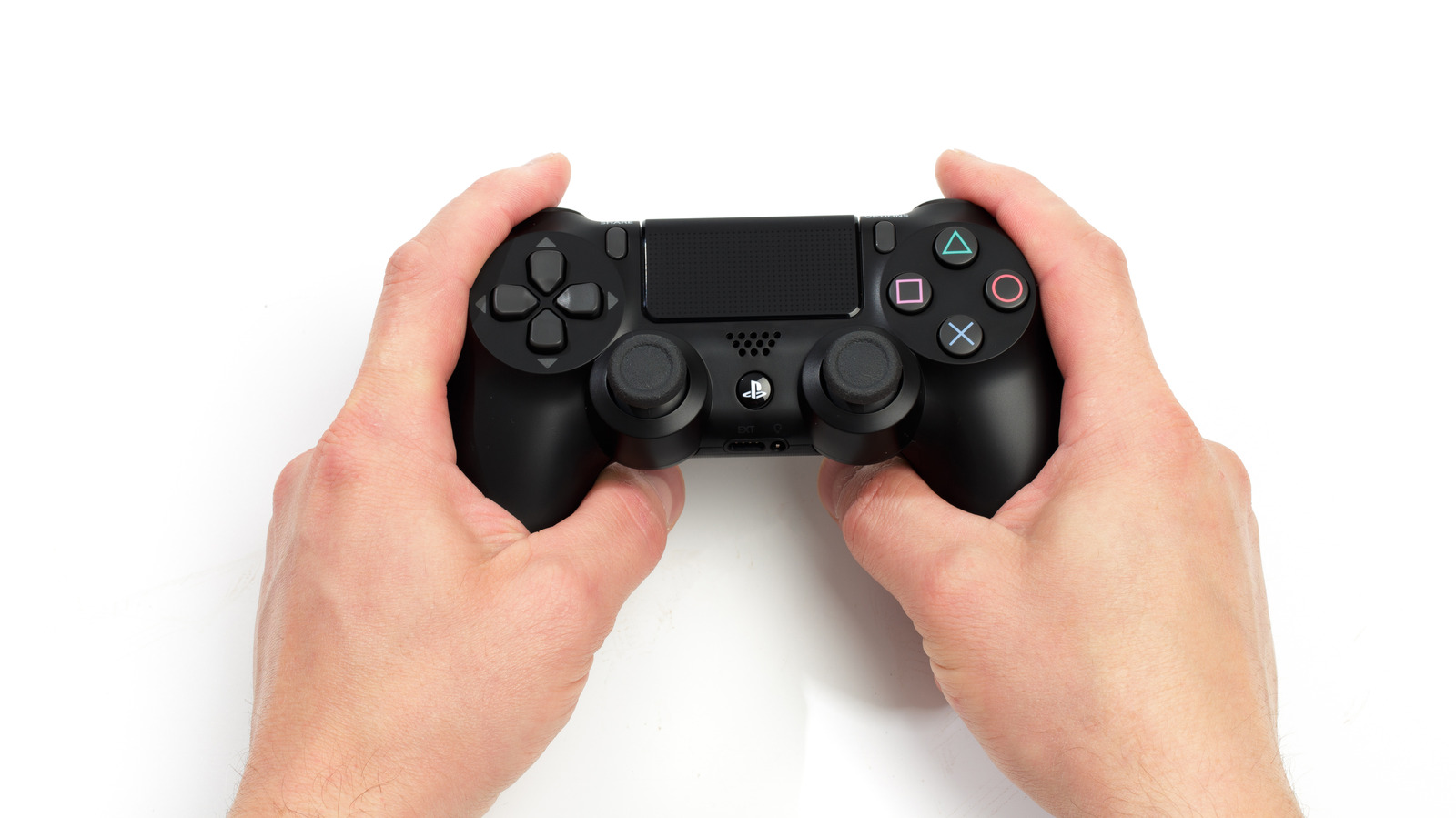
Despite being over a decade since the initial launch, the PlayStation 4 remains a fan favorite among console gamers, including the beloved PS4 DualShock Controller. In fact, you can probably even get a few PC gamer supremacists to concede that it can make a difference in terms of gameplay. Thankfully, the DualShock Controller doesn’t just work for the console it came with, but it also works with the Apple device ecosystem, including the iPhone, iPad, and Mac.
****
While newer (and supposedly better) controllers have already hit the market, there’s a reason why the PlayStation DualShock topped our list of the best game controllers of all time. Across the different PlayStation generations, these trusty controllers have accompanied us throughout the years and became influential in the designs of so many controllers that have come after it. If you’re one of the many gamers who started using the OG PlayStation DualShock Controller since its launch in 1997, you’ll know exactly where all the buttons are without having to look, feeling a sort of nostalgic comfort that comes from decades of holding the same shape in your hands.
As you get older, it can be difficult to stay on track with your games, especially when life’s responsibilities get in the way. However, by connecting your favorite PS4 DualShock Controller to your Apple devices, you can sneak in a game or two in the middle of a long day without any additional setup. Here’s how to do it on your iPhone, iPad, and Mac.
****