Skip to content
GearOpen.com

GearOpen.com

GearOpen.com is the hub for the latest developments in technology, AI, software, computers, transportation, consumer electronics, and scientific innovation.

  • Phones
  • Tablets
  • Laptops
  • Computers & IT
  • AI & Bots
  • Apps
  • Gaming
  • Audio & Video
  • Wearables
  • Smart Home
  • Cameras
  • Drones
  • Cars
  • Motorcycles
  • Yachts & Boats
  • Planes
  • Science
  • Tools
  • Toggle search form
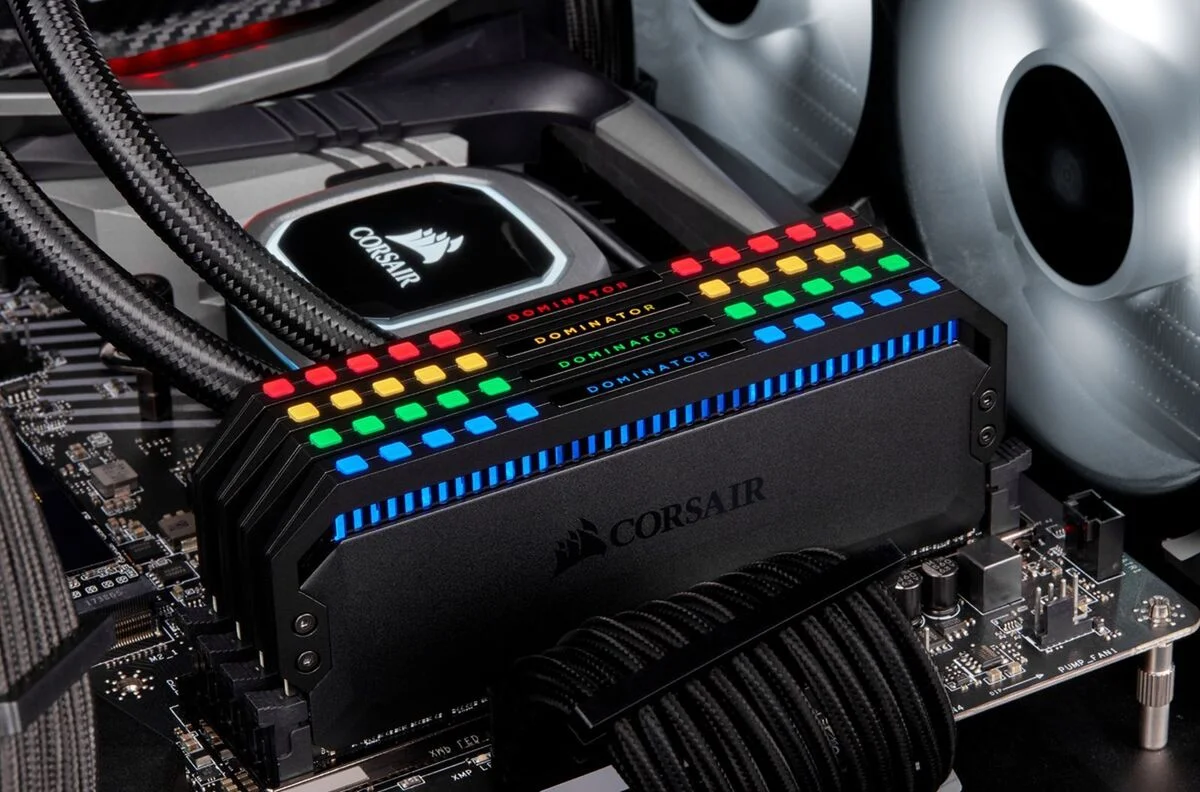
corsair-dominator-memory

How to tell what kind of RAM you have

Posted on September 13, 2021August 27, 2023 By Jarvis

There are several easy ways to learn more about your system’s memory.

For a very long time, the most common path to improving your PC’s performance has been through upgrading the RAM. RAM stands for “random access memory” and it’s effectively the component of your PC that is keeping track of what your computer is currently working on. When RAM is limited, your PC has to keep that current information stored somewhere else, which can dramatically slow down your workflow and load times.
…
Read more

Computers & IT Tags:how to, ram

Post navigation

Previous Post: Forget foldable phones, Samsung has made a stretchable 13-inch OLED screen
Next Post: Google Pixel 6 Pro alleged benchmarks just tipped key specs

Related Posts

hp-envy-x360_stand-mode-100437802-orig HP Envy x360 review: The big-scale convertible Computers & IT
AMD AMD reveals it’s ready to embrace Arm processors Computers & IT
MediaTek Rumor | The Dimensity 2000 is coming in 2021 with the next-gen specs to rival the Snapdragon 898 Computers & IT
Apple M3 Ultra CPU might blow away M3 Max – but we won’t find out for a long time yet Computers & IT
Apple’s MacBook Neo has some of the cheapest AppleCare+ fees — but is the add-on worth it? Here’s our verdict Computers & IT
ASUS ExpertBook B9 (B9400) – Top 5 Pros and Cons Computers & IT

Copyright © 2026 GearOpen.com.

Powered by PressBook Grid Dark theme