Skip to content
GearOpen.com

GearOpen.com

GearOpen.com is the hub for the latest developments in technology, AI, software, computers, transportation, consumer electronics, and scientific innovation.

  • Phones
  • Tablets
  • Laptops
  • Computers & IT
  • AI & Bots
  • Apps
  • Gaming
  • Audio & Video
  • Wearables
  • Smart Home
  • Cameras
  • Drones
  • Cars
  • Motorcycles
  • Yachts & Boats
  • Planes
  • Science
  • Tools
  • Toggle search form
RAM

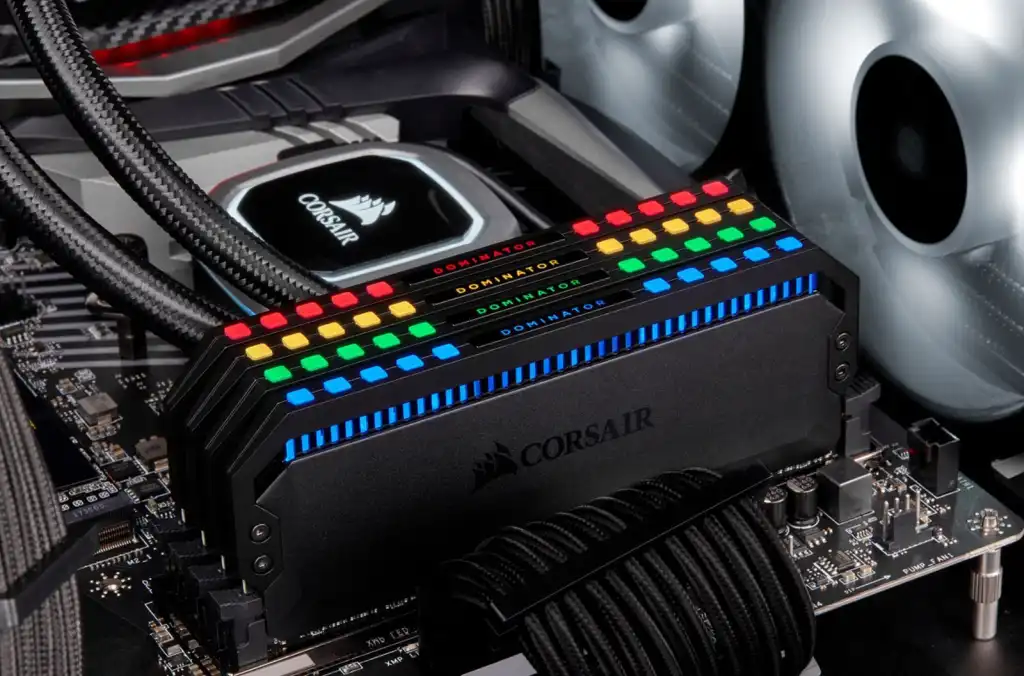
How to install memory (RAM) in your PC

Posted on October 3, 2021August 27, 2023 By Jarvis

Upgrading your PC’s RAM is one way to make your computer feel far more snappy. Here’s how to do it.

One of the simplest hardware upgrades you can do to make your computer feel snappier is to upgrade your memory.

Over the years, operating systems like Windows, software like Photoshop, and now even web browsers like Chrome, have built reputations for being unabashed memory hogs. Older PCs, meanwhile, often have between 2GB and 4GB of memory.
…
Read more
Computers & IT Tags:how to, Install, memory, PC, ram

Post navigation

Previous Post: Citroen Ami Cargo: Your single-seat delivery ‘friend’
Next Post: Windows 11 update requirements will exclude the people who need to use it most

Related Posts

ASUS ZenBook S13 UX392FN Hands-on Review ASUS ZenBook S13 UX392FN Hands-on Review Computers & IT
These retailers have the best RTX 5060, RTX 5070, and RTX 5080 gaming laptop deals this Memorial Day — and yes, they have 32GB of RAM Computers & IT
This surprise retailer has all others beat if you want an RTX 5060, 5070, or 5080 gaming laptop — save $600 on a machine with 32GB of DDR5 RAM Computers & IT
Lenovo IFA Launch Highlights Include 16-Inch X1 Fold, T1 Glasses Computers & IT
Hands-on: Dell's XPS 13 2-in-1 gets thinner and 2.5x faster with Intel's 10th Core i7 Hands-on: Dell’s XPS 13 2-in-1 gets thinner and 2.5x faster with Intel’s 10th Core i7 Computers & IT
The Tech Inside Apple’s Vision Pro AR Headset: M2 Chip, 4K Displays Computers & IT

Copyright © 2026 GearOpen.com.

Powered by PressBook Grid Dark theme