Skip to content
GearOpen.com

GearOpen.com

GearOpen.com is the hub for the latest developments in technology, AI, software, computers, transportation, consumer electronics, and scientific innovation.

  • Phones
  • Tablets
  • Laptops
  • Computers & IT
  • AI & Bots
  • Apps
  • Gaming
  • Audio & Video
  • Wearables
  • Smart Home
  • Cameras
  • Drones
  • Cars
  • Motorcycles
  • Yachts & Boats
  • Planes
  • Science
  • Tools
  • Toggle search form
graphics card

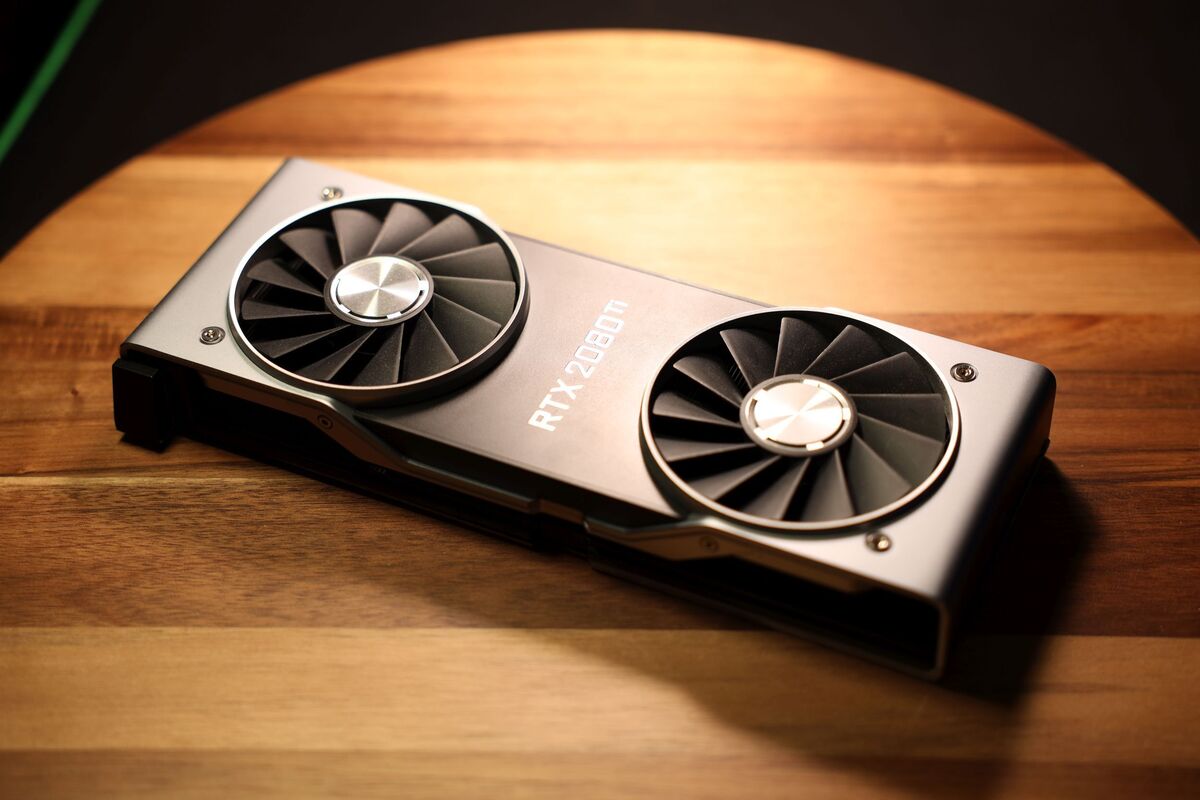
How to benchmark your graphics card

Posted on July 23, 2021August 27, 2023 By Jarvis

Even if you aren’t into overclocking, benchmarking your graphics card can help ensure your GPU is running as expected.

Sure, benchmarking your graphics card may sound like rocket science, but it’s not as difficult as you might think. Roll up your sleeves, because this guide will show you just how easy, enjoyable, and important it is to benchmark your GPU. And not just when you’re overclocking! We’ll cover benchmarking for both stability and performance.
…
Read more

Computers & IT Tags:benchmark, gpu, graphics card, guide, how to, science

Post navigation

Previous Post: Hyundai i30 N Fastback returns
Next Post: RIG’s new HX gaming headsets look great, feel phenomenal, and sound ho-hum

Related Posts

This bonkers Apple patent could solve one of VR’s biggest problems Computers & IT
HP 24mh 23.8-Inch Display Review HP 24mh 23.8-Inch Display Review Computers & IT
NVIDIA GeForce GTX 1660 Ti Max-Q vs RTX 2060 – the margin is small but the winner is clear NVIDIA GeForce GTX 1660 Ti Max-Q vs RTX 2060 – the margin is small but the winner is clear Computers & IT
Extend your Mac’s screen with one of these Black Friday monitor deals Computers & IT
What is Intel Evo? What is Intel Evo? Computers & IT
BodyBilt G7 review: a luxurious and comfortable experience Computers & IT

Copyright © 2026 GearOpen.com.

Powered by PressBook Grid Dark theme