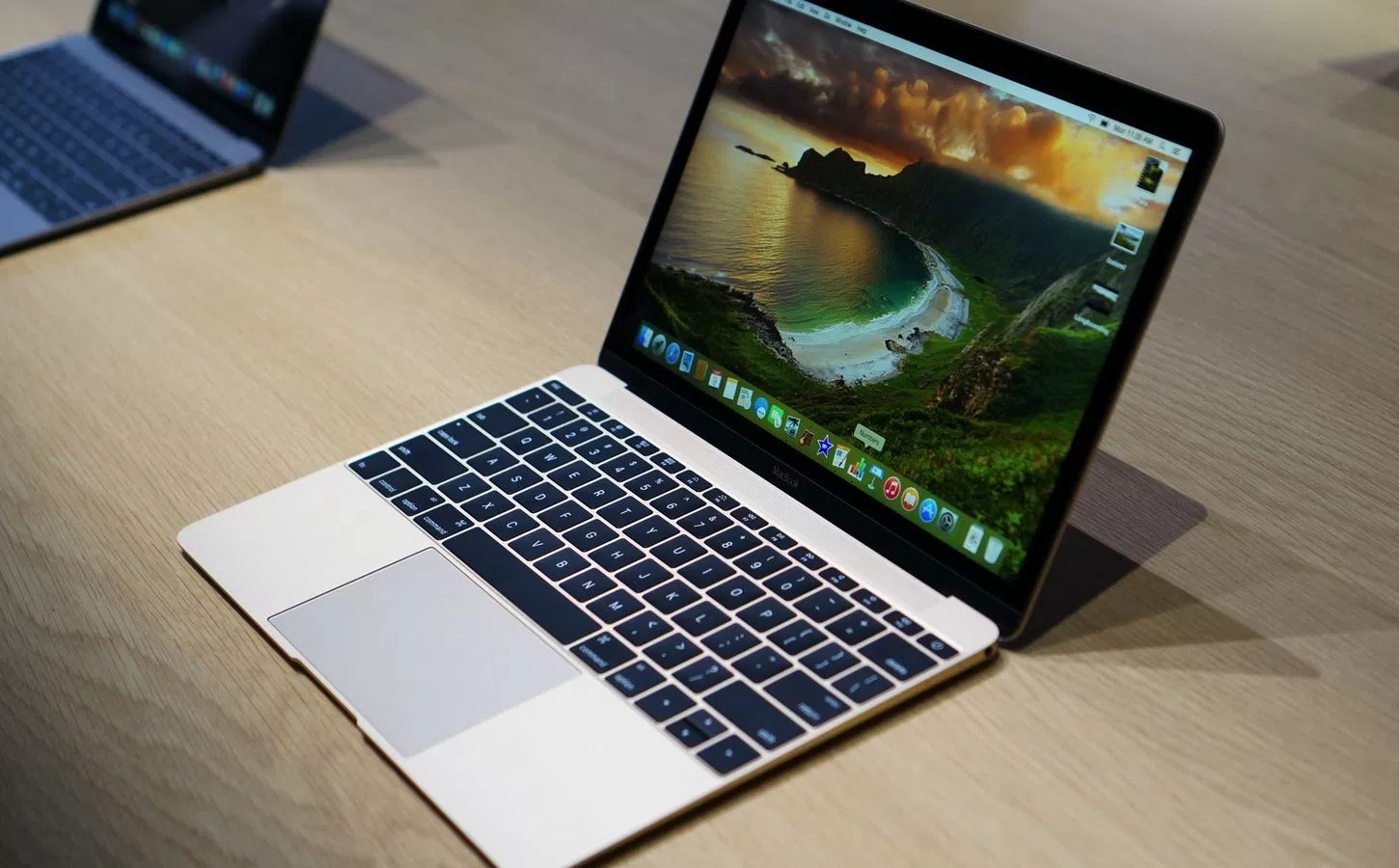
The MacBook Air is a dead laptop walking. Or is it?
When Apple released its new MacBook Pros, which are thinner and much more powerful than the Air, but decided not to refresh its mainstream consumer laptop, the company sounded the latter’s eventual death knell. I don’t think there will ever be another new MacBook Air released.

Tim Cook’s company has a long history of continuing to manufacture and sell obsolete versions of its products (see iPod touch) so it’s no surprise that Apple is still offering the 13-inch MacBook Air, which hasn’t been updated in close to two years. At first blush, it seems crazy to even consider buying an obsolete laptop. However, there are six solid reasons why you still might want to buy a MacBook Air.
1. Under $1,000
The cheapest new MacBook Pro starts at a pricey $1,499, but the 13-inch MacBook Air still goes for $999. The 12-inch MacBook, which is too small and limited for most people, starts at $1,299. Considering that the average laptop sells for around $650, it’s clear that most people can’t afford to spend $1,500 or more.

The best solution for most cost-conscious consumers is to buy a Windows laptop. However, if you really want a MacBook and can’t afford a Pro, the Air could be your best and only choice.
2. Longer Battery Life
You can never have too much battery life and the MacBook Air likely lasts longer on a charge. The 13-inch Air endured for a full 14 hours on the Laptop Mag Battery Test, which involves continuous surfing over Wi-Fi.
Though we haven’t benchmarked the new MacBook Pros yet, we know that Apple only claims a maximum battery life of 10 hours, which is 40 percent less. The 12-inch MacBook tapped out on our test after 9 hours and 38 minutes.
3. Regular USB Ports
All of the current-generation MacBooks have only USB Type-C or Thunderbolt 3 ports. While those new ports provide a lot of benefits now and in the future, most peripherals still use the old, square USB Type-A connector. Instead of buying a raft of dongles, adapters and new peripherals, MacBook Air-owners can easily connect with their dual USB 3.0 ports.

4. SD Card Slot
If you use a regular camera and like to transfer images to your laptop, the new MacBook Pros don’t make it easy. You’ll need to use a card reader or attach a USB cable from your camera to the laptop. The MacBook Air has a good-old SD card slot. It’s just plug and play.

5. MagSafe Connector
All of the new Macs charge via USB Type-C / Thunderbolt 3, which is a great because it means that they can send power, data and video over a single connection. However, if you’re using your laptop in the living room and your toddler trips over its power cable, your $1,500 could come crashing to the floor.

The MacBook Air uses Apple’s old MagSafe power connector, which is made to detach when someone puts pressure on the wire. So, if you accidentally give the MagSafe tag, it’ll just snap out, rather than causing your notebook to go down with it.
6. Better Keyboard
The new MacBook Pros have a slightly-updated version of the shallow, “butterfly” switch-enabled keyboard which debuted on the 12-inch MacBook. While these keys are pretty snappy, considering their low 0.5mm travel, they just aren’t as good as the traditional keyboard on the MacBook Air, which is much deeper and more responsive. If typing comfort is a priority, the MacBook Air is your best choice.

Bottom Line
There are plenty of reasons not to buy a MacBook Air. It has an outdated Intel 4th Generation Core Series processor and a low-res, 1440 x 900 screen. However, for consumers who don’t need the latest and greatest technology but do want an affordable MacBook with great usability and epic battery life, these laptops are still a strong choice.
(laptopmag.com, https://goo.gl/ga4KrK)