Skip to content
GearOpen.com

GearOpen.com

GearOpen.com is the hub for the latest developments in technology, AI, software, computers, transportation, consumer electronics, and scientific innovation.

  • Phones
  • Tablets
  • Laptops
  • Computers & IT
  • AI & Bots
  • Apps
  • Gaming
  • Audio & Video
  • Wearables
  • Smart Home
  • Cameras
  • Drones
  • Cars
  • Motorcycles
  • Yachts & Boats
  • Planes
  • Science
  • Tools
  • Toggle search form

Motion Smoothing On Your Samsung TV, Should You Enable It?

Posted on January 15, 2025 By bot

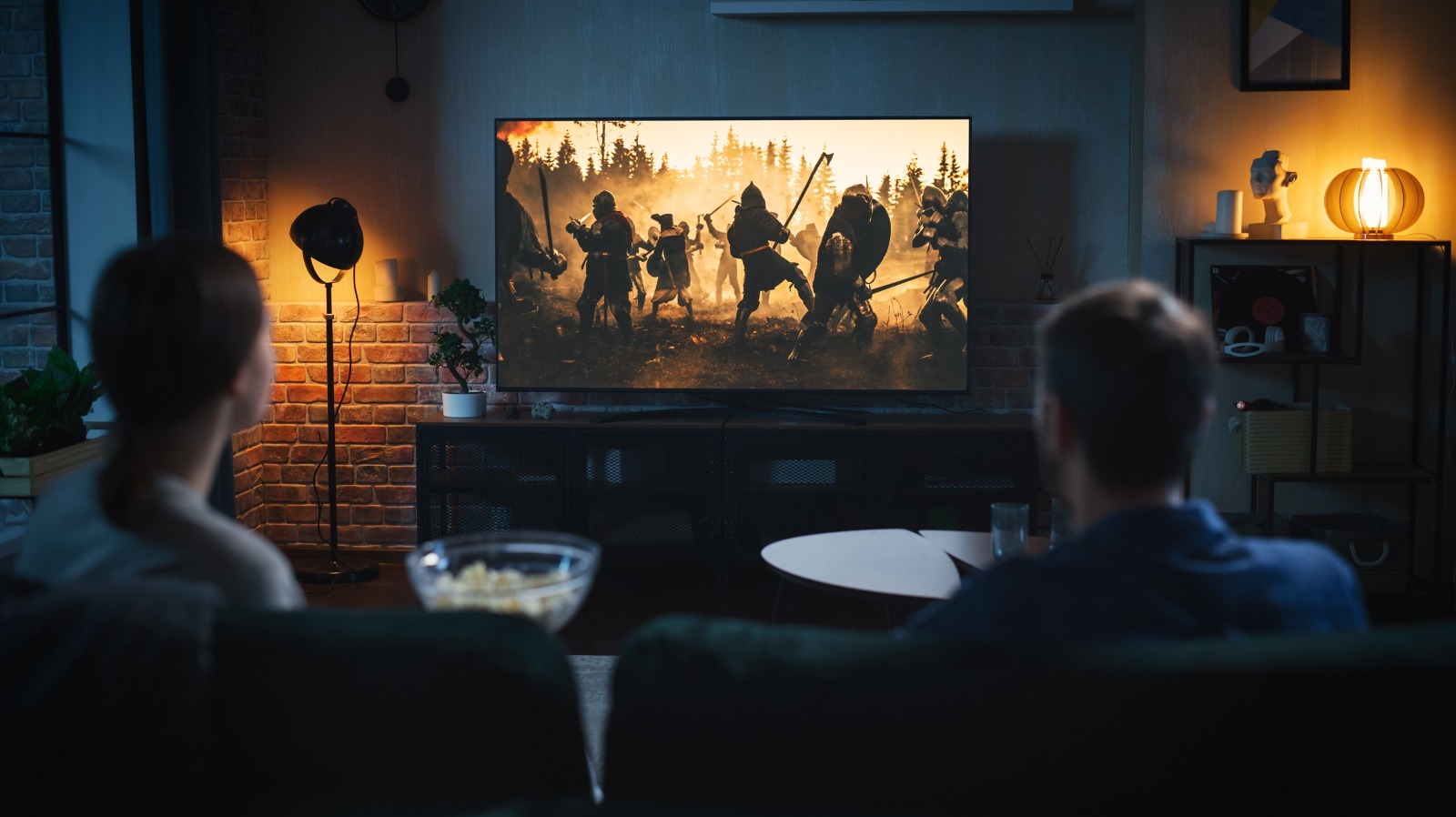
Despite how cool it sounds, adding artificial frames for movies or shows that were shot and edited at a specific frame rate defeats the whole purpose. Not only do you lose the original visual aesthetic, but motion smoothing often leads to dreadful and weird-looking artifacts — a phenomenon aptly referred to as the “Soap Opera” effect. It’s likely that your TV comes with motion smoothing turned on by default, and unless you prefer a smudgy presentation, you might want to change your TV’s motion processing setting.
****
Depending on which Samsung TV you own, this option might be found under menus of slightly different names. Regardless, to turn off motion smoothing on your Samsung television, you should first access the Settings menu. Navigate to Picture > Expert Settings and select “Auto Motion Plus Settings.” This could also be labelled as “Picture Clarity Settings” on select models. You’ll notice the default option is set to “Auto.” Cycle between the options and select “Off.” Alternatively, you can pick custom settings for the blur and judder reduction if you’re keen to trying motion smoothing out.
With the feature turned off, you may feel that movies look “jittery” at first. However, the 24 frames-per-second convention is standard, and after a bit of adjustment for your eyes, you’ll start to notice significantly better quality while watching most media.
****
…
Read more

Audio & Video

Post navigation

Previous Post: How To Turn On The Wi-Fi On An LG TV
Next Post: 11 Important Mistakes To Avoid When Buying A New TV

Related Posts

The best TVs for sport for all budgets Audio & Video
Sky Ultra HD hands on review Sky Ultra HD 4K hands-on review Audio & Video
Sony A7 III Lowlight Comparison : a7III vs a7RIII vs a6500 vs GH5 Sony A7 III Lowlight Comparison : a7III vs a7RIII vs a6500 vs GH5 Audio & Video
LG GX OLED vs Panasonic HZ2000: Comparing the two flagship OLEDs LG GX OLED vs Panasonic HZ2000: Comparing the two flagship OLEDs Audio & Video
Spotify’s HiFi feature might actually become a $5 add-on for the Premium Plan Audio & Video
Bentley Naim Mu-so, Focal Radiance replicate the car audio system anywhere Bentley Naim Mu-so, Focal Radiance replicate the car audio system anywhere Audio & Video

Copyright © 2026 GearOpen.com.

Powered by PressBook Grid Dark theme