Skip to content
GearOpen.com

GearOpen.com

GearOpen.com is the hub for the latest developments in technology, AI, software, computers, transportation, consumer electronics, and scientific innovation.

  • Phones
  • Tablets
  • Laptops
  • Computers & IT
  • AI & Bots
  • Apps
  • Gaming
  • Audio & Video
  • Wearables
  • Smart Home
  • Cameras
  • Drones
  • Cars
  • Motorcycles
  • Yachts & Boats
  • Planes
  • Science
  • Tools
  • Toggle search form

How To Disable Video Ads On The Home Screen For Amazon Fire TV

Posted on January 15, 2025 By bot

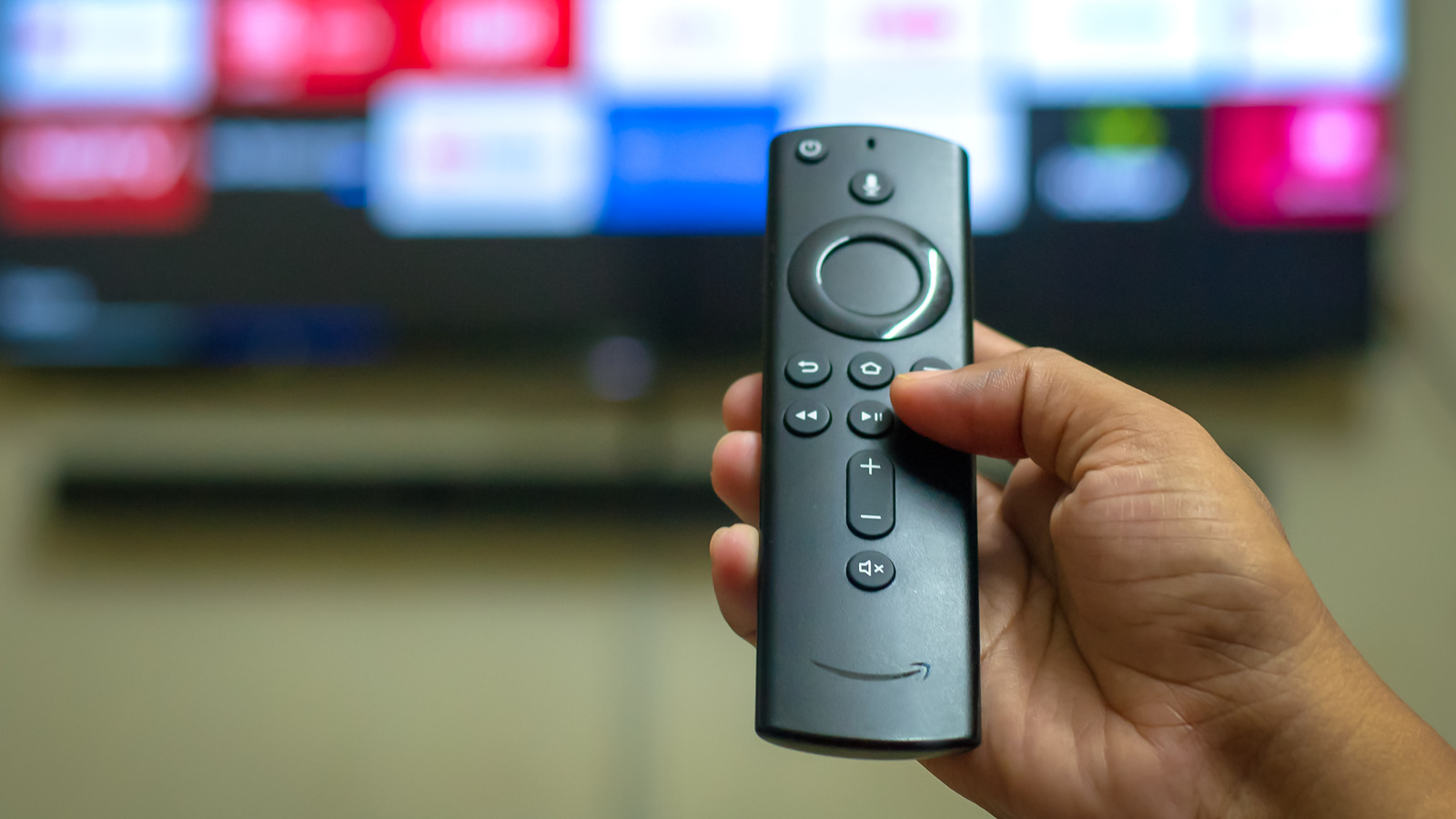
Unfortunately, there is no way to completely remove the banner ads from your Fire TV home screen. It’s Amazon’s tech, after all, so it does reserve the right to advertise whatever it wants wherever it wants to. You can’t alter the default position of your remote cursor either, so if you don’t want to get a face-full of ads the moment you turn your TV on, you need to remember to press either the Home button or the down directional button on your remote. Technically speaking, you could remove the ads from your Fire TV home screen by disconnecting it from the internet, but then you obviously wouldn’t be able to use any of its online features or install any new apps.
****
While you can’t ditch the ads entirely, though, there is a way to make them substantially less intrusive: by altering the settings in your Fire TV’s Preferences menu, you can disable the ad autoplay. You’ll still get a static ad if you don’t immediately move the cursor after booting up the TV, but it’ll just be an image with no audio or video.
…
Read more

Audio & Video

Post navigation

Previous Post: Common Reasons Your Vizio Remote Isn’t Working
Next Post: Hands-Free Entertainment: Getting The Most Out Of Amazon Fire TV Voice Search

Related Posts

leema_tucana_anniversary_05 Leema Tucana II Anniversary Edition review Audio & Video
Apple says interest in the ‘richer, larger’ HomePod is at an all-time high Audio & Video
Beats Studio Buds Plus have landed and it’s clear they’re a hit Audio & Video
Spotify finally gets it – it doesn’t need to mess with your car Audio & Video
heed-elixir Heed Audio Elixir review Audio & Video
‘A midspeaker next to your knee means you don’t have proper staging’: Loewe’s new in-car sound experts explain what’s wrong with automotive audio today, and how this team Mercedes’ Burmester veterans plans to fix it Audio & Video

Copyright © 2026 GearOpen.com.

Powered by PressBook Grid Dark theme