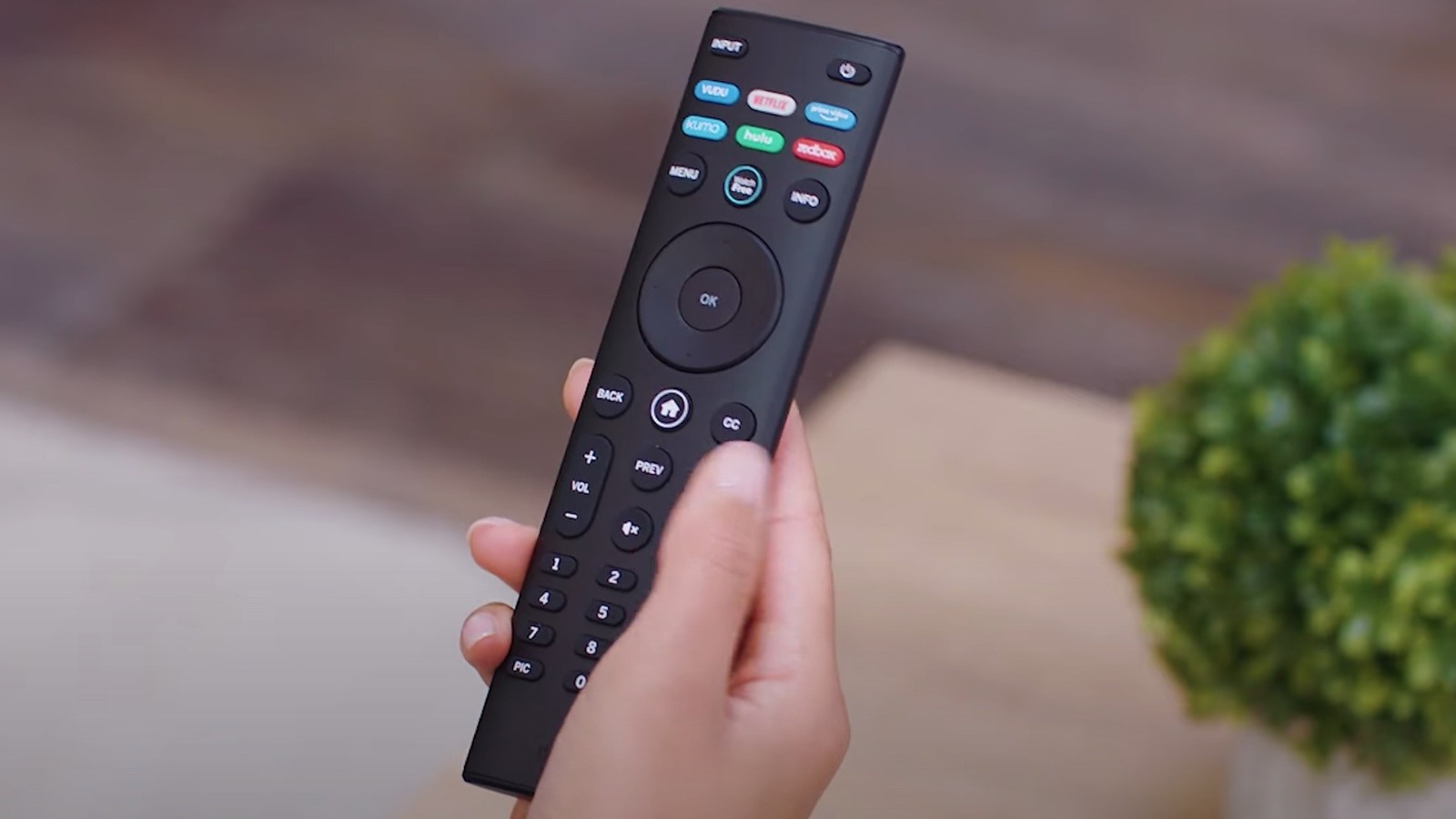
Televisions are hitting the market with more bells and whistles than ever, and user error is often responsible for a device not working as it should. With Vizio joining the ranks of consumer smart-television manufacturers, the remote controls operating their devices are equally intricate in design and functionality. So, if you’re having issues with your Vizio remote, the problem might be user-related.
****
The biggest issue many face is that most remotes are designed to operate multiple devices. This is usually the culprit when only certain buttons on your Vizio remote are working. Before you get too frustrated, try pressing the button on your remote labeled with the name of the device or service you’re trying to use, as that may fix the issue.
If it’s just your channel up and down buttons that aren’t working, the real problem may be that you’re not connected to an antenna, cable outlet, or smart device. If you have a soundbar, you may need to use the volume keys on that remote. Likewise, some buttons like play, pause, fast-forward, and rewind can be content-specific. That means they’re designed to navigate apps or streaming services only when said services are in use, though the same buttons may also work if you have certain playback features offered by television providers. If you continue to have these issues with your Vizio remote control, consult your user guide or a tech support representative for answers.
****