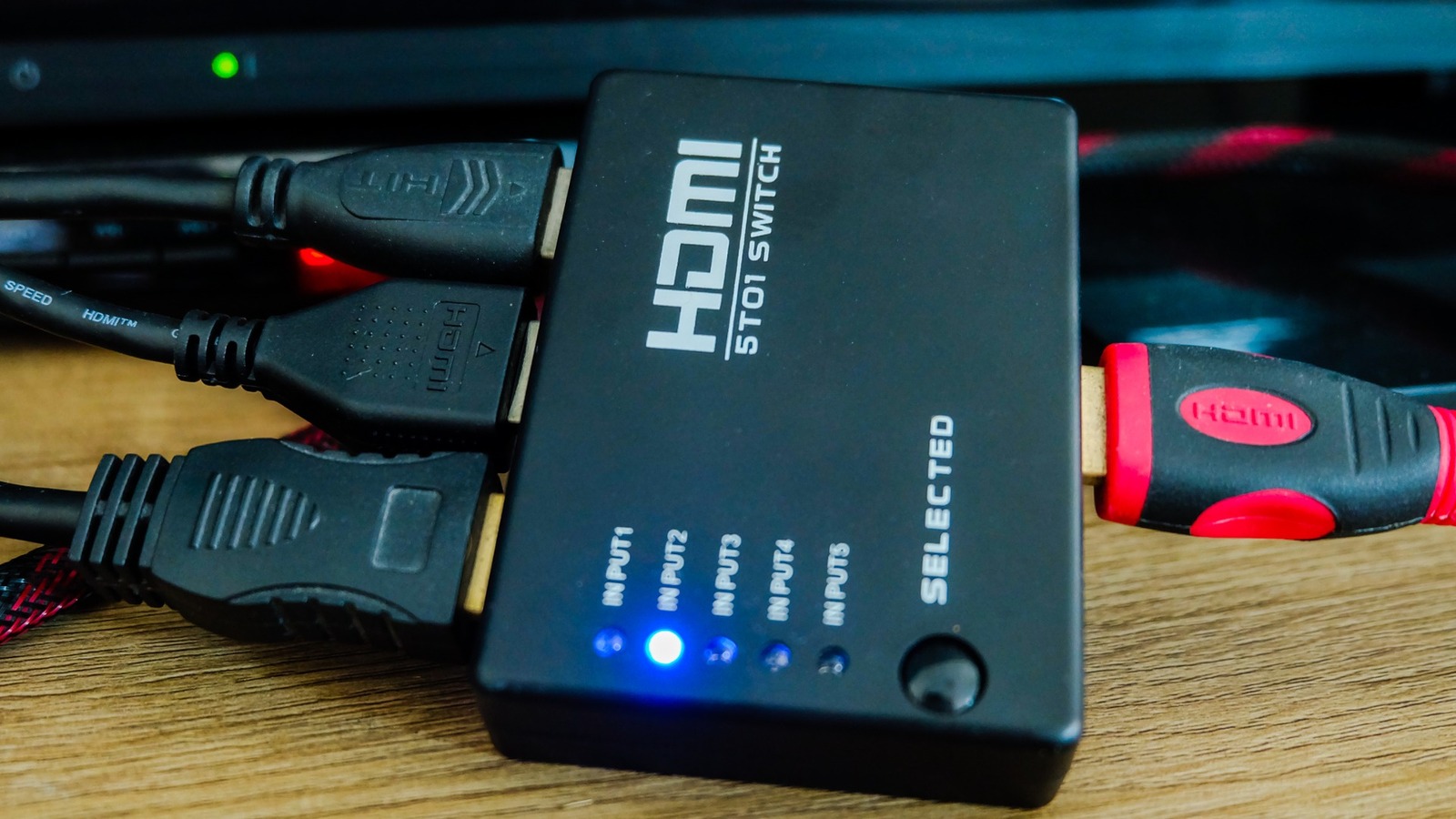
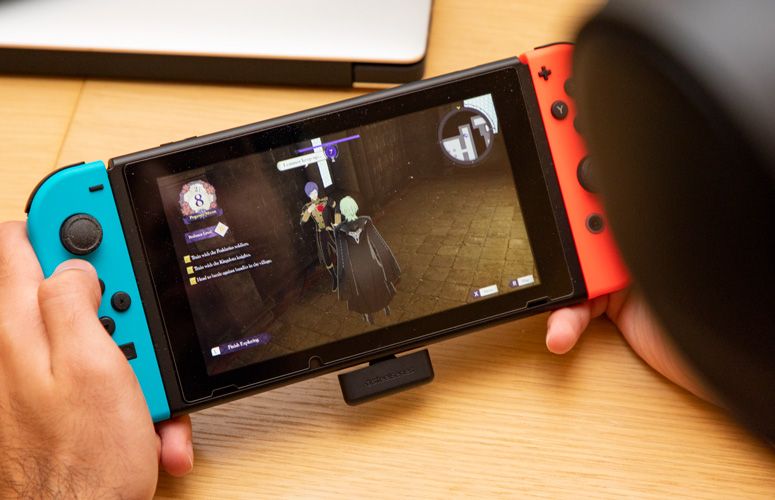
Video game consoles, streaming sticks, and DVD players all have one very important thing in common: they require an HDMI connection to your television. Most modern TVs have anywhere from two to four HDMI ports, which is likely more than enough for the average household. However, if you’re a gamer or have a rather hefty entertainment setup, you’ll exceed those ports and need an alternative option. Rather than buy a new TV, though, you can keep the same unit and use an HDMI switch.
****
An HDMI switch is an attachment for your television that allows you to plug multiple HDMI-compatible devices into one port. Where your HDMI 1 input may have just been for your Xbox Series X, it can now be for your Switch, PS5, older Xbox model, and Roku stick. Instead of changing the input on your TV, with a switch, you’ll change it on the box that all HDMI output cables are routed through.
There are several different switches available, some capable of transmitting 4K and others equipped to handle four or more inputs. When deciding on an HDMI switch, the first question to answer is how many HDMI-compatible devices you own. To avoid playing with any input channels on the TV, it’s best to get a switch that can house all of your devices. So if you have a TV with three inputs, and you have four devices, just get a four-port switch to make life easier.
****