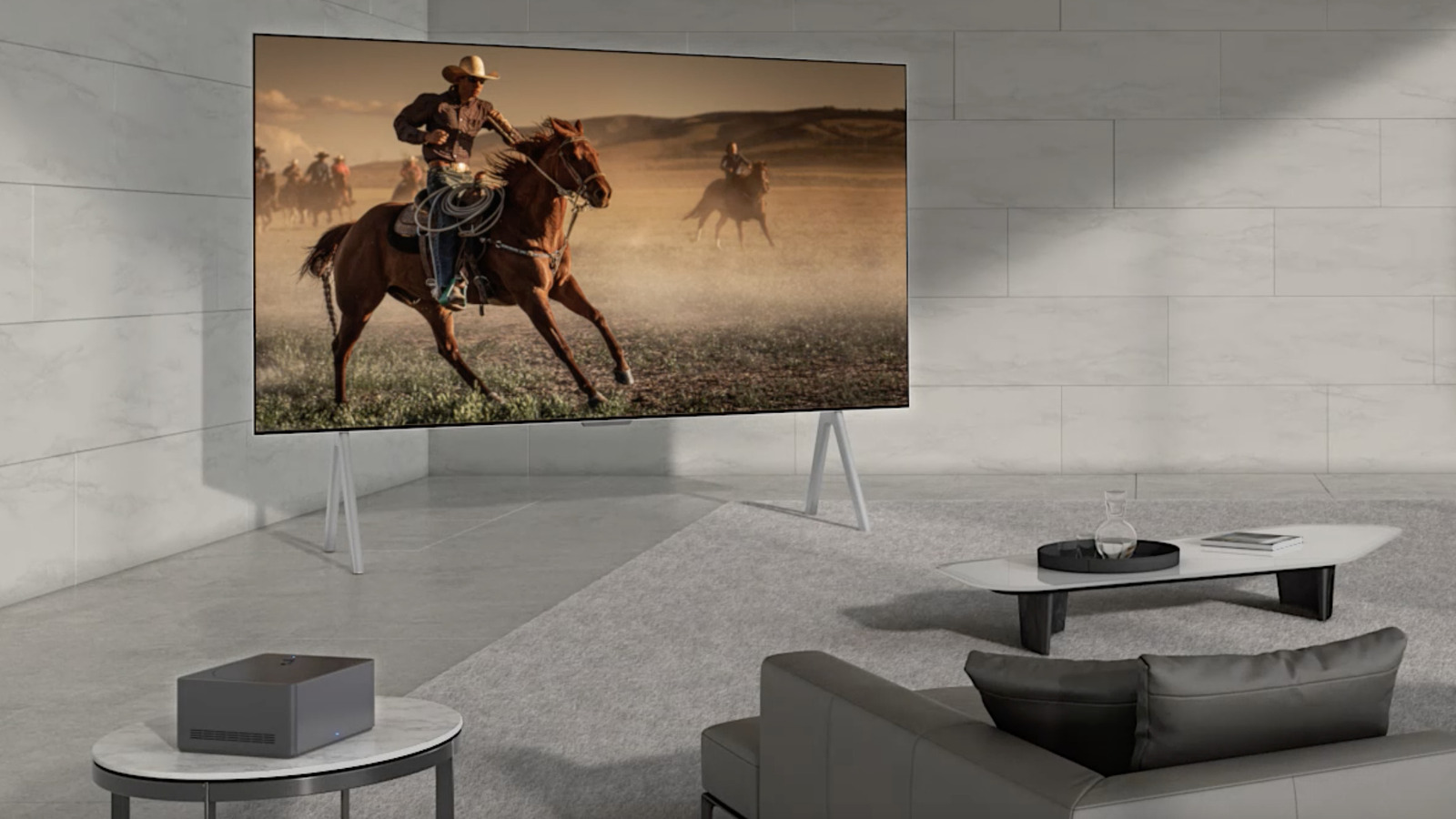
With LG’s wireless TV, the only cable you’ll need is the power cord. Beyond that, it’s designed to operate without the traditional cables needed to transmit video and audio signals from external devices. The Displace TV is powered by two internal lithium-ion batteries and four hot-swappable lithium-ion batteries, eliminating the need for cables entirely. These batteries can power the TV for up to 180 hours when fully charged.
****
LG’s wireless TV uses Zero Connect technology to transmit 4K video and audio to its Signature OLED M TVs wirelessly. The TV comes with a Zero Connect Box (which also needs a power cable to work) that operates independently, so you can place it where you’d like within a 30-foot range of the TV. This wireless AV box comes with several connection points, including HDMI 2.1, USB, RF, LAN, and Bluetooth. From streaming devices like the Fire TV Stick 4K Max to gaming consoles, users can plug almost any type of device into the Zero Connect Box.
From there, an algorithm identifies the best transmission path to transfer the data from the box to the TV while minimizing errors from environmental changes. For example, if it detects movement in a room, like a child playing or a dog running around, it can use an alternate path to maintain a consistent connection. While there’s not as much information available about how the Displace TV works, like LG, it uses a base unit plugged into a wall outlet to send audio and video to the TV wirelessly.
****