Skip to content
GearOpen.com

GearOpen.com

GearOpen.com is the hub for the latest developments in technology, AI, software, computers, transportation, consumer electronics, and scientific innovation.

  • Phones
  • Tablets
  • Laptops
  • Computers & IT
  • AI & Bots
  • Apps
  • Gaming
  • Audio & Video
  • Wearables
  • Smart Home
  • Cameras
  • Drones
  • Cars
  • Motorcycles
  • Yachts & Boats
  • Planes
  • Science
  • Tools
  • Toggle search form
Windows 11

How to find your Windows 11 product key

Posted on September 9, 2021August 27, 2023 By Jarvis

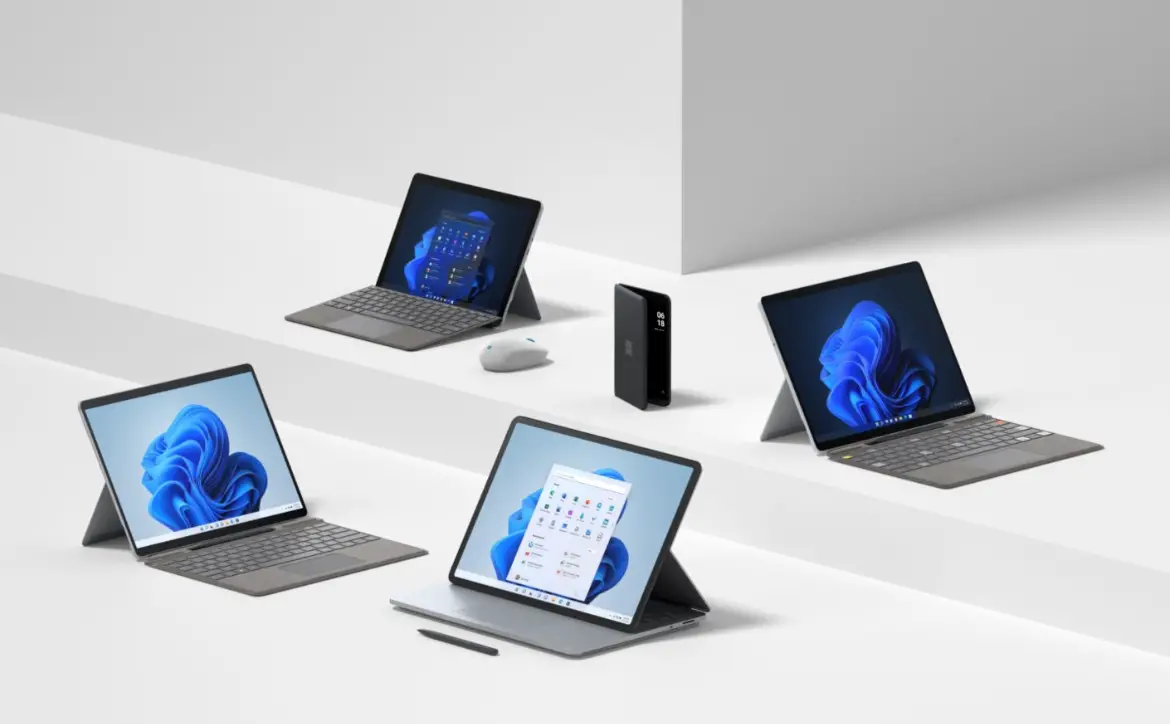
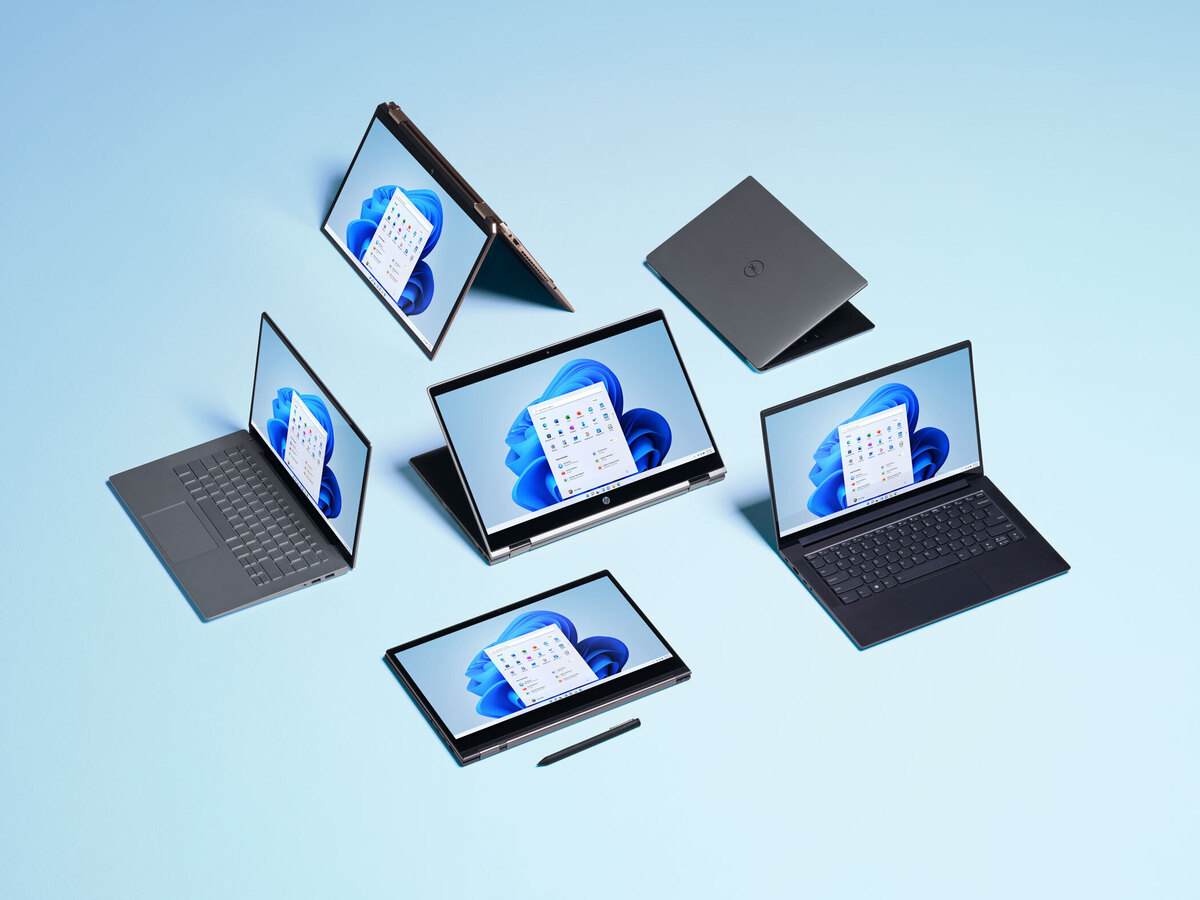
A product key gives Windows 11 the information it needs to verify that you rightfully paid for your copy of the operating system. It also activates Windows to give you access to all the features without any limits.

These days, your product key is usually tied to your Microsoft account and stored in your PC’s motherboard via “digital entitlement.” However, if you’re not using a Microsoft account on Windows 11, then you might want to note the physical key down.
…
Read more


Apps Tags:how to, Windows, Windows 11

Post navigation

Previous Post: Chivalry 2: Tips and tricks for Arena Mode
Next Post: How to reset the Fitbit Charge 3: Restarts and resets

Related Posts

Are You Paying For Useless App Subscriptions? Cancel Them Right Now Apps
Microsoft integrating AI into Microsoft 365 Apps
The Apple Vision Pro’s new 3D IMAX movies show it could succeed where 3D TVs failed Apps
What is the release date for Marshals: A Yellowstone Story episode 6 on CBS and Paramount+? Apps
11 Android apps you can try with dark mode right now 11 Android apps you can try with dark mode right now Apps
Restarting Your iPhone Has Never Been Easier Thanks to Siri Apps

Copyright © 2026 GearOpen.com.

Powered by PressBook Grid Dark theme