Skip to content
GearOpen.com

GearOpen.com

GearOpen.com is the hub for the latest developments in technology, AI, software, computers, transportation, consumer electronics, and scientific innovation.

  • Phones
  • Tablets
  • Laptops
  • Computers & IT
  • AI & Bots
  • Apps
  • Gaming
  • Audio & Video
  • Wearables
  • Smart Home
  • Cameras
  • Drones
  • Cars
  • Motorcycles
  • Yachts & Boats
  • Planes
  • Science
  • Tools
  • Toggle search form
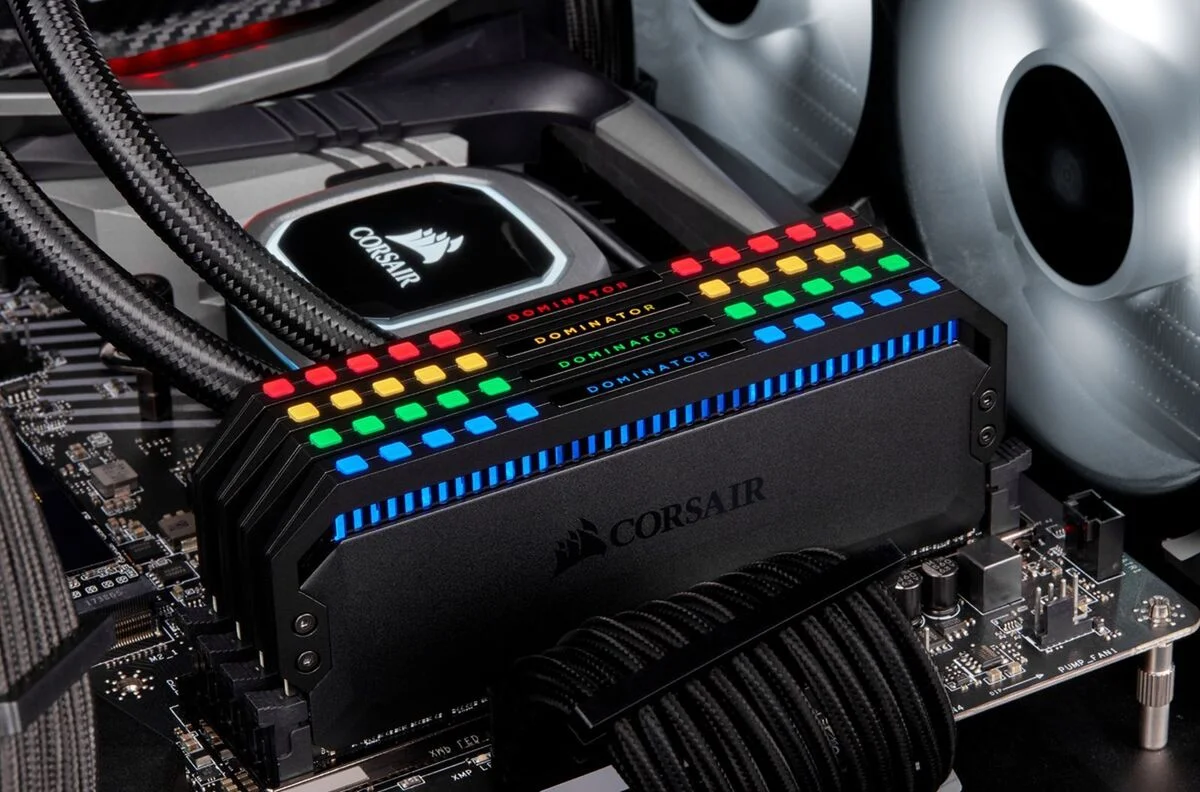
corsair-dominator-memory

How to tell what kind of RAM you have

Posted on September 13, 2021August 27, 2023 By Jarvis

There are several easy ways to learn more about your system’s memory.

For a very long time, the most common path to improving your PC’s performance has been through upgrading the RAM. RAM stands for “random access memory” and it’s effectively the component of your PC that is keeping track of what your computer is currently working on. When RAM is limited, your PC has to keep that current information stored somewhere else, which can dramatically slow down your workflow and load times.
…
Read more

Computers & IT Tags:how to, ram

Post navigation

Previous Post: Forget foldable phones, Samsung has made a stretchable 13-inch OLED screen
Next Post: Google Pixel 6 Pro alleged benchmarks just tipped key specs

Related Posts

Download After Effects: How to try Adobe After Effects for free or with Creative Cloud Computers & IT
[Comparison] Lenovo Yoga 6 (13″, 2022) vs Yoga 6 (13″) – what are the differences? Computers & IT
IntelCore i5-1035G4 vs i5-10210U – the i5-1035G4 wins thanks to its 86% better iGPU IntelCore i5-1035G4 vs i5-10210U – the i5-1035G4 wins thanks to its 86% better iGPU Computers & IT
MSI Cubi 5 10M Review MSI Cubi 5 10M Review Computers & IT
Here’s how ChatGPT could look as part of Microsoft Bing Computers & IT
Dell’s new gaming monitor offers 500Hz refresh rate at a more affordable price Computers & IT

Copyright © 2026 GearOpen.com.

Powered by PressBook Grid Dark theme