Skip to content
GearOpen.com

GearOpen.com

GearOpen.com is the hub for the latest developments in technology, AI, software, computers, transportation, consumer electronics, and scientific innovation.

  • Phones
  • Tablets
  • Laptops
  • Computers & IT
  • AI & Bots
  • Apps
  • Gaming
  • Audio & Video
  • Wearables
  • Smart Home
  • Cameras
  • Drones
  • Cars
  • Motorcycles
  • Yachts & Boats
  • Planes
  • Science
  • Tools
  • Toggle search form
graphics card

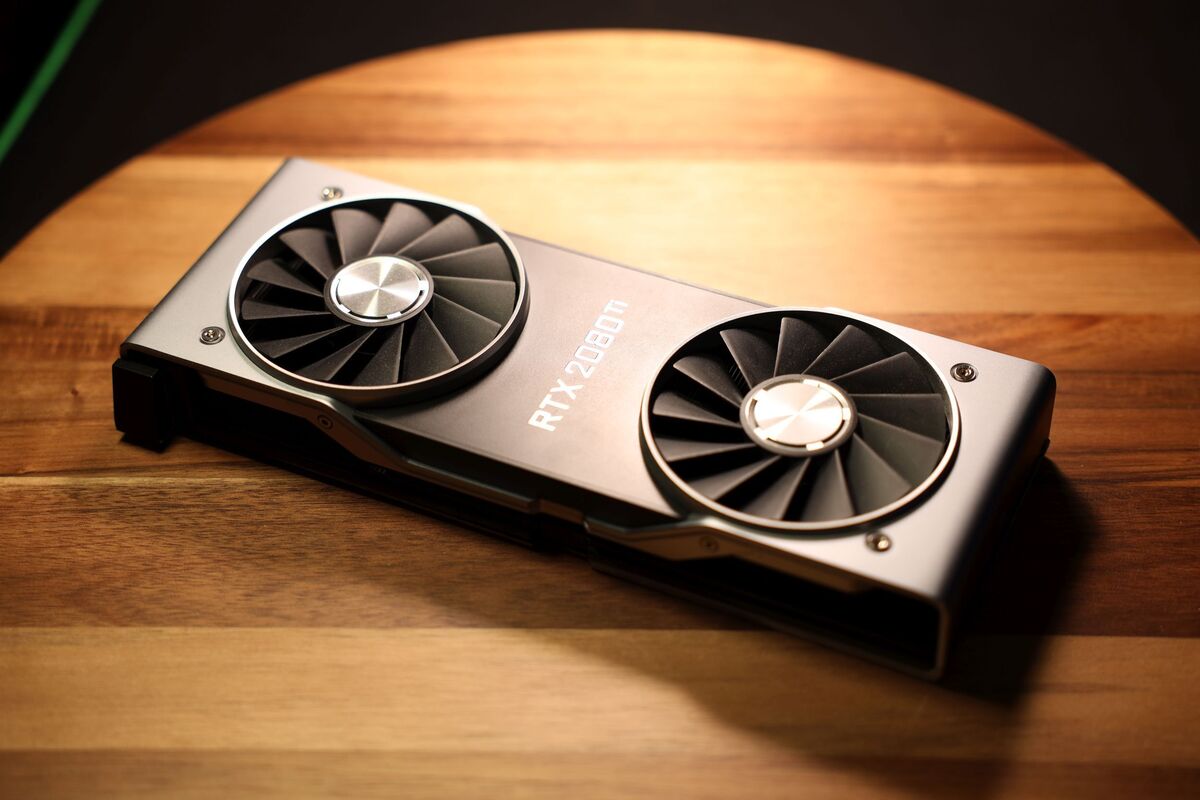
How to benchmark your graphics card

Posted on July 23, 2021August 27, 2023 By Jarvis

Even if you aren’t into overclocking, benchmarking your graphics card can help ensure your GPU is running as expected.

Sure, benchmarking your graphics card may sound like rocket science, but it’s not as difficult as you might think. Roll up your sleeves, because this guide will show you just how easy, enjoyable, and important it is to benchmark your GPU. And not just when you’re overclocking! We’ll cover benchmarking for both stability and performance.
…
Read more
Computers & IT Tags:benchmark, gpu, graphics card, guide, how to, science

Post navigation

Previous Post: Hyundai i30 N Fastback returns
Next Post: RIG’s new HX gaming headsets look great, feel phenomenal, and sound ho-hum

Related Posts

Lenovo Legion Y520 (15″) vs Lenovo Legion Y530 (15″) – what are the differences? Lenovo Legion Y520 (15″) vs Lenovo Legion Y530 (15″) – what are the differences? Computers & IT
Razer Blade 14 (2024) review: premium performance on the go Computers & IT
asus-zenbook3-02 Hands on: Asus ZenBook 3 review Computers & IT
Samsung RAM prices have doubled — and the worst is yet to come Computers & IT
Apple has reportedly abandoned the Vision Pro 2 to make smart glasses, but I’m worried they’ll repeat the same mistakes Computers & IT
Inside Acer Chromebook Spin 311 (CP311-2H) – disassembly and upgrade options Inside Acer Chromebook Spin 311 (CP311-2H) – disassembly and upgrade options Computers & IT

Copyright © 2026 GearOpen.com.

Powered by PressBook Grid Dark theme