Skip to content
GearOpen.com

GearOpen.com

GearOpen.com is the hub for the latest developments in technology, AI, software, computers, transportation, consumer electronics, and scientific innovation.

  • Phones
  • Tablets
  • Laptops
  • Computers & IT
  • AI & Bots
  • Apps
  • Gaming
  • Audio & Video
  • Wearables
  • Smart Home
  • Cameras
  • Drones
  • Cars
  • Motorcycles
  • Yachts & Boats
  • Planes
  • Science
  • Tools
  • Toggle search form
How to Calibrate Your OLED display in Windows 10

How to Calibrate Your OLED display in Windows 10

Posted on August 4, 2019 By Jarvis

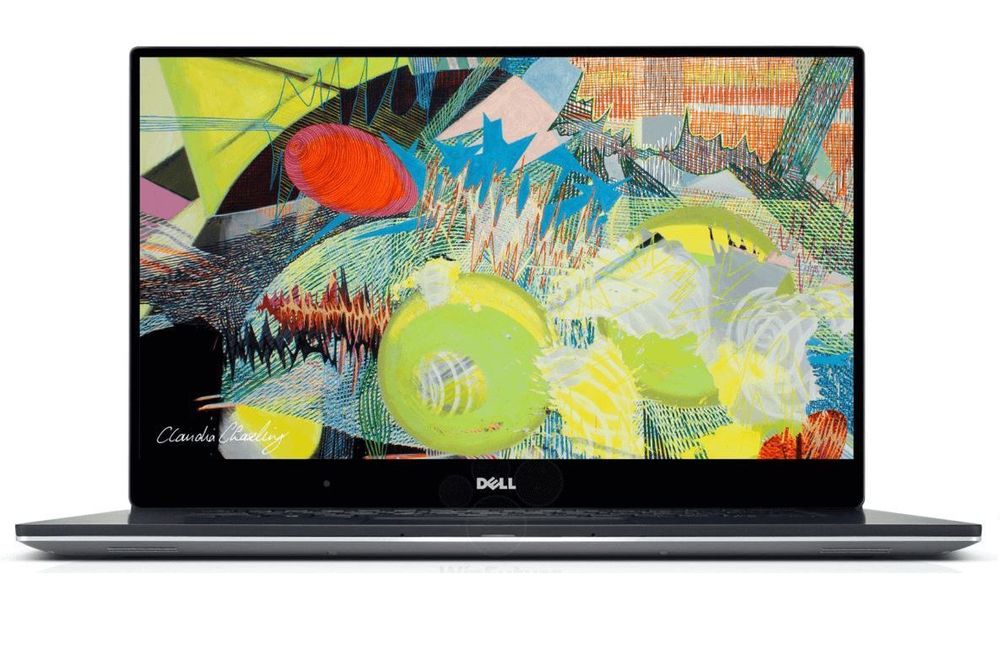
Organic Light Emitting Displays, or “OLED” for short, have been appearing in TVs and smartphones for the better part of a decade now. However, 2019 marks the year where the display technology is starting to become much more prevalent in notebook computers thanks to improvements in the technology, manufacturing process, and greater demand. As a result, many mainstream manufacturers are now offering OLED displays as optional configurations across their premium lines of laptops.
…
Read full post here:
https://www.ultrabookreview.com/30931-calibrate-oled-windows-10/

Computers & IT Tags:how to, notebook, oled, Windows, Windows 10

Post navigation

Previous Post: Canon RF 35mm f/1.2L USM Lens to be Announced in 2020
Next Post: Nokia XPlus Pro Edge 2019: MASSIVE 12GB RAM, 48MP PureView Camera!

Related Posts

Apple Event Apple Event fall 2021: MacBook Pro 2021, AirPods 3 and more Computers & IT
Lenovo ThinkPad L380 review – good but lacks some boldness Lenovo ThinkPad L380 review – good but lacks some boldness Computers & IT
Grab Gaming Keyboards, Bluetooth Keyboards and iPad Covers Starting as Low as $17 on Woot Computers & IT
Everything you need to know about Intel Optane right now Everything you need to know about Intel Optane right now Computers & IT
Lenovo Legion vs HP Omen [In-depth Comparison] Lenovo Legion 5 (15″ AMD, 2021) vs HP Omen 15 (2021, 15-en1000) – battle of the mid-rangers Computers & IT
No, throttling and overheating isn’t a problem on M2 MacBook Air Computers & IT

Copyright © 2026 GearOpen.com.

Powered by PressBook Grid Dark theme