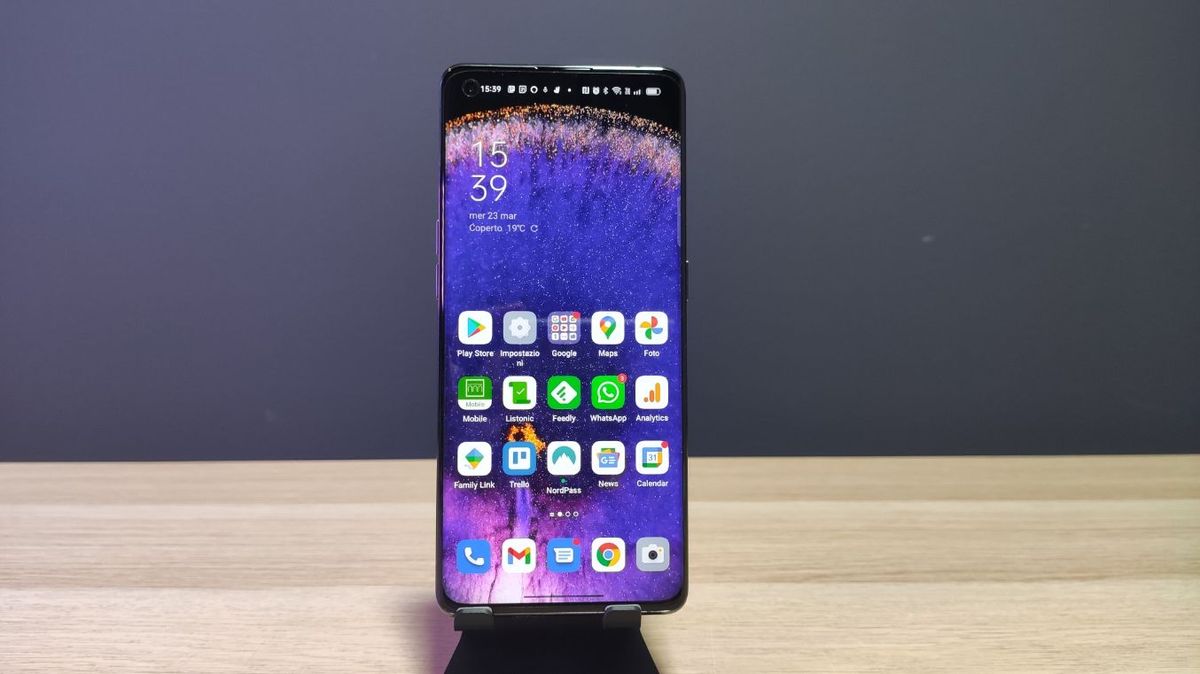
Quick stepsOpen up the Play StorePress your profile icon and select ‘Manage apps and device’In ‘Overview’ select ‘Update all’ or ‘See details’ to pick which apps to updateSometimes you’ll try to open a much-used Android app and find that it needs to be updated to run. Maybe this will be an online game, or a streaming service, or just a social media platform. In this case you’ll want to update your Android apps to make sure you’re on the newest version – in this guide, we’ll run you through how to do that, as well as how to set this up to happen automatically.
…
Read more