Skip to content
GearOpen.com

GearOpen.com

GearOpen.com is the hub for the latest developments in technology, AI, software, computers, transportation, consumer electronics, and scientific innovation.

  • Phones
  • Tablets
  • Laptops
  • Computers & IT
  • AI & Bots
  • Apps
  • Gaming
  • Audio & Video
  • Wearables
  • Smart Home
  • Cameras
  • Drones
  • Cars
  • Motorcycles
  • Yachts & Boats
  • Planes
  • Science
  • Tools
  • Toggle search form
Samsung Galaxy Z Fold3

How to pin the app taskbar to the side of your Samsung Galaxy Z Fold 3

Posted on September 7, 2021August 27, 2023 By Jarvis

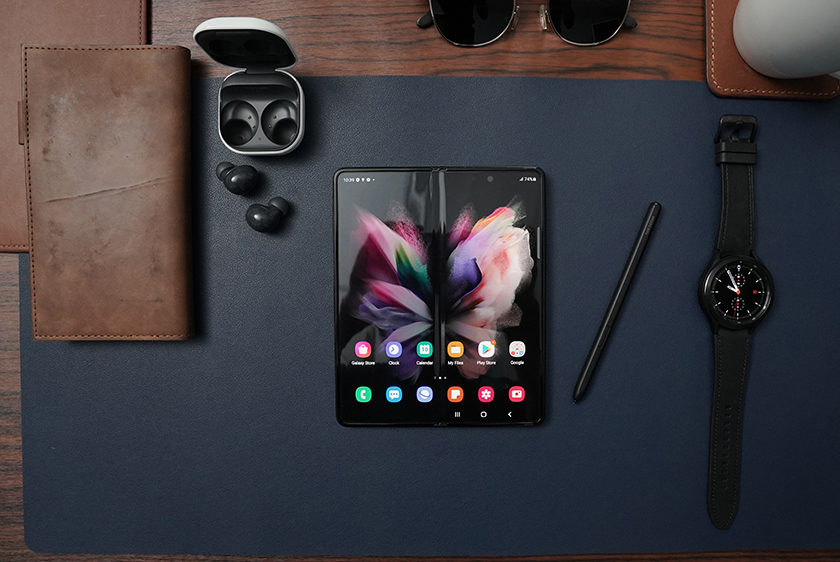
The Samsung Galaxy Z Fold 3 launched with a host of new software features to go along with some meaningful hardware improvements, including the ability to pin your favorite apps. Samsung’s Edge Panel software has been around since the 2014 Galaxy Note Edge, and since then, it has had many revisions, and in the latest version, you can lock your favorite apps onto the side of your phone’s display. Here’s how to pin apps on the Galaxy Z Fold 3.
…
Read more
Phones Tags:app, Fold 3, galaxy, Galaxy Z Fold, Galaxy Z Fold 3, how to, Samsung, Samsung Galaxy, Samsung Galaxy Z Fold, Samsung Galaxy Z Fold 3

Post navigation

Previous Post: Nothing ear (1) vs. OnePlus Buds Pro: Which should you buy?
Next Post: Far Cry 6 PC Features Revealed: Uncapped Framerate, Ray Tracing, Widescreen Support, and More

Related Posts

Save 55% on iPhone Cases and Essential Accessories in Totallee’s Spring Sale Phones
Samsung Unpacked 2023: Galaxy S23 and what else we expect Phones
Samsung Galaxy S21 Which phone has the best night mode? Galaxy S21 Ultra vs. iPhone 12 Pro Max vs. Pixel 5 Phones
Samsung Galaxy S26 FE Specifications Revealed: Exynos 2500/Snapdragon Chip, 8GB RAM and 4,900mAh Battery Phones
If you use an Android phone, you need to download Phone Link — it’s become a critical part of my workflow Phones
How to Hide Memories in Google Photos Phones

Copyright © 2026 GearOpen.com.

Powered by PressBook Grid Dark theme