When you’ve been using the same PlayStation 4 system for a decade, you’re bound to encounter a few issues. Sometimes, your console can start having trouble connecting to the internet, start overheating, or turning off by itself. Unfortunately, the same is true for its various accessories, especially those that are meant to be used all the time, like the PS4 DualShock wireless controller.
****
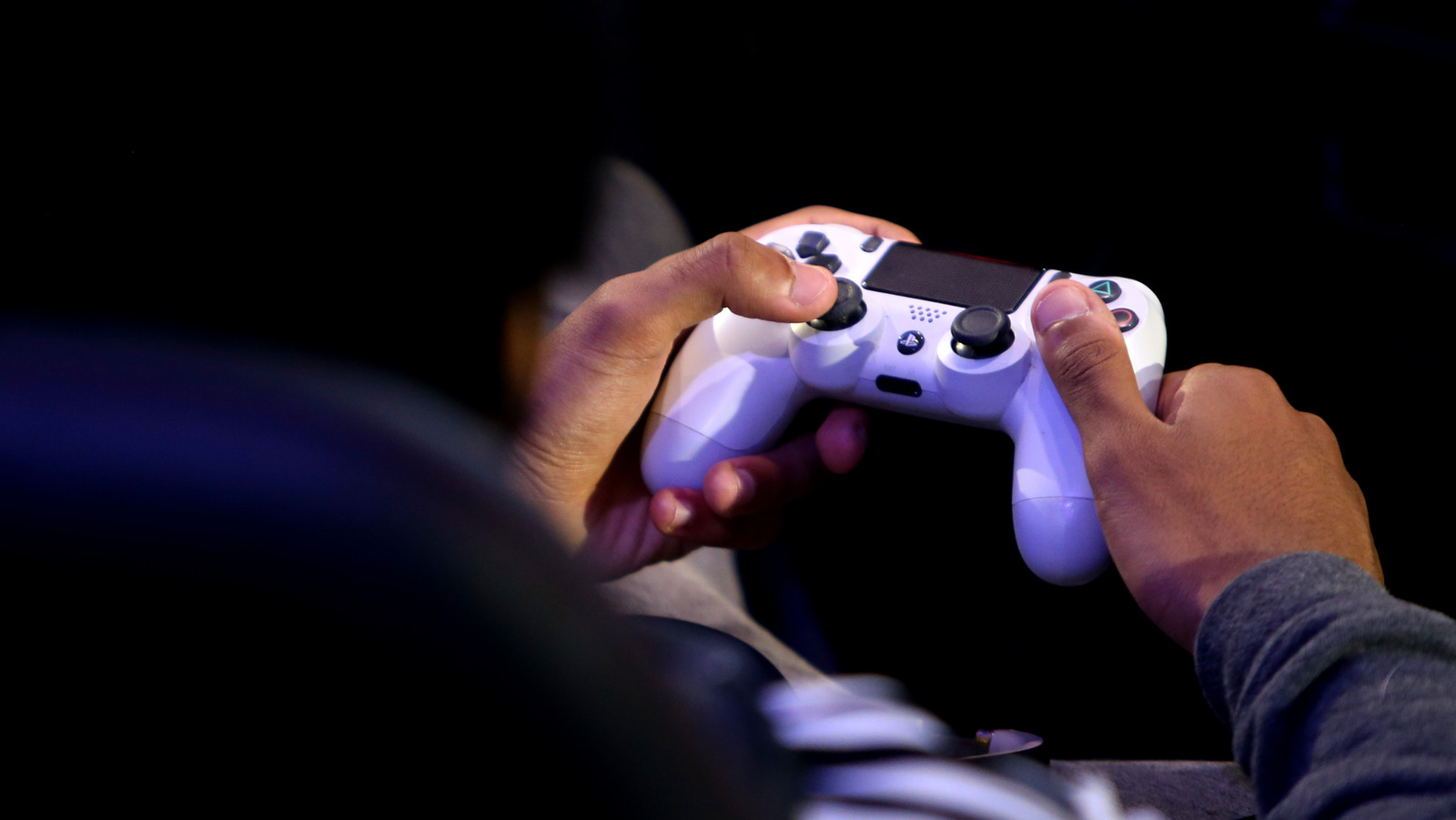
Out of all the PlayStation 4 peripherals, the wireless DualShock controllers are the most likely to get damaged by accident. Unlike your console, which is often firmly on a table (or any flat surface), the PS4 controller is held by hand. Not to mention, if you ever invite friends or family to come over, the controller can also be held by clumsy people or children, who may not be so careful with it.
Whether it’s due to aggressive use or natural wear-and-tear, the PS4 DualShock wireless controller isn’t immune to physical damage, moisture damage, connection problems, or charging issues. Although some of these concerns require tinkering with the hardware to be resolved, other issues can be fixed with a simple reset that you can do from home.
****
Depending on your needs, there are two ways to reset your controller: soft and hard. With a soft reset, you’re essentially re-pairing your device to your console, which can resolve some minor issues with your controller. On the other hand, a hard reset can make your PS4 DualShock controller feel (almost) brand-new. Here is how and when to do both.