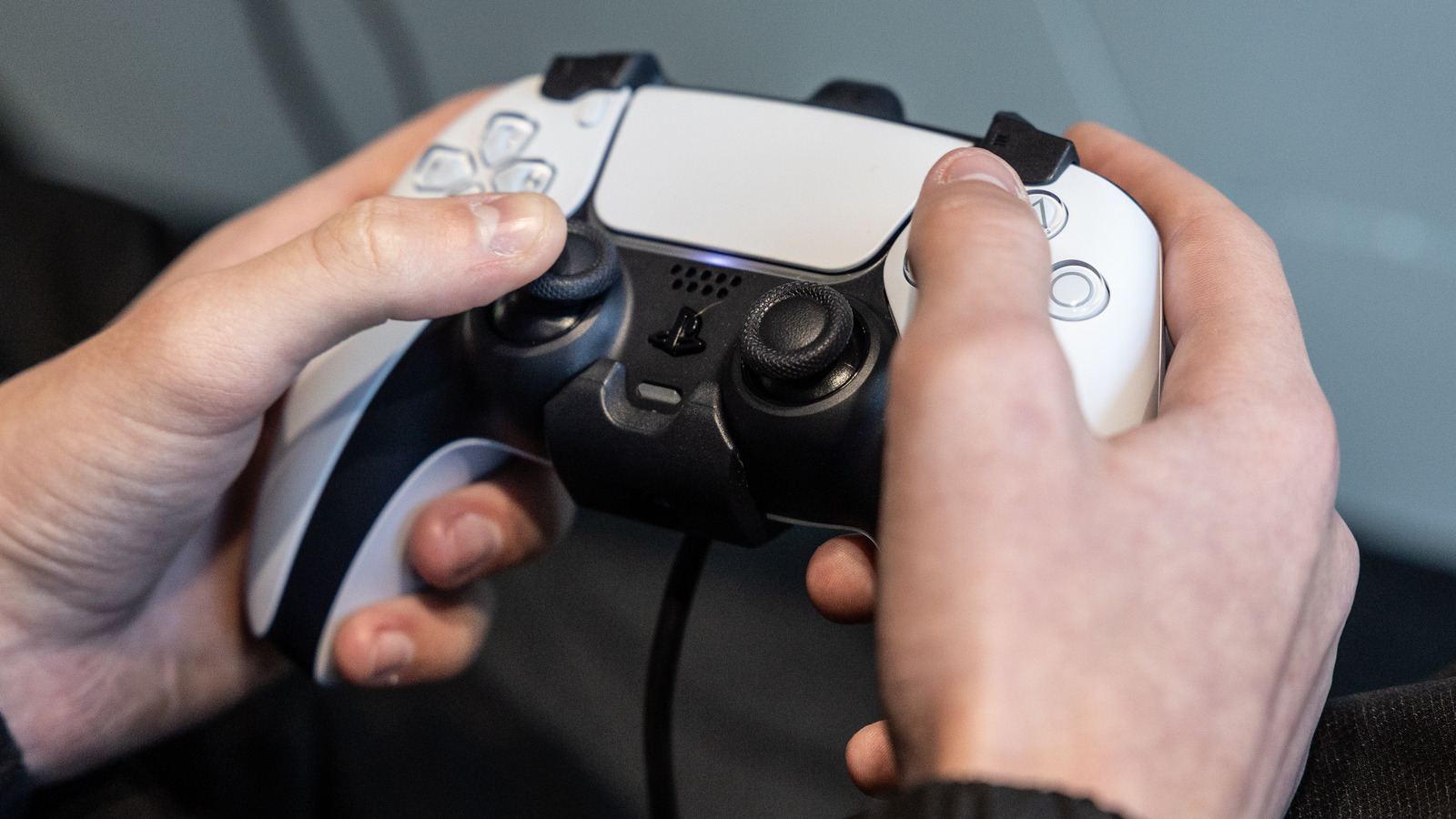
If you’re one of many gamers who have both a PC and a PlayStation console, you’ve probably made the mistake of assuming you could simply plug the controller that came with the latter device into your PC and just start playing. Or maybe you’re thinking about doing so, and want to know whether it works. In short, yes, you can play PC games with your PlayStation controller. The long answer is that it only works with some games by default, while others will require somewhat complicated workarounds.
****
There’s a reason the Xbox controller is so popular. As it’s made by Microsoft and uses the company’s XInput API, Windows PC compatibility isn’t an issue. Sony’s controllers rely on a now defunct input library API called DirectInput. In some PC games, especially those made by a Sony-owned studio such as “Horizon: Forbidden West” or “Destiny 2,” your DualShock or DualSense controller will work just fine without an intermediary input wrapper, and may even work better than an Xbox controller thanks to specially tuned haptics or PlayStation-specific controls. However, once you encounter a game that doesn’t support them, you’ll find that PlayStation controllers are functionally useless without some major software modifications.
****
Nevertheless, there’s no reason to panic, or to spend money on another controller. In this article, we’ll explore how to connect your PS4 or PS5 controller to your PC, how to determine which games it works with, and how to make it work almost flawlessly with titles that have sworn allegiance to Team Green. We’ll even cover basic troubleshooting. So, let’s learn how to play with no limits on your Windows PC.