Skip to content
GearOpen.com

GearOpen.com

GearOpen.com is the hub for the latest developments in technology, AI, software, computers, transportation, consumer electronics, and scientific innovation.

  • Phones
  • Tablets
  • Laptops
  • Computers & IT
  • AI & Bots
  • Apps
  • Gaming
  • Audio & Video
  • Wearables
  • Smart Home
  • Cameras
  • Drones
  • Cars
  • Motorcycles
  • Yachts & Boats
  • Planes
  • Science
  • Tools
  • Toggle search form
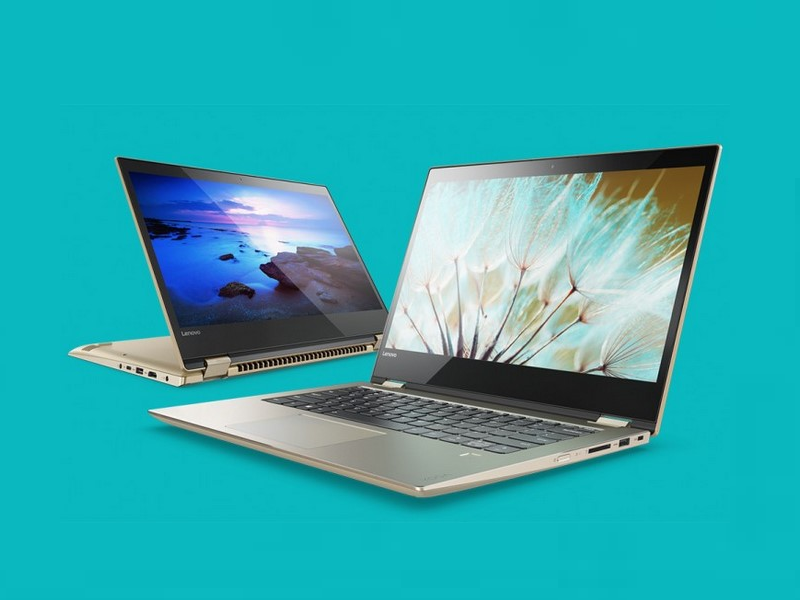
Inside Lenovo Yoga 520 (Flex 5) – disassembly, internal photos and upgrade options

Inside Lenovo Yoga 520 (Flex 5) – disassembly, internal photos and upgrade options

Posted on October 5, 2017May 19, 2019 By Jarvis

The Lenovo Flex 5 looks like a normal mid-range convertible, right? well, if you dig deep enough, you will see some cool features that are not necessarily inherent to 14-inch 2-in-1s. Also, the access to the hardware is pretty easy.
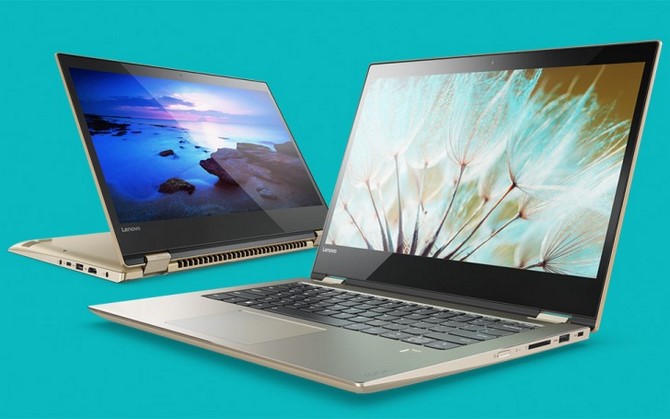
Kết quả hình ảnh cho Lenovo Yoga 520 (Flex 5)

1. Removing the bottom plate

To detach the bottom piece, you will just have to remove all the screws around the bottom and then gently pry it up. This will give you access to all of the internals.

2. Storage

This small chassis holds the usual M.2 SSD slot and another 2.5-inch drive bay. Our unit, in particular, came only with an M.2 PCIe NVMe SSD from Intel with 256GB capacity leaving the 2.5-inch HDD/SSD slot free for upgrade. Usually, 14-inch convertibles don’t have the 2.5-inch bay so this is a big bonus to consider.
…
Read full post here:
https://laptopmedia.com/highlights/inside-lenovo-yoga-520-flex-5-disassembly-internal-photos-and-upgrade-options/
Computers & IT Tags:256GB, hardware, Intel, Lenovo, Lenovo Yoga, SSD

Post navigation

Previous Post: Canon EOS Rebel SL2 Review: Small on Size, Big on Image Quality
Next Post: 2018 Triumph Bonneville Speedmaster Revealed : A more practical take on the Bonneville Bobber

Related Posts

The new 13-inch MacBook Pro: 5 killer upgrades Apple delivered (and 5 it didn’t) MacBook Pro 2020 vs MacBook Pro 2019: The 4 biggest differences Computers & IT
Why AMD calls it Ryzen 5000 instead of Ryzen 4000 AMD Ryzen 5000 CPUs are now supported by MSI’s older motherboards Computers & IT
Apple M2 Ultra: price, release date, and everything we know Computers & IT
Secure your business for less with 30% off LastPass plans Computers & IT
Dell Latitude 13 7320 Detachable Top 5 reasons to BUY or NOT to buy the Dell Latitude 13 7320 Detachable Computers & IT
520930d3b819d195b88d572228418aee0d31b020 Asus Vivobook X507 First Impressions Computers & IT

Copyright © 2026 GearOpen.com.

Powered by PressBook Grid Dark theme