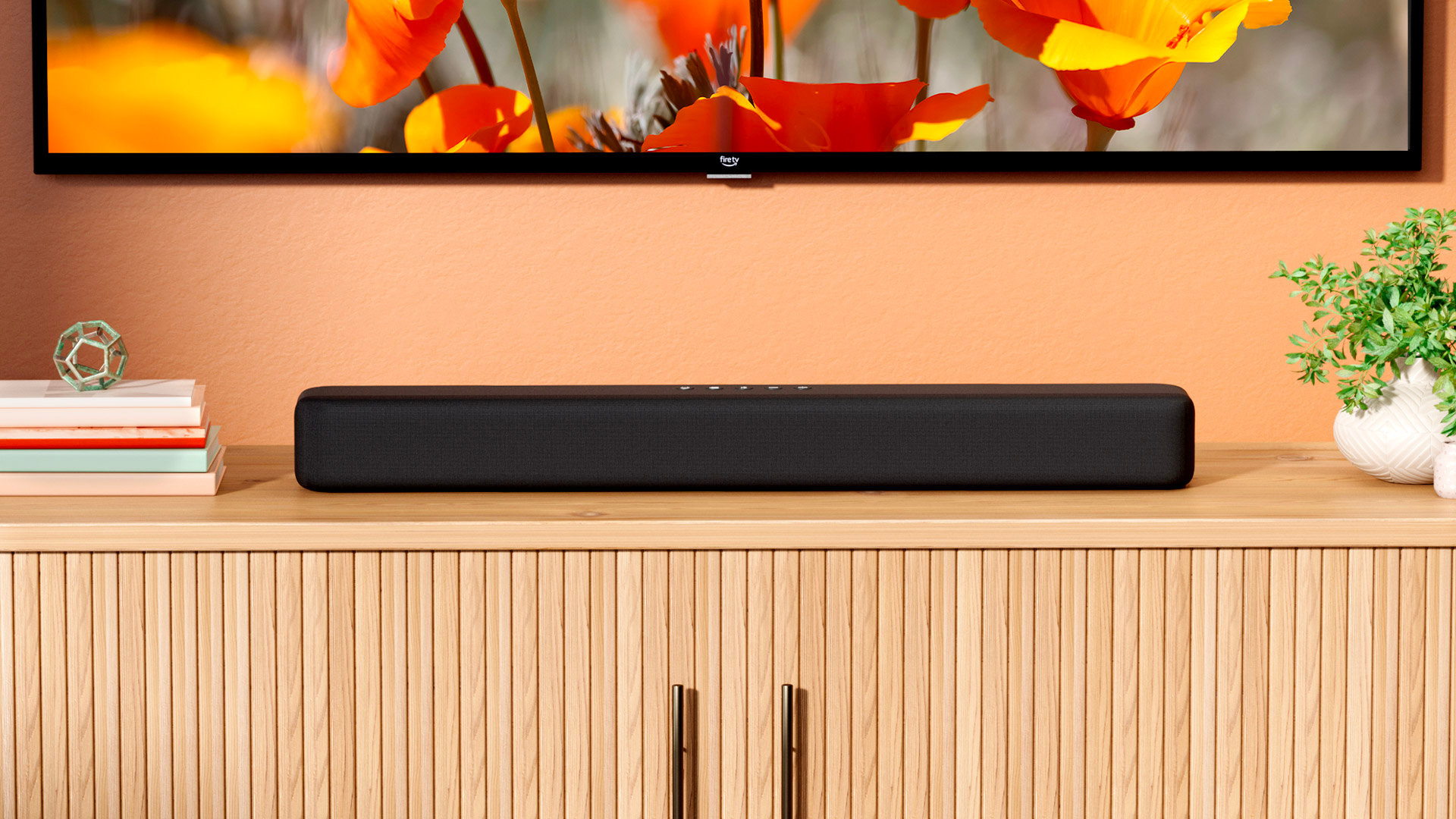
Most of us know all too well: the more devices we have, the more remotes we have to deal with. If you have a Fire TV Stick 4K, there’s a remote for that. Then there’s a remote for your soundbar or any speakers you have, and that’s without mentioning the remote for your TV. Many people buy a universal remote in hopes of solving the problem, and while it gets the job done in many cases, it might not be the best choice for every home entertainment setup.
****
If most of the devices you use are HDMI compatible, there’s an easier way. You can use a built-in feature called HDMI-CEC, short for HDMI Consumer Electronics Control, to control your devices with a single remote. You’ll need to check your TV’s settings to get started with HDMI-CEC, as it’s often disabled by default. Once you’ve enabled HDMI-CEC, your devices will be able to communicate with your TV and with each other through its HDMI ports. That means you can do things like use your TV’s remote control with your Xbox Series X/S when HDMI-CEC is enabled. For many consumers, the biggest benefit of HDMI-CEC is that it eliminates the need to keep up with multiple remotes from different devices.
****
HDMI-CEC works by using the communication capabilities that are built into the HDMI standard, making it possible for devices to send and receive control commands over the same HDMI connection used for audio and video. With HDMI-CEC, your devices can work together to handle everyday tasks. In practice, this looks like your TV turning on when you power on your gaming console or switching to the correct input when you start streaming, all without you having to go through your TV’ menu to find the right HDMI input.