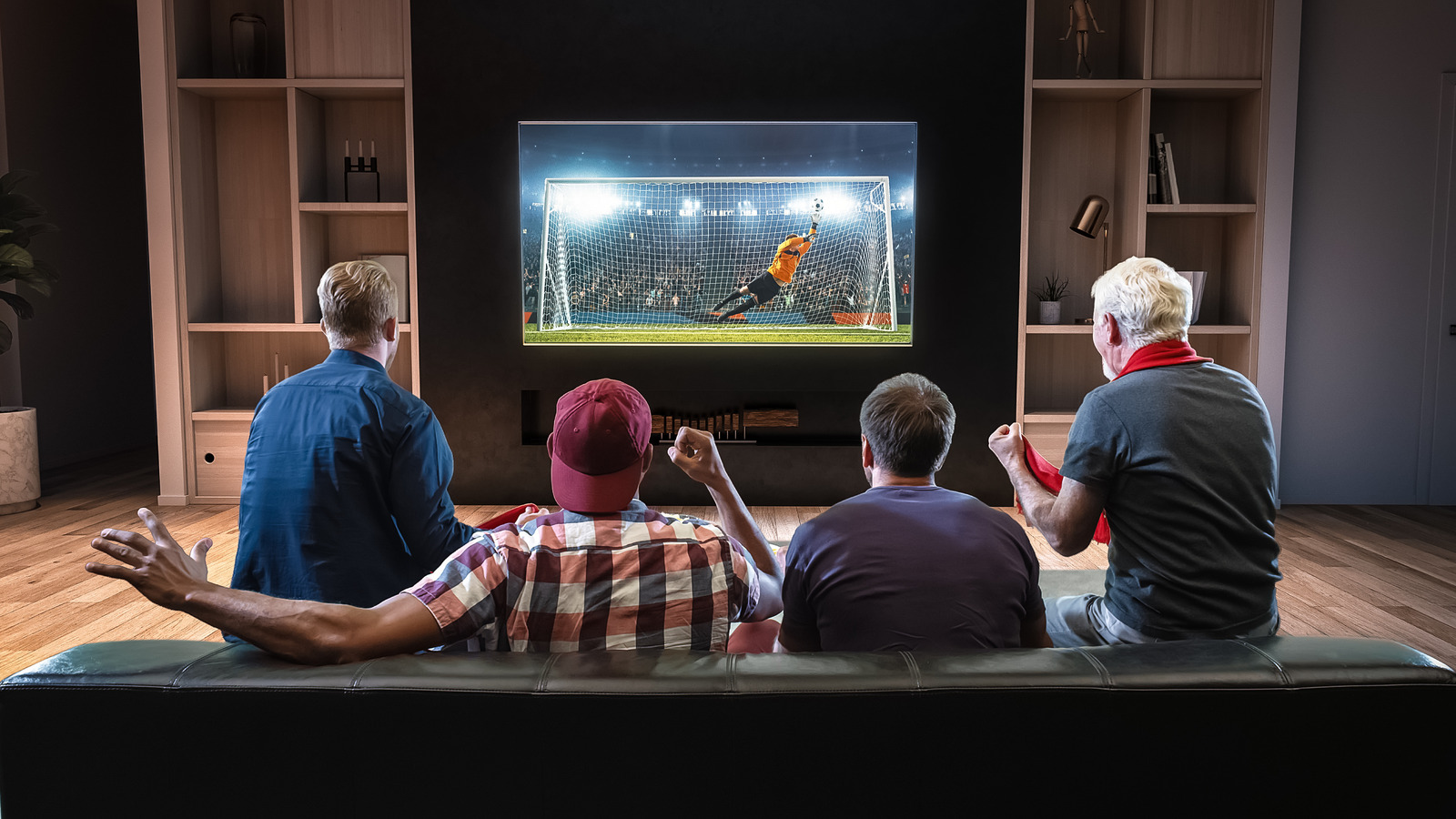
Whether it’s the Super Bowl, NBA Finals, Champions League, or other events, sports dominate network television, bringing in hundreds of millions of views annually. If you’re an avid sports watcher, there’s nothing better than watching multiple games simultaneously. Thankfully, YouTube TV now offers multiview. For sports fans interested in going digital, the ability to flip easily between multiple events at once through YouTube TV could make the paid service a worthwhile buy.
****
Switching back and forth between channels is a problem of the past. With YouTube TV’s new multiview feature, you can watch up to four sporting events at once. And the best part? It’s all possible with just one TV, so it’s undoubtedly a YouTube TV setting you might want to change. Jump in, choose how many games you want to watch, sit back, and enjoy your day of sports.
Unfortunately, YouTube TV does not allow users to choose which sporting events they feature in multiview — at least, not how you’d expect. Instead, YouTube will preselect the games (presumably based on popularity), and you can choose to watch one, two, three, or four games simultaneously. However, the user can select how many matches to watch. There’s no word on whether we’ll get a customizable multiview, but YouTube plans to expand the feature to cover more live events in the future.
****