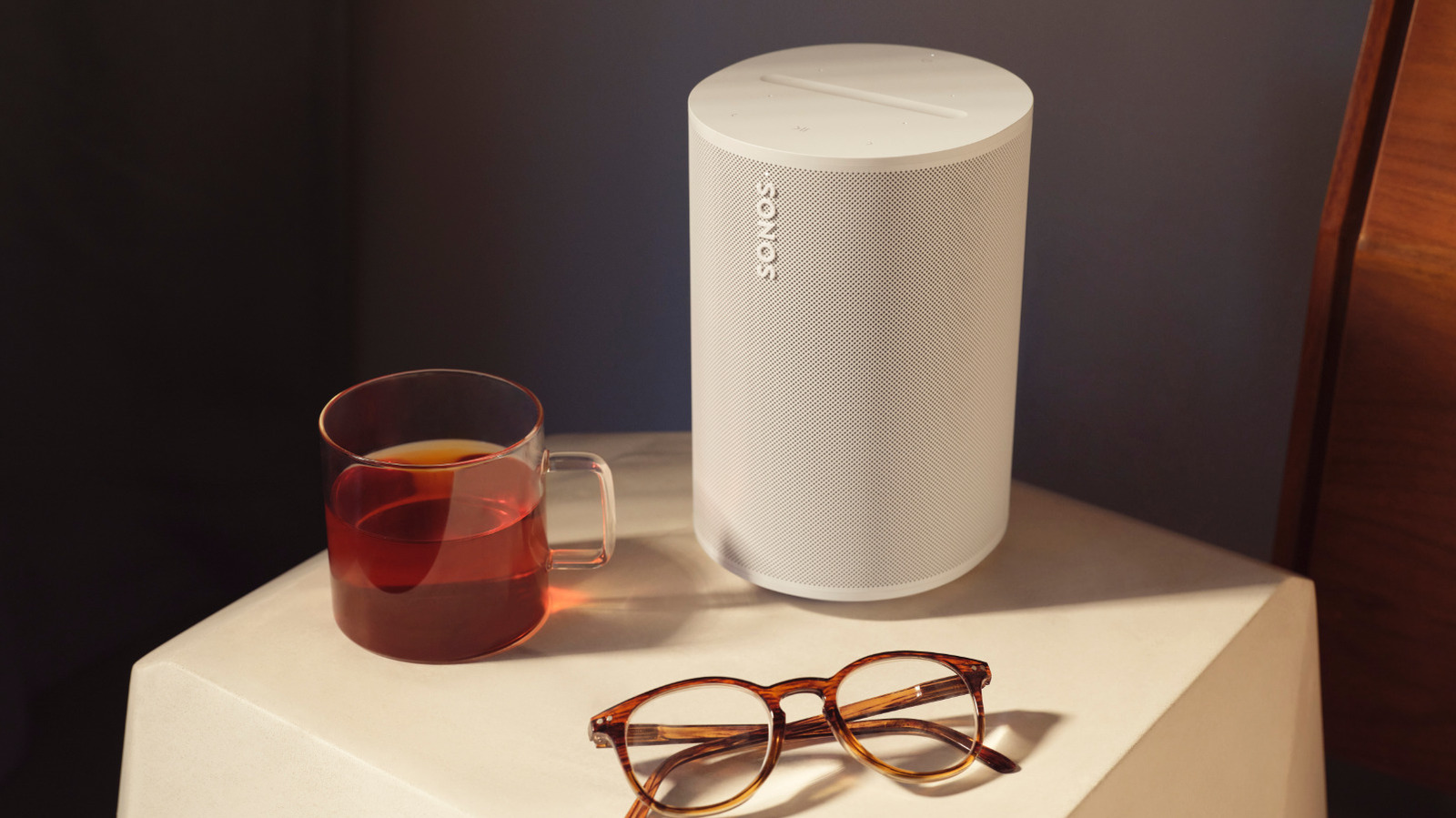
The first thing you have to do to use your Sonos speaker to play music from Spotify is set up its voice control functionality. This will allow you to give vocal commands to the device so you don’t have to break out your phone every time you want to hear a little music. It’s a relatively simple process, though you will need an Android or iOS device in order to do it.
****
The first step is to download the Sonos S2 app to your mobile device. This will allow you to make all the necessary changes to the Sonos device’s settings so that you can use voice controls to play music from Spotify. Before that though, you’ll want to make sure that your Sonos system is updated to the latest software version. Open the app and then navigate to Settings > System Updates > Check for Updates. This may take a few moments, but it’s an important step for making sure that the speaker has all of the latest functionalities.
Once that’s done, go into Settings once again — only this time, you’re going to navigate to Services & Voice. Press the Add a Voice Assistant button and then select Sonos Voice Control. You will then need to follow the instructions in the app to complete the setup. You can now use these voice controls to play music via Sonos Radio, Apple Music, Amazon Music, Deezer, Pandora, and Spotify.
****