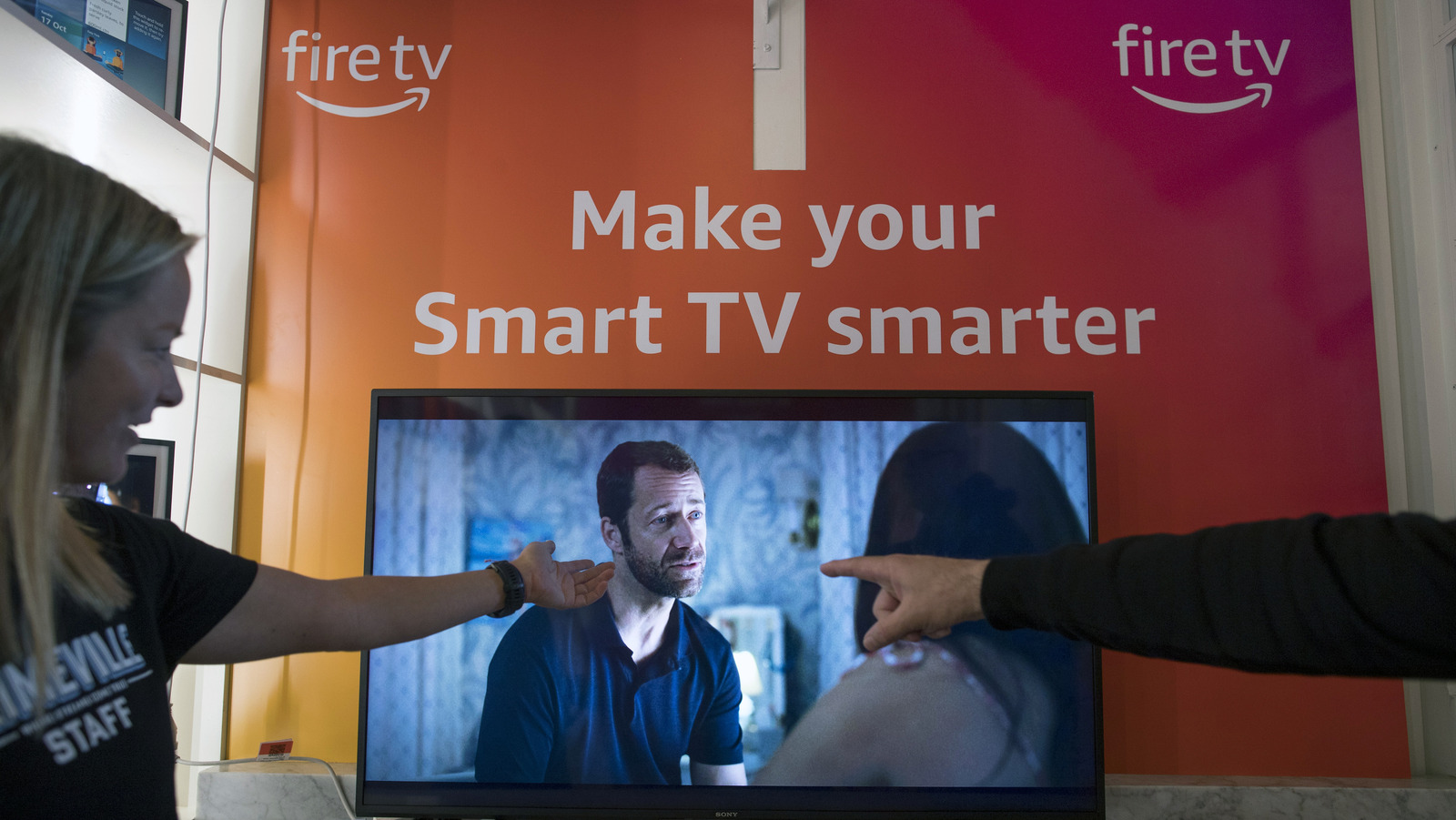
The Amazon Fire TV is undeniably a stellar option for anyone looking to take advantage of the millions of hours of live and on-demand video content people out there, but that isn’t the only thing this particular smart TV offers. With several options available from popular brands like Toshiba and Insignia, each version on the market not only contains a stacked variety of streaming apps, free live TV channels, and exciting video games but also comes with seamless integration with Alexa for voice control. While those facets are nothing short of impressive, for those looking to properly regulate how these features are enjoyed and which household members watch them, they thankfully also offer easy-to-use parental controls.
****
When it comes to the vast number of movies, shows, and games out there found within the ever-expanding realm of streaming, there is no denying that there is a diverse smorgasbord of compelling offerings for consumers to enjoy. But for parents, the blessing of having so many choices at the press of a button also comes with the burden of having to verify which titles are age-appropriate for younger viewers.
Luckily for them, every Amazon Fire TV comes readily equipped with a system in place to shield against inappropriate material. Even though it may seem like a complex endeavor at first, the process of setting up this necessary security protocol is pretty straightforward and, fortunately, doesn’t require users to possess any kind of elaborate coding or encryption experience.
****