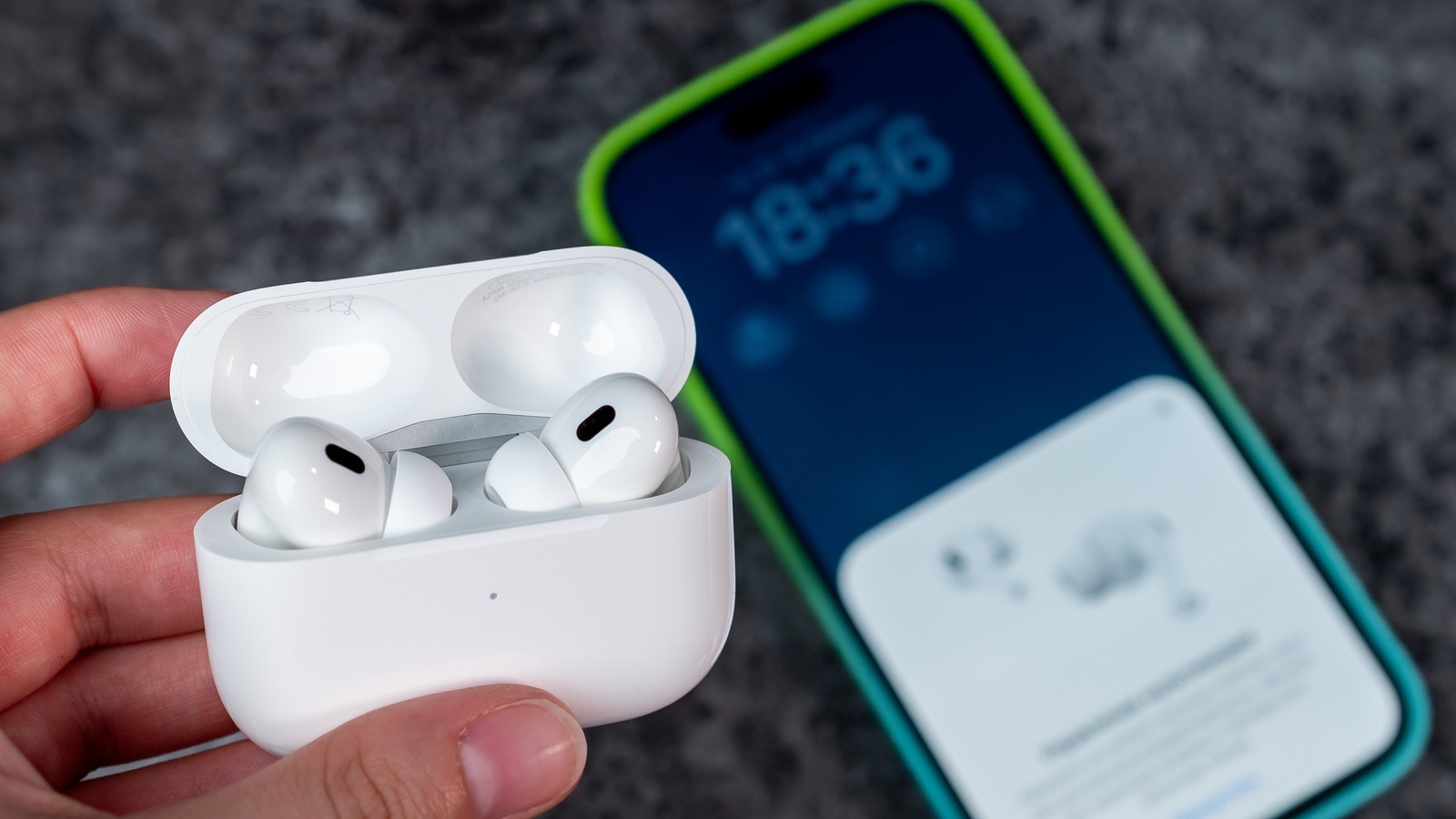
Before you make amendments to AirPods or iPhone settings, it’s best to apply some preliminary steps. The most obvious one is to ensure that the volume is set to the maximum level. Use the volume buttons on the side of your iPhone to check that. Ensure that the AirPods are sufficiently charged for the best performance. Place them in the case and connect the case to the power source. Wait for at least 15 minutes before testing the volume again.
****
If you haven’t cleaned your AirPods in a while, it’s time to pick up a soft cloth and gently cleanse both your AirPods with it. You can also use a dry cotton swab. Look for the dust and dry ear wax settled on the speaker grills responsible for the obstruction in sound output and clean them thoroughly. Never use wet cloth or alcohol solutions for cleaning.
Sometimes, the problem might not be with the AirPods themselves but with the connected device. If you’re using AirPods on Android or Windows devices, you might not get the best performance from them because they are part of the Apple ecosystem and work best with iOS or macOS. Try pairing your AirPods with another device, such as Mac, iPad or iPhone, to see if the volume issue persists. If the volume is normal on the other device, the problem may lie with your original device’s settings or software.
****
If AirPods sound low only on Apple’s Music app, try different EQs to check their loudness and set the one that best fits your preference. To test different EQs, navigate to Settings > Music > EQ. You can also try turning off the EQ and check if that solves the issue.