YouTube needs no introduction as a service, but the Android app is a different animal from the website most desktop users know. Published under the name Google LLC and filed in the Play Store under Video Players & Editors, it’s the official client for phones and tablets, built around tap-and-swipe navigation between recommendations, subscriptions and your account.
The app handles more than playback. You can subscribe to channels, build playlists, upload and edit video, leave comments, share clips, and cast to a TV without leaving the interface. That last feature matters more than people expect, since the app is often the remote control for whatever is on the living room screen.
For a site whose readers follow phones, cars, audio gear and AI, YouTube is the layer underneath all of it. Teardowns, dashcam footage, headphone measurements, model demos: the platform is where consumer tech gets explained, argued about and reviewed.
Casual watchers, subscribers, creators, and the cast-only crowd
The casual viewer is the obvious case. Open it, watch what the home feed surfaces, move on. The recommendation shelf does most of the work, and the app’s design assumes you’ll browse rather than search.
Then there are subscribers who treat it like a reading list. If you follow thirty channels covering EVs, Android firmware and studio monitors, the Subscriptions tab becomes the primary view and the algorithmic feed becomes noise.
Creators sit at the other end. Uploading from the app, trimming clips, responding to comments on a video that’s two hours old: these are jobs people do from a phone because the phone is what’s in their hand. It works, but it’s cramped.
A fourth group barely watches anything on the device at all. They use the app to queue and cast, turning a handset into a controller for a TV in another room.
Why a 45-minute teardown doesn’t sit well on a phone screen
A 6-inch screen is fine for a five-minute clip. It is less fine for a 45-minute comparison of camera sensors where the whole point is pixel-peeping sample footage, or for a repair walkthrough you’re trying to follow while holding a screwdriver.
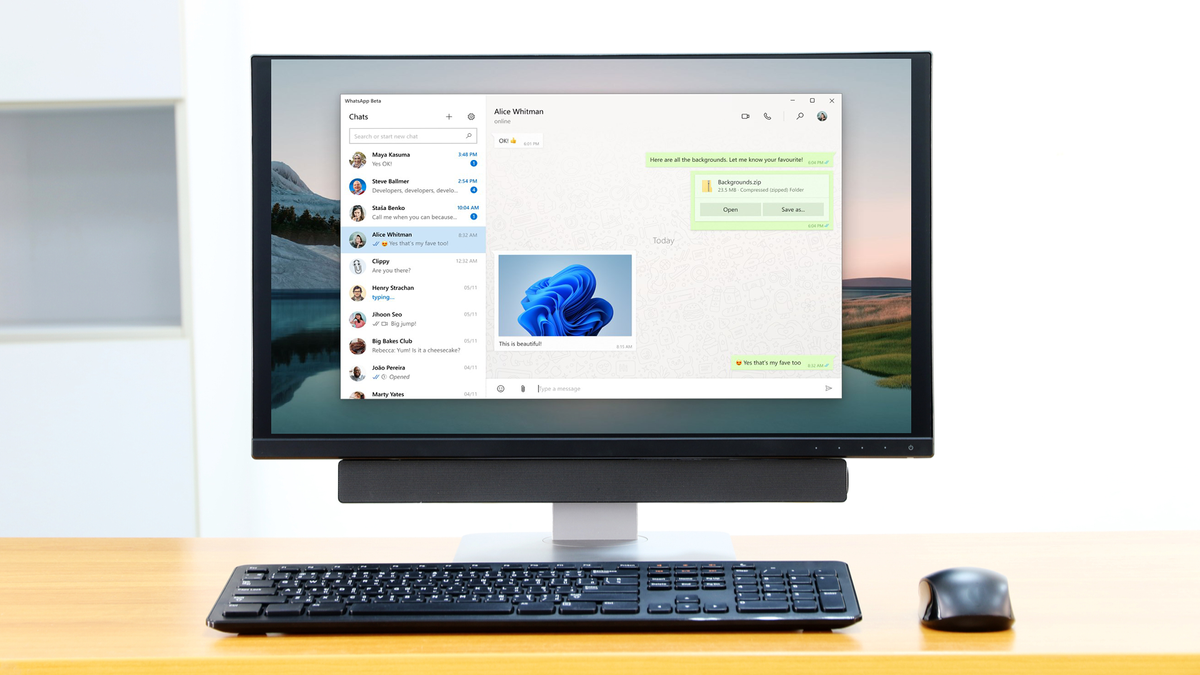
Desktop changes the calculus. You get a larger panel, a keyboard with real shortcuts, and the ability to park a video on one half of the display while a spreadsheet, code editor or product page sits on the other. Readers who want the touch-style app interface rather than the browser version often look into running the YouTube app for PC, which keeps the mobile navigation and gesture layout while putting it on a monitor you can sit back from.
Audio is the other practical difference. Desktop machines tend to be wired into better speakers or a DAC, and if you watch a lot of music content or audio gear reviews, that gap is audible immediately.
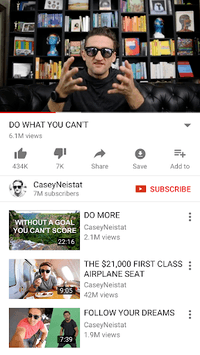
Multitasking cuts both ways, though. The mobile app’s picture-in-picture and background behaviour depend on account status and platform rules, and those rules don’t always translate cleanly when the app is running inside a desktop environment.
Getting the YouTube app onto Windows without a native client
There is no official Windows build of the Android YouTube app. The standard route is an Android emulator, which runs a virtualised Android environment on your machine and lets the app install and behave much as it would on a tablet.
Two specifics matter more here than they do for most apps.
The first is graphics handling. YouTube is a video app, so the emulator’s rendering backend does most of the heavy lifting. If playback stutters at 1080p or higher, switching the graphics mode (OpenGL versus DirectX, depending on what your environment offers) usually fixes it faster than throwing more RAM at the problem. Hardware-accelerated decoding on a modern GPU makes 4K content viable; software rendering generally does not.
The second is display orientation. The app expects a portrait phone or a landscape tablet, and the layout it serves depends on what resolution the virtual device reports. Setting the emulated device to a tablet profile at a landscape resolution gives you a sensible two-column browsing layout instead of a stretched phone interface with enormous thumbnails and wasted space either side.
Beyond those two, the setup is unremarkable. Sign in with the same Google account you use on mobile and your subscriptions, watch history and playlists sync across immediately.
What gets better once the app is on a bigger screen
Some parts of the app benefit noticeably from the move to desktop, and some don’t change at all.
- Playlist building, where dragging items around is easier with a mouse than a fingertip
- Comment reading on long threads, since more text fits before you scroll
- Channel browsing, where a wider grid shows far more of a creator’s back catalogue at once
- Casting controls, which work the same way but are easier to hit precisely
- Upload and basic trim, practical if your source files already live on the PC
Search is the one area where desktop clearly wins. Typing a long query on a physical keyboard, then scanning twenty results instead of four, makes the app far better at answering specific questions (“2019 Golf TDI glow plug replacement”) rather than just serving a feed.
Where the emulator approach shows its seams
Emulated Android is not the same as a native app, and video playback is the use case most likely to expose the difference. Long sessions can push CPU temperatures up on laptops, and fan noise during a quiet video is its own kind of annoying.
Keep an eye on what the emulator reports to Google about the device. Account sign-ins from unfamiliar virtual hardware occasionally trigger verification prompts, so have your phone nearby the first time you log in.
None of that makes the setup fragile, just worth planning around. If the casting controls, the mobile-style layout or the offline-feeling playlist handling are the reason you wanted this in the first place, a hot fan during a two-hour video is a small price. If all you actually wanted was a bigger picture and better speakers, you already had that open in a browser tab the whole time.