Skip to content
GearOpen.com

GearOpen.com

GearOpen.com is the hub for the latest developments in technology, AI, software, computers, transportation, consumer electronics, and scientific innovation.

  • Phones
  • Tablets
  • Laptops
  • Computers & IT
  • AI & Bots
  • Apps
  • Gaming
  • Audio & Video
  • Wearables
  • Smart Home
  • Cameras
  • Drones
  • Cars
  • Motorcycles
  • Yachts & Boats
  • Planes
  • Science
  • Tools
  • Toggle search form
Inside Lenovo Yoga 520 (Flex 5) – disassembly, internal photos and upgrade options

Inside Lenovo Yoga 520 (Flex 5) – disassembly, internal photos and upgrade options

Posted on October 5, 2017May 19, 2019 By Jarvis

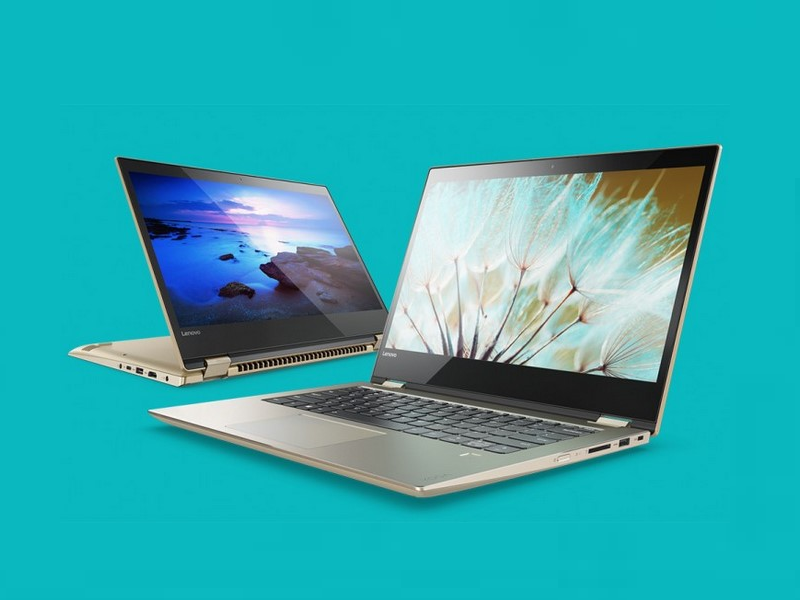
The Lenovo Flex 5 looks like a normal mid-range convertible, right? well, if you dig deep enough, you will see some cool features that are not necessarily inherent to 14-inch 2-in-1s. Also, the access to the hardware is pretty easy.
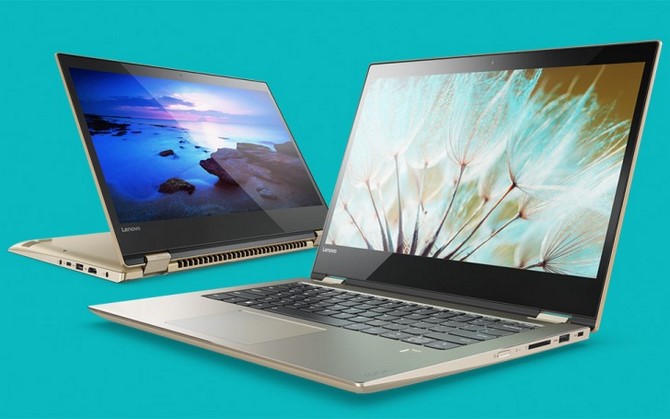
Kết quả hình ảnh cho Lenovo Yoga 520 (Flex 5)

1. Removing the bottom plate

To detach the bottom piece, you will just have to remove all the screws around the bottom and then gently pry it up. This will give you access to all of the internals.

2. Storage

This small chassis holds the usual M.2 SSD slot and another 2.5-inch drive bay. Our unit, in particular, came only with an M.2 PCIe NVMe SSD from Intel with 256GB capacity leaving the 2.5-inch HDD/SSD slot free for upgrade. Usually, 14-inch convertibles don’t have the 2.5-inch bay so this is a big bonus to consider.
…
Read full post here:
https://laptopmedia.com/highlights/inside-lenovo-yoga-520-flex-5-disassembly-internal-photos-and-upgrade-options/


Computers & IT Tags:256GB, hardware, Intel, Lenovo, Lenovo Yoga, SSD

Post navigation

Previous Post: Canon EOS Rebel SL2 Review: Small on Size, Big on Image Quality
Next Post: 2018 Triumph Bonneville Speedmaster Revealed : A more practical take on the Bonneville Bobber

Related Posts

Hard disk drives could finally be out by Christmas if this trend continues Computers & IT
HP Envy x360 15 (2023) Computers & IT
I regularly work away from my desk — these are the peripherals I use to make sure I stay productive and comfortable Computers & IT
Surface Pro X May Be Discontinued, But There’s Good News – SlashGear Computers & IT
Almost 7000 Amazon Prime Day scam domains have been registered before the big sale – here’s how to shop safely this Amazon Prime Day Computers & IT
How to Check SSD in Laptop or Desktop: Fast & Easy Computers & IT

Copyright © 2026 GearOpen.com.

Powered by PressBook Grid Dark theme