Skip to content
GearOpen.com

GearOpen.com

GearOpen.com is the hub for the latest developments in technology, AI, software, computers, transportation, consumer electronics, and scientific innovation.

  • Phones
  • Tablets
  • Laptops
  • Computers & IT
  • AI & Bots
  • Apps
  • Gaming
  • Audio & Video
  • Wearables
  • Smart Home
  • Cameras
  • Drones
  • Cars
  • Motorcycles
  • Yachts & Boats
  • Planes
  • Science
  • Tools
  • Toggle search form
How to Reset Your iPhone and What to Expect When You Do

How to Reset Your iPhone and What to Expect When You Do

Posted on October 1, 2017May 19, 2019 By Jarvis

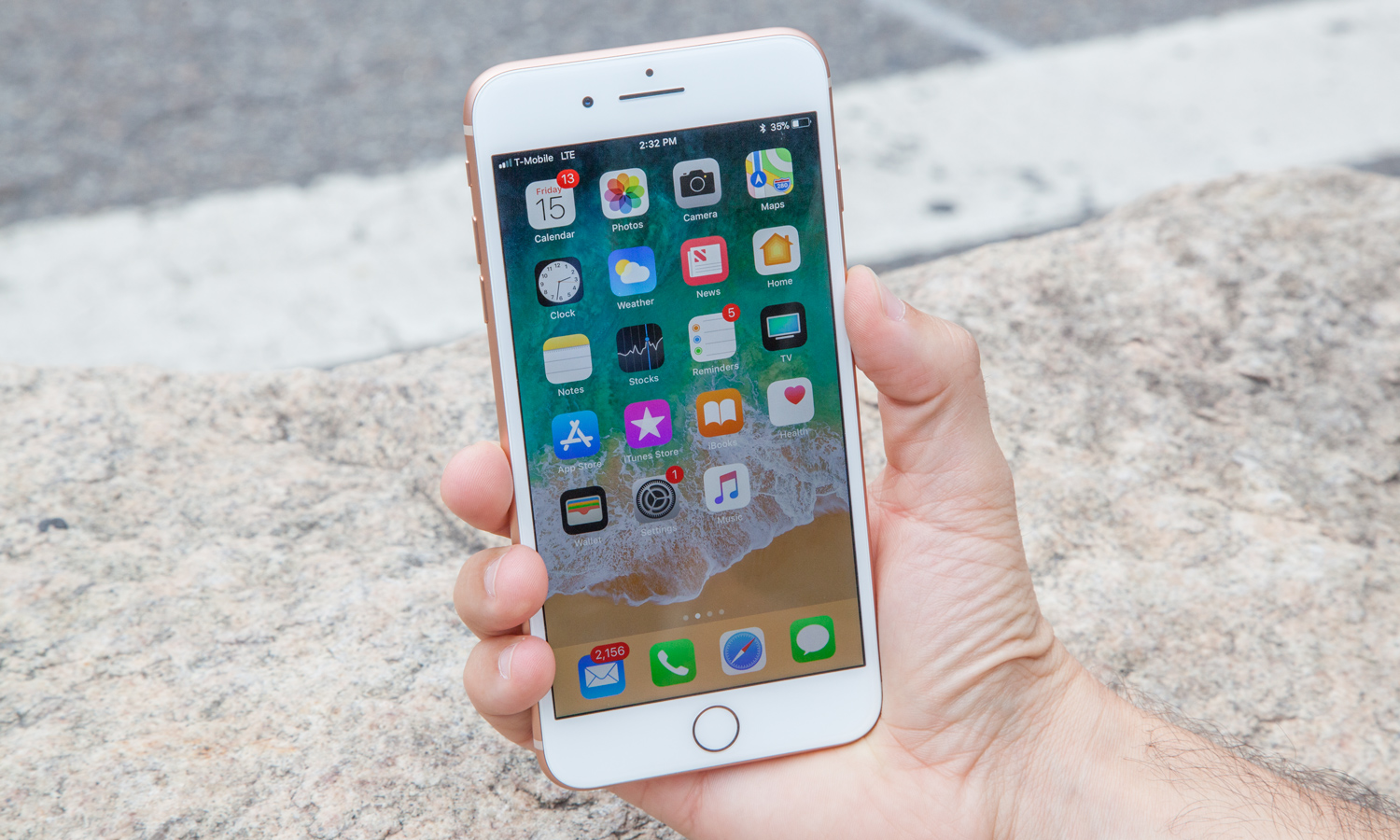
There will be times in your iPhone’s life when you’ll need to reset the device. You have two ways to do that — a soft reset and a factory reset — and knowing when to use either method is nearly as important as knowing how.

Soft-resetting Your iPhone

Soft-resetting your iPhone is simply a way to restart the device. You don’t delete any data at all. It can be a handy way to resolve problems with an erratically behaving iPhone. If apps are crashing, your phone can’t recognize connected device that it’s worked on before or your iPhone completely locks up, a soft reset can set things right.

To soft reset your iPhone, press and hold the Home button and the Sleep/Walke button simultaneously for at least 10 seconds. You can let go of both buttons when you see the Apple logo appear on the iPhone’s display. Your iPhone will go through its startup routine and after a while — 30 to 45 seconds, usually — it will go back to your home screen. If you’ve set up a passcode, you’ll need to re-enter it after resetting your iPhone.
…
Read full post here:
https://www.tomsguide.com/us/iphone-reset-guide,news-21433.html

Phones Tags:Apple, home, how to, iphone

Post navigation

Previous Post: 2016-2017 Yamaha Smax Review
Next Post: OPPO F5: What We Know so Far on the Specs and Features

Related Posts

Report: Apple to make its own Wi-Fi chip as soon as 2025 Phones
MWC 2024: Nubia’s First Folding Phone Could Be The Budget Boost The Segment Needs Phones
The Best Apple Wireless Chargers for 2021 Phones
Google Meet’s Gemini-powered ‘Take notes for me’ comes to Google AI Pro, Ultra Phones
Huawei Y9 2019 Review: Stunning Budget Mid-ranger Huawei Y9 2019 Review: Stunning Budget Mid-ranger Phones
Whoops! Verizon just leaked a secret Pixel update – here are the upgrades you can expect very soon Phones

Copyright © 2026 GearOpen.com.

Powered by PressBook Grid Dark theme