Skip to content
GearOpen.com

GearOpen.com

GearOpen.com is the hub for the latest developments in technology, AI, software, computers, transportation, consumer electronics, and scientific innovation.

  • Phones
  • Tablets
  • Laptops
  • Computers & IT
  • AI & Bots
  • Apps
  • Gaming
  • Audio & Video
  • Wearables
  • Smart Home
  • Cameras
  • Drones
  • Cars
  • Motorcycles
  • Yachts & Boats
  • Planes
  • Science
  • Tools
  • Toggle search form
How To Sideload Apps On Your Fire Tablet

How To Sideload Apps On Your Fire Tablet

Posted on September 5, 2017April 9, 2019 By Jarvis

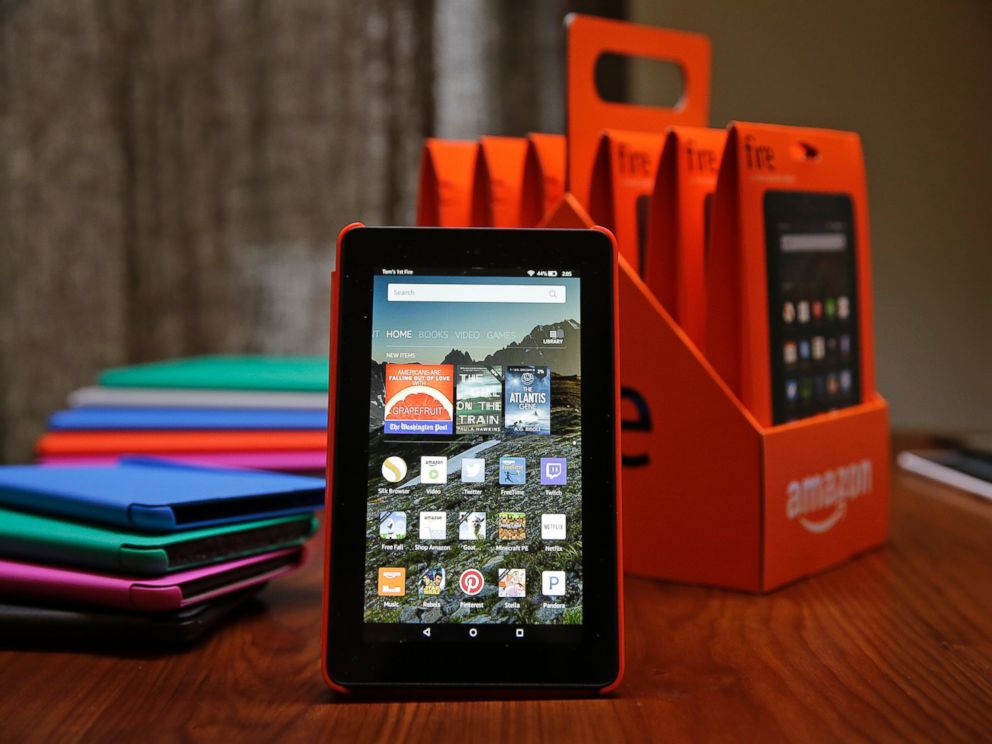
When you bought your Kindle Fire, maybe you knew that you were entering a world without the Google Play Store, and did it anyway. Or, perhaps you were surprised to find out that you weren’t able to find apps like Chrome and YouTube in the Amazon App Store. And you’d love your Fire just a little more if you could add a few of your favorite apps!

Sideload 14

Luckily, this isn’t hard to do. You can install individual apps directly onto your Fire, called “Sideloading.” Note that some apps may not work on the Fire if installed this way, especially paid apps or apps that require in-app purchasing, and most Google apps won’t work either (Chrome is a big exception – it works, as long as you don’t want to sign in and sync Chrome with other devices). For these I would recommend reading our tutorial on how to get the Google Play Store on your Fire.

Either way, know that there is some risk in altering your Fire this way. Be especially careful of where you get your APK files from.
…
Read full post here:
https://www.laptopmag.com/articles/fire-tablet-sideload-apps
Tablets, Wearables Tags:Amazon, app, app store, Chrome, Google, Google Play, google play store, how to, kindle, kindle fire, play store, tablet, youtube

Post navigation

Previous Post: Olympus E-M10III vs E-M10II vs E-M5II – Comparison
Next Post: Garmin Vivoactive 3: Essential guide to the circular smartwatch

Related Posts

Philips SHP9600 Open-Back Headphones review Philips SHP9600 Open-Back Headphones review Wearables
This Apple Watch 8 deal destroys the Watch 9 Wearables
Xiaomi Mi Pad 5 Xiaomi Mi Pad 5 Design Render Leaks Revealing Bezel Less 2K 120Hz Display Tablets
AnTuTu benchmarks show Galaxy S7 Snapdragon version has better GPU performance AnTuTu benchmarks show Galaxy S7 Snapdragon version has better GPU performance Wearables
Japan’s Most Hyped Affordable Watch Brand Has a New Covet-Worthy Chronograph Wearables
Vivo V3 Max vs Xiaomi Redmi Note 3 Pro : 4GB RAM, 4000mAh battery Vivo V3 Max vs Xiaomi Redmi Note 3 Pro : 4GB RAM, 4000mAh battery Wearables

Copyright © 2026 GearOpen.com.

Powered by PressBook Grid Dark theme