The Biggest Changes in iOS 10.3

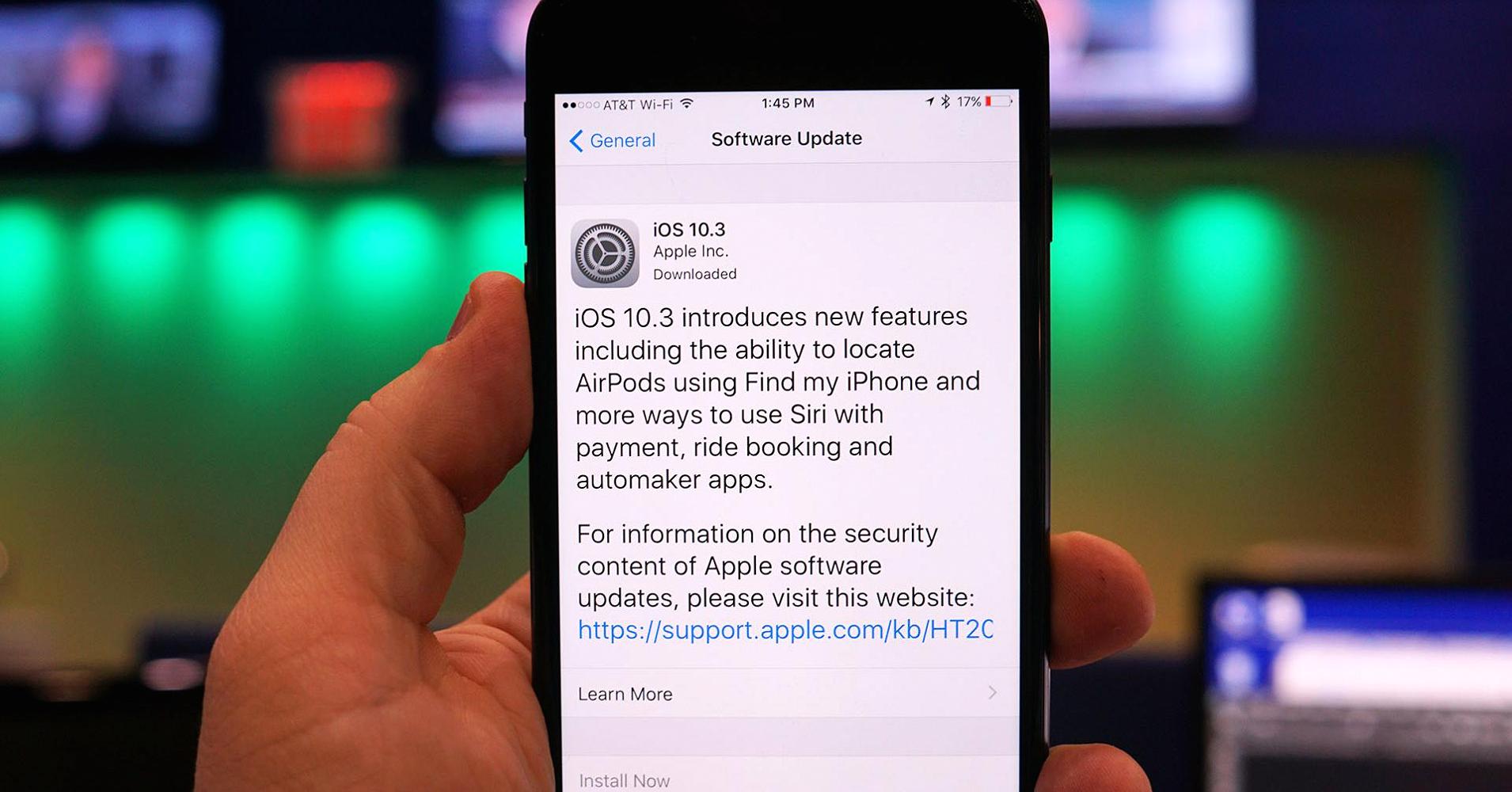
Apple rolls out major changes to its iOS mobile operating system in the fall, but every so often, a significant update appears before then that introduces a few noteworthy new powers to your iPhone and iPad. That’s the case with iOS 10.3, which is now available.
From a new file system and better app management to changes to key apps, there are some significant additions to iOS 10.3 that give your iPhone new powers. Here’s a look at the handful of iOS 10.3 changes that figure to have the biggest impact on you and your Apple device.

A New File System
With iOS 10.3, Apple switches over from HFS+ to the new Apple File System, a move that happens automatically when you install the update. Apple File System is expected to take advantage of Flash and SSD storage and might result in faster read and write speeds, but this feels like more of a forward-looking move in advance of this fall’s anticipated iOS 11 update. We’re mentioning it here because some users have reported losing files stored on their iPhone when upgrading to iOS 10.3. To avoid a similar fate, back up your iPhone before you upgrade.

Find My AirPods
Apple’s wireless AirPods are lightweight, easy to pair with your iPhone and long-lasting. They’re also fairly petite and, therefore, not the easiest things to keep track of. Not to worry: iOS 10.3 will do the hard work for you. As previously promised, the update adds an AirPod-finding feature to the Find My iPhone app, which will log the last location where your earbuds and phone were connected.

Get a Weather Report in Maps
If you have an iPhone that has 3D Touch support (an iPhone 6s or later), iOS 10.3 adds a new capability to the Maps app. Press on the weather icon on the right side of the Maps screen, and a weather widget will pop up to give you a six-hour forecast of what kind of weather to expect at that location. Keep pressing and the built-in Weather app itself will launch, giving you the chance to add that location to your favorites.

Add Podcasts to Your Today Screen
I’m a big fan of the Today screen in iOS 10, which I can customize to my heart’s content by adding useful widgets, which are at-a-glance looks from some of the apps I have installed on my phone. Apple’s own Podcasts apps now join the ranks of iOS apps with helpful widgets. Just scroll to the bottom of the Today screen, tap edit, and then hit the green plus button next to the Podcasts app. The Podcasts widget will list unplayed episodes; tapping the icon of one of your podcasts will play the most recent one.

Your Apple ID Info in One Place
This is more of a housekeeping issue, but it’s a pretty convenient one for accessing your iCloud, App Store and iTunes information from one location. The top of the Settings app now features your Apple ID Profile. Tap that area and you can drill down into such handy features as changing your password and security profile, accessing your iCloud account, changing your contact info and selecting a new payment method, among other tasks.

iCloud Storage at a Glance
While you’re in that Apple ID Profile, tap on iCloud. The top of the subsequent screen will include a new storage section with a visual breakdown of how much cloud storage you’re using along with how much is taken up by photos, backups, docs and email. Tap further, and you can manage your storage, either deleting items you no longer want to store in iCloud or paying for more storage space.