Skip to content
GearOpen.com

GearOpen.com

GearOpen.com is the hub for the latest developments in technology, AI, software, computers, transportation, consumer electronics, and scientific innovation.

  • Phones
  • Tablets
  • Laptops
  • Computers & IT
  • AI & Bots
  • Apps
  • Gaming
  • Audio & Video
  • Wearables
  • Smart Home
  • Cameras
  • Drones
  • Cars
  • Motorcycles
  • Yachts & Boats
  • Planes
  • Science
  • Tools
  • Toggle search form

Motion Smoothing On Your Samsung TV, Should You Enable It?

Posted on January 15, 2025 By bot

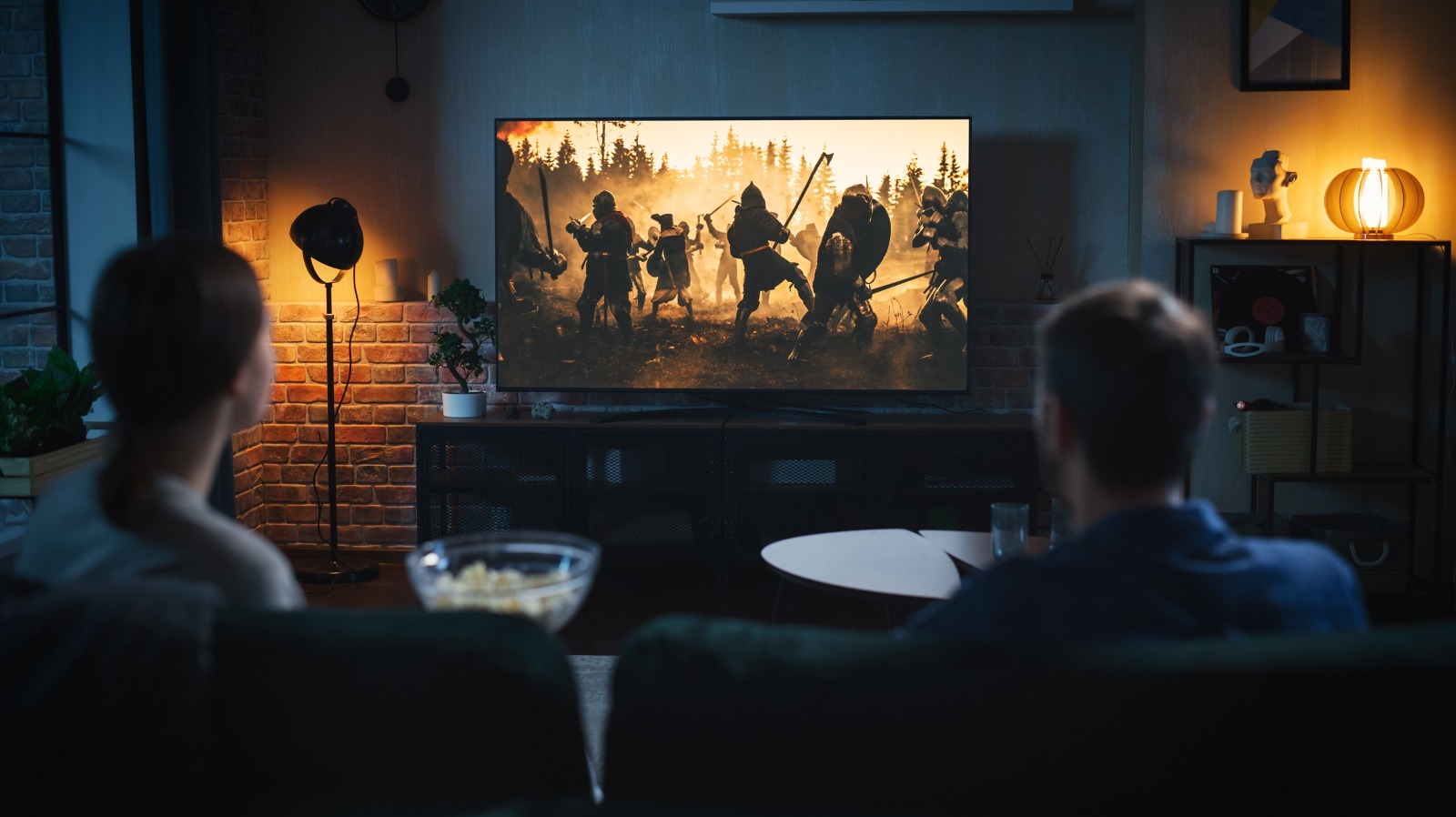
Despite how cool it sounds, adding artificial frames for movies or shows that were shot and edited at a specific frame rate defeats the whole purpose. Not only do you lose the original visual aesthetic, but motion smoothing often leads to dreadful and weird-looking artifacts — a phenomenon aptly referred to as the “Soap Opera” effect. It’s likely that your TV comes with motion smoothing turned on by default, and unless you prefer a smudgy presentation, you might want to change your TV’s motion processing setting.
****
Depending on which Samsung TV you own, this option might be found under menus of slightly different names. Regardless, to turn off motion smoothing on your Samsung television, you should first access the Settings menu. Navigate to Picture > Expert Settings and select “Auto Motion Plus Settings.” This could also be labelled as “Picture Clarity Settings” on select models. You’ll notice the default option is set to “Auto.” Cycle between the options and select “Off.” Alternatively, you can pick custom settings for the blur and judder reduction if you’re keen to trying motion smoothing out.
With the feature turned off, you may feel that movies look “jittery” at first. However, the 24 frames-per-second convention is standard, and after a bit of adjustment for your eyes, you’ll start to notice significantly better quality while watching most media.
****
…
Read more

Audio & Video

Post navigation

Previous Post: How To Turn On The Wi-Fi On An LG TV
Next Post: 11 Important Mistakes To Avoid When Buying A New TV

Related Posts

These Viaim Prime Day deals could change the way you attend meetings and take notes Audio & Video
LG 88Z9 8K OLED TV review: If you've got the cash, this stunning TV delivers the goods LG 88Z9 8K OLED TV review: If you’ve got the cash, this stunning TV delivers the goods Audio & Video
Shokz open-ear headphones drop to the lowest prices I’ve seen since Black Friday — save up to 30% on ‘our top pick for the best running headphones in 2026’ Audio & Video
I tested Samsung and Sony’s 2025 QD-OLED TVs side-by-side, and it’s a battle for the ages Audio & Video
Hisense 65SX Dual Cell TV review Hisense 65SX Dual Cell TV review Audio & Video
Hands on: Bang & Olufsen Beosound Balance Review Hands on: Bang & Olufsen Beosound Balance Review Audio & Video

Copyright © 2026 GearOpen.com.

Powered by PressBook Grid Dark theme