Skip to content
GearOpen.com

GearOpen.com

GearOpen.com is the hub for the latest developments in technology, AI, software, computers, transportation, consumer electronics, and scientific innovation.

  • Phones
  • Tablets
  • Laptops
  • Computers & IT
  • AI & Bots
  • Apps
  • Gaming
  • Audio & Video
  • Wearables
  • Smart Home
  • Cameras
  • Drones
  • Cars
  • Motorcycles
  • Yachts & Boats
  • Planes
  • Science
  • Tools
  • Toggle search form
Thunderbolt adapter guide: How to connect an iPhone, display, hard drive, and more to a MacBook or iMac

Thunderbolt adapter guide: How to connect an iPhone, display, hard drive, and more to a MacBook or iMac

Posted on May 16, 2021August 27, 2023 By Jarvis

Make room in your laptop bag or desk drawer.

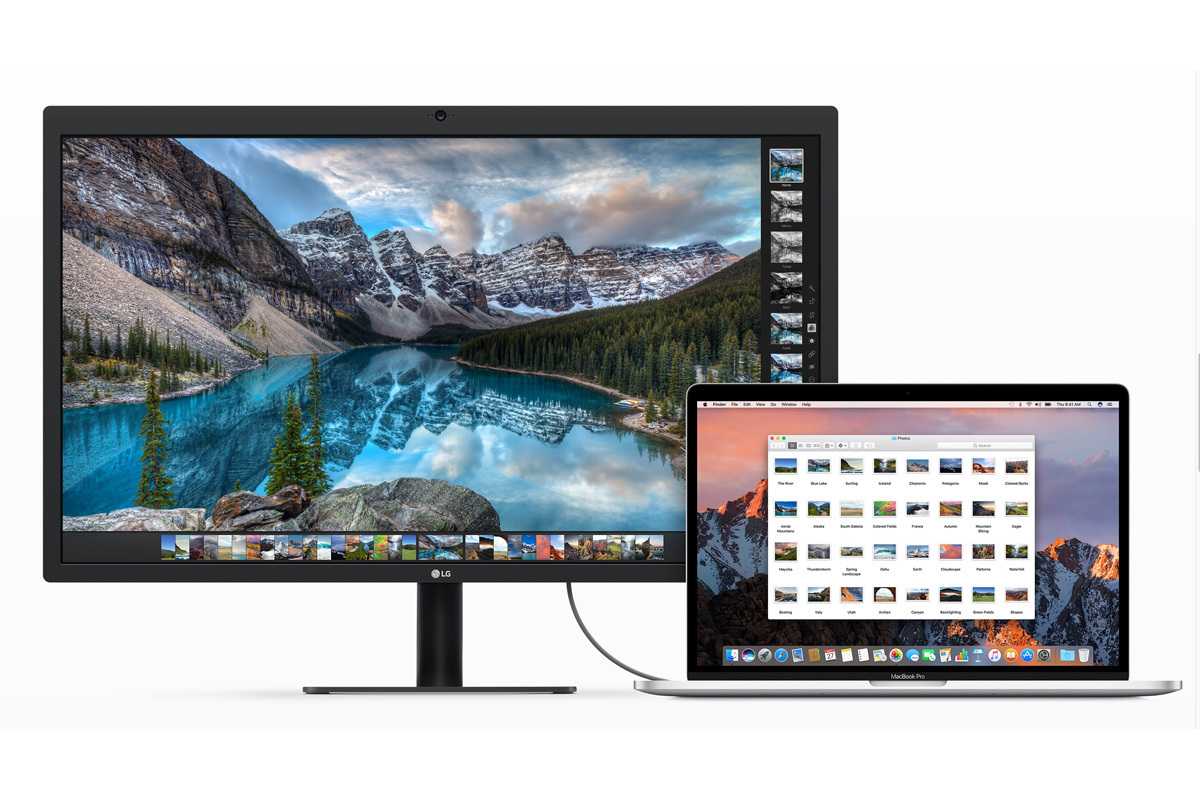
A new MacBook Pro comes with two or four external ports, depending on the model you pick. A new MacBook Air has a pair of ports. But those MacBook ports are only of one type: Thunderbolt, which is compatible with USB-C. A 24-inch iMac comes with two Thunderbolt/USB 4 ports; some models also include two USB-C ports. You probably have devices that use USB-A, Thunderbolt 1, Thunderbolt 2, DisplayPort, HDMI, or something else.
…
Read more
Computers & IT Tags:guide, HDMI, how to, imac, iphone, laptop, MacBook, macbook air, macbook pro, usb, USB 4

Post navigation

Previous Post: Xiaomi Mi 11i in for review
Next Post: Samsung Galaxy Watch 4 will run Wear OS – but glucose tracking is off the menu

Related Posts

How To Recover Deleted Files On Google Docs Computers & IT
Sony Inzone H9 II Review Computers & IT
Alienware 16X Aurora Computers & IT
Yes, You Can Turn an Old iPad Into a Baby Monitor or Smart Hub Computers & IT
Meta Completes Acquisition of VR Fitness Company Within Computers & IT
MSI GS66 Stealth (2021) review MSI GS66 Stealth (2021) review Computers & IT

Copyright © 2026 GearOpen.com.

Powered by PressBook Grid Dark theme