Skip to content
GearOpen.com

GearOpen.com

GearOpen.com is the hub for the latest developments in technology, AI, software, computers, transportation, consumer electronics, and scientific innovation.

  • Phones
  • Tablets
  • Laptops
  • Computers & IT
  • AI & Bots
  • Apps
  • Gaming
  • Audio & Video
  • Wearables
  • Smart Home
  • Cameras
  • Drones
  • Cars
  • Motorcycles
  • Yachts & Boats
  • Planes
  • Science
  • Tools
  • Toggle search form
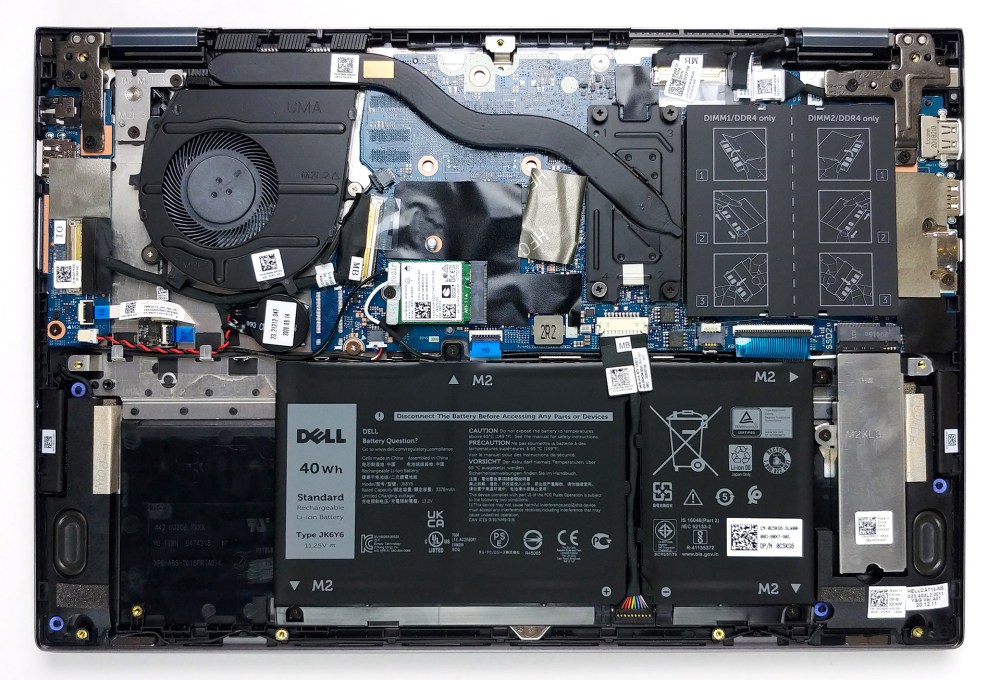
Inside Dell Inspiron 14 5406 2-in-1 – disassembly and upgrade options

Inside Dell Inspiron 14 5406 2-in-1 – disassembly and upgrade options

Posted on March 15, 2021August 27, 2023 By Jarvis

Most convertible laptops on the market lack RAM upgradability, which makes them a less optimal option for the future. This is why we were surprised with what we found inside the Inspiron 14 5406 2-in-1.

1. Remove the bottom plate

To take this laptop apart, you need to undo all 9 Phillips-head screws. The three on the back remain attached and lift the panel so that you can start the prying process from there.
…
Read more

Computers & IT Tags:Dell, laptop, Laptops, ram

Post navigation

Previous Post: Best Cheap Gaming Laptop Under $200 – VALUABLE OPTIONS TO BUY!
Next Post: The end is near for PS4 Communities

Related Posts

Alienware M17x R4 (Core i7, Ivy Bridge) Alienware M17x R4 (Core i7, Ivy Bridge) Review Computers & IT
Lenovo ThinkPad T470p Review Lenovo ThinkPad T470p Review Computers & IT
GX43PAS_222604_800x800 ASUS Radeon RX 5700 XT STRIX OC Review Computers & IT
M2 MacBook Air 2022 Rumors: Crossing Our Fingers for a Better Webcam Computers & IT
macOS Ventura: How to unsend and schedule email in Apple Mail Computers & IT
How to add Content Credentials to an image in Photoshop Computers & IT

Copyright © 2026 GearOpen.com.

Powered by PressBook Grid Dark theme