Skip to content
GearOpen.com

GearOpen.com

GearOpen.com is the hub for the latest developments in technology, AI, software, computers, transportation, consumer electronics, and scientific innovation.

  • Phones
  • Tablets
  • Laptops
  • Computers & IT
  • AI & Bots
  • Apps
  • Gaming
  • Audio & Video
  • Wearables
  • Smart Home
  • Cameras
  • Drones
  • Cars
  • Motorcycles
  • Yachts & Boats
  • Planes
  • Science
  • Tools
  • Toggle search form
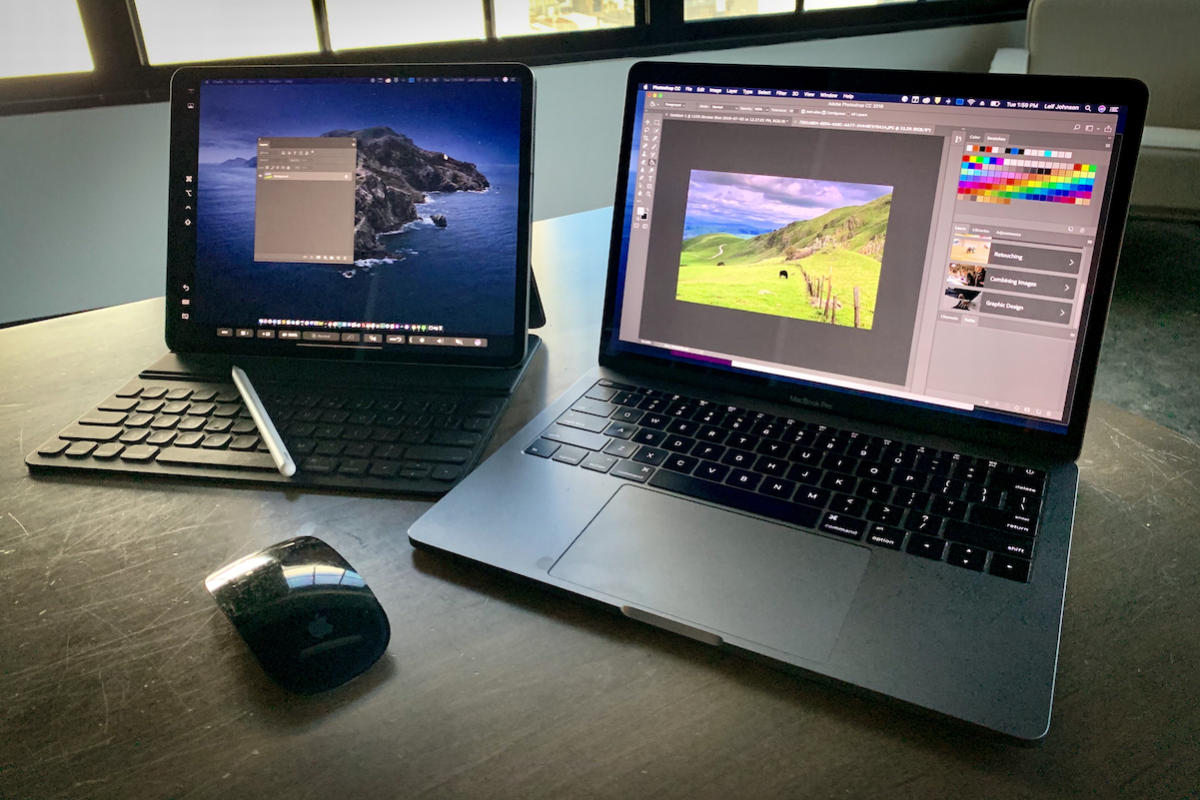
How to use Sidecar to make your iPad a secondary Mac display in macOS Catalina and iPadOS

How to use Sidecar to make your iPad a secondary Mac display in macOS Catalina and iPadOS

Posted on July 3, 2019 By Jarvis

Been wanting a secondary monitor for a Mac? It’s possible you already have one.

If your Mac is running macOS Catalina, you can now use your iPad as a secondary monitor with the new “Sidecar” feature. It’s ridiculously easy to set up wirelessly through AirPlay.

First, a few notes. Unlike with some existing third-party screen-sharing apps such as Air Display 3, you can really only use your fingers on the display for simple actions such as scrolling through text.
…
Read full post here:
https://www.macworld.com/article/3406837/how-to-use-sidecar-to-make-your-ipad-a-secondary-mac-display.html


Computers & IT Tags:how to, ipad, mac

Post navigation

Previous Post: Sound One Drum Bluetooth Speaker Review
Next Post: Three Reasons the 2020 Porsche 718 Cayman GT4 Is the Perfect Sports Car

Related Posts

These Apple devices won’t get any more annual updates Computers & IT
Corsair M75 Air Computers & IT
Samsung C32T55 Review Samsung C32T55 Review Computers & IT
Logitech G Yeti GX review: a master at minimizing artefacts Computers & IT
MSI GF63 8RD review – looks better than it works MSI GF63 8RD review – looks better than it works Computers & IT
Best 17-inch Laptops 2019 Best 17-inch Laptops 2019 Computers & IT

Copyright © 2026 GearOpen.com.

Powered by PressBook Grid Dark theme