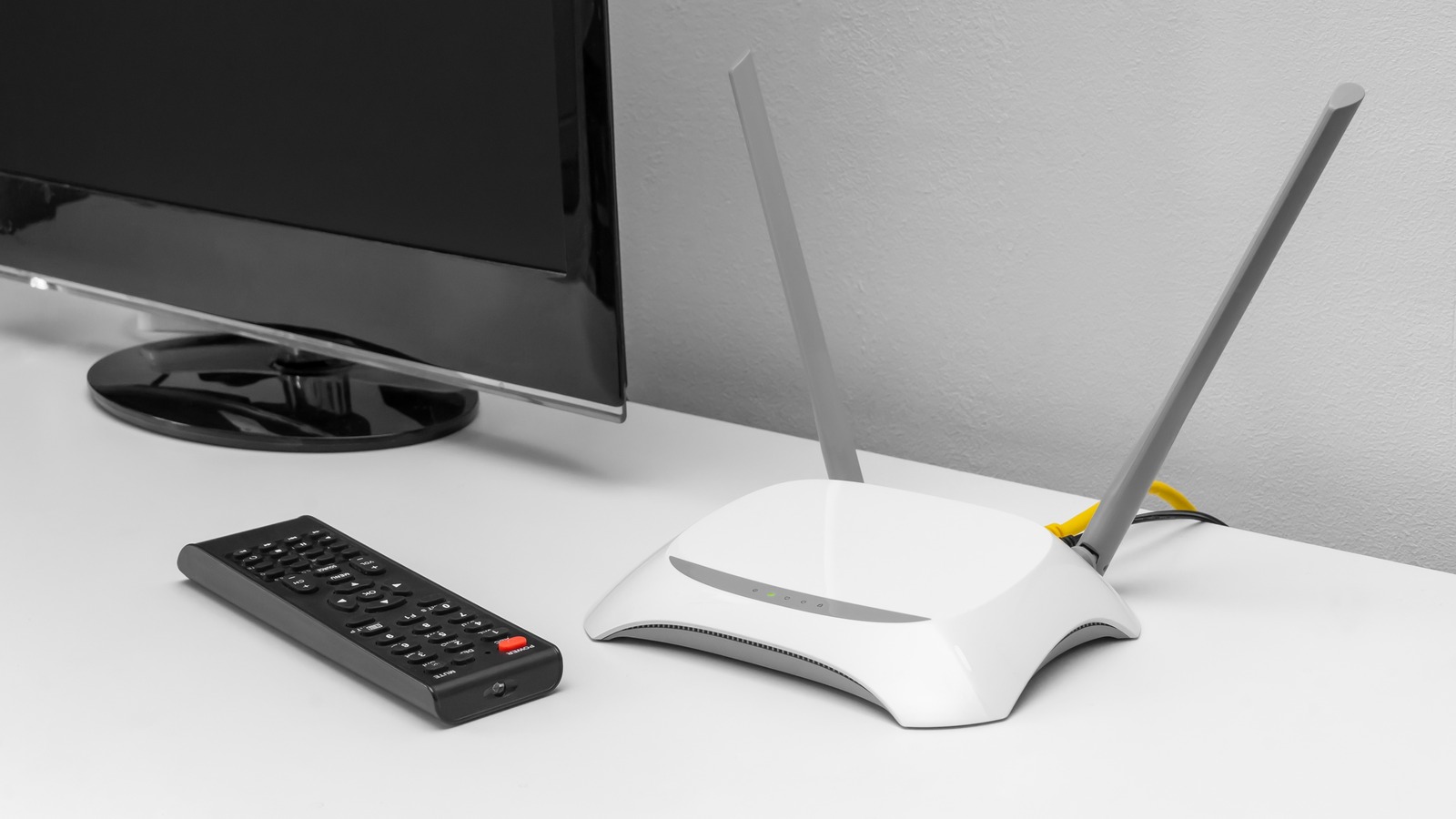
Now that you know what might be causing your internet problems, you can try resolving them. Start with your router. Try restarting it, wait for a minute or so, and then turn it on again. Once it’s on, use your phone to see whether you can browse the web. If there’s still no internet connection, get in touch with your internet service provider as there might be an ongoing maintenance or unscheduled interruption in your area.
****
If the router is working as expected but your Ethernet-connected Samsung TV is still offline, it may be an issue with your LAN cable. Examine the cable for any physical damage, such as exposed wires, pinched or bent sections, or broken connectors. Then, plug it again to make sure it isn’t loose. You can also try connecting the LAN cable to your laptop instead of your TV to test the internet connection.
If everything’s functional on the router (and cable) side, the problem may be with the TV. Do a soft reset — this typically solves the issue of your Samsung TV disconnecting from Wi-Fi. Or change the DNS settings on the TV:
Go to your Smart Hub, a.k.a. home screen. Select Settings > All Settings > Connection (or General) > Network > Network Status > IP Settings. Switch the DNS setting to Enter manually. In the DNS Server, enter 8.8.8.8.
If the problem persists, reset your network connection. On the Network page in your Settings, press Reset Network and select Reset to confirm. Then, simply reconnect to your home Wi-Fi network or try using your smartphone’s hotspot.
****