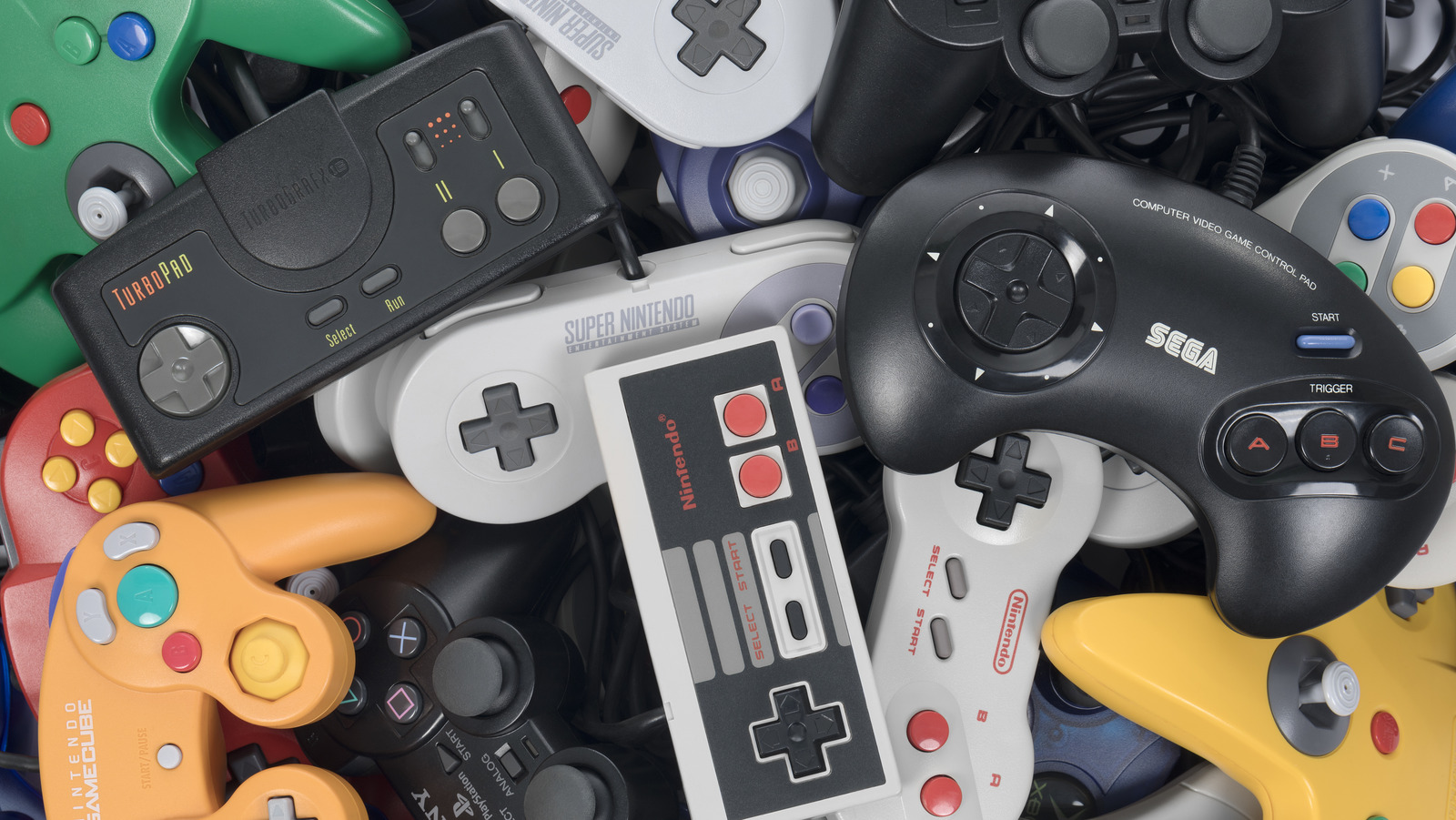
If you were playing video games when the Nintendo Entertainment System was still on top of the world, then you surely remember just how high maintenance owning the console was compared to most of Nintendo and its competitors’ subsequent efforts. Games not booting while the console’s power light blinked was a frustratingly common occurrence, to the point that there were both official and unofficial cleaning kits for the cartridges and the console itself.
****
The cause was a faulty connection between the cartridge and the console’s “Zero Insertion Force” 72-pin connector. It made it very easy to insert and remove cartridges, but the connector didn’t have the effect of scrubbing off excess debris the way top-loading consoles did. It could also lead to bent connectors. The 72-pin connector was there in the first place because, after the American video game market crash of 1983, Nintendo wanted the NES to look less like a game console while also making it harder for American children to touch essential hardware.
So, if you want to play NES games on original hardware, legitimate original hardware isn’t a great idea. You could get a NES modified with a replacement connector or even an improved version like the Ninten-Drawer. There’s also the option of buying 1993’s NES 2, which used the more convention top-loading cartridge slot. Even that has its detractors in un-modded form, though, as the only video output is an RF modulator, with no option for composite video.
****