Skip to content
GearOpen.com

GearOpen.com

GearOpen.com is the hub for the latest developments in technology, AI, software, computers, transportation, consumer electronics, and scientific innovation.

  • Phones
  • Tablets
  • Laptops
  • Computers & IT
  • AI & Bots
  • Apps
  • Gaming
  • Audio & Video
  • Wearables
  • Smart Home
  • Cameras
  • Drones
  • Cars
  • Motorcycles
  • Yachts & Boats
  • Planes
  • Science
  • Tools
  • Toggle search form

PS5 HDMI Port Not Working? Here’s How To Fix It

Posted on January 15, 2025 By bot

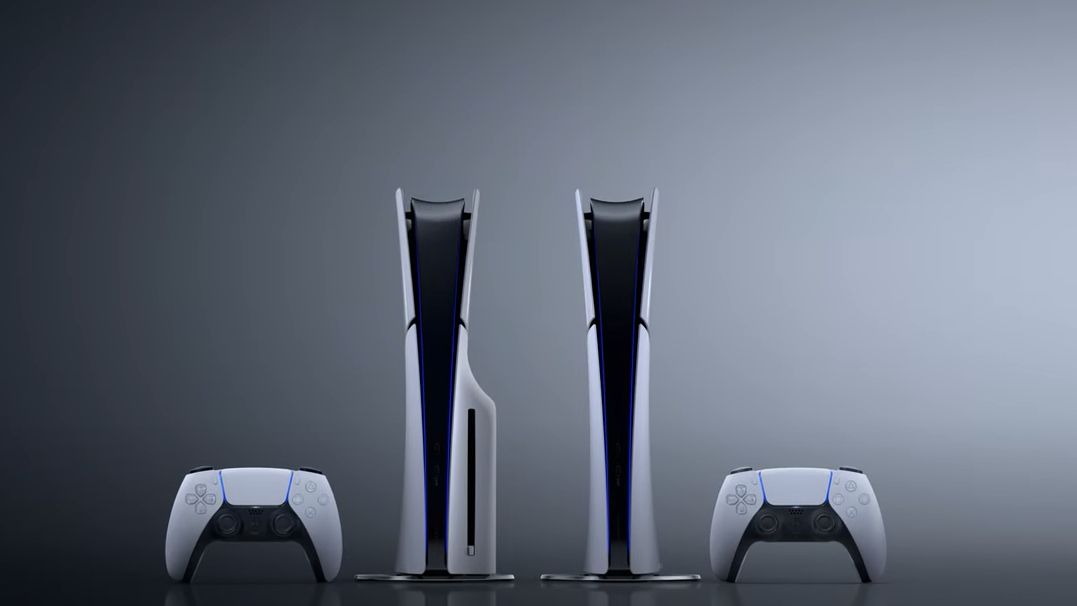
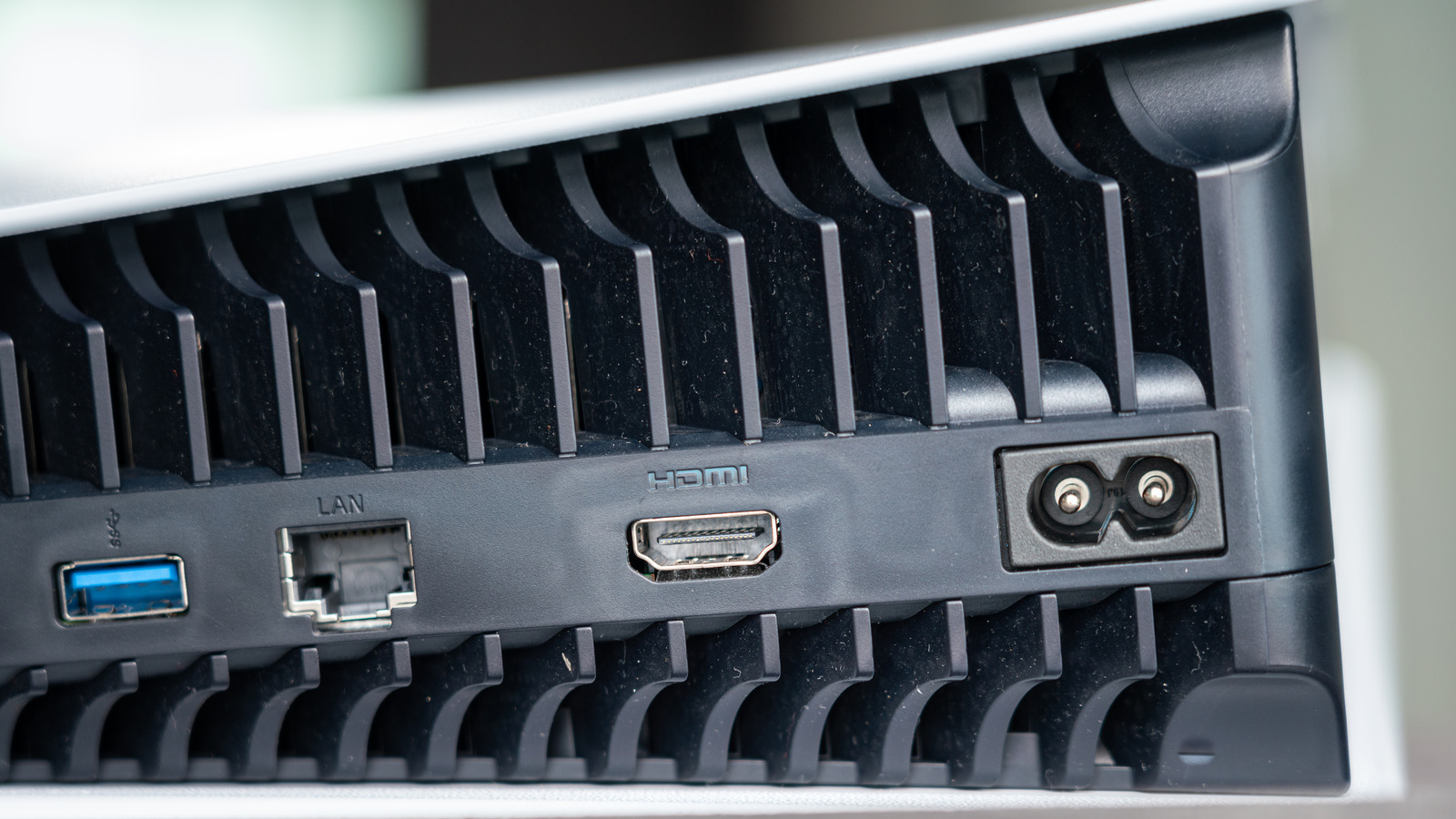
The first thing you should do is check the HDMI port on your TV. Ensure it’s clean, free of dust, and not damaged. You can try switching to a different HDMI port to see if that resolves the issue. If possible, you can try the HDMI cable with a different device, connecting it securely on both ends, and seeing if it works. This will help determine if the problem lies with the HDMI cable itself. If so, you’ll want a replacement.
****
If that’s not the issue, confirm that your TV is set to the correct input source. It’s easy to overlook this simple step, but if the TV is on the wrong input, it won’t display anything from the PS5. Use your TV remote to cycle through the inputs until you find the correct one.
Another quick fix is to restart both your PS5 and TV. Power down the devices completely, unplug them for a few minutes, then plug them back in and power them up. This should resolve any temporary glitches affecting the HDMI connection.
Lastly, if you are experiencing screen flickering or blinking, the HDR feature on the PS5 may be conflicting with your display. To turn it off, open the Settings menu on your PS5, and go to Screen and Video > Video Output > HDR.
****
…
Read more

Gaming

Post navigation

Previous Post: How To Find The MAC Address On Your Xbox Series X|S
Next Post: Optimizing Your Gaming Monitor For The Best Frame Rate: A Step-By-Step Guide

Related Posts

Is The MSI Claw A Good Alternative To The Steam Deck? Gaming
Xbox’s new voice reporting system is designed for “a world that keeps changing” Gaming
Fortnite TRON: Legacy skins revealed: See the End of Line collection Fortnite TRON: Legacy skins revealed: See the End of Line collection Gaming
Multiple Fortnite Quests aren’t working, but Epic has fixes planned Multiple Fortnite Quests aren’t working, but Epic has fixes planned Gaming
The Quarry Gaming
Razer Kishi V2 for iPhone now available Gaming

Copyright © 2026 GearOpen.com.

Powered by PressBook Grid Dark theme