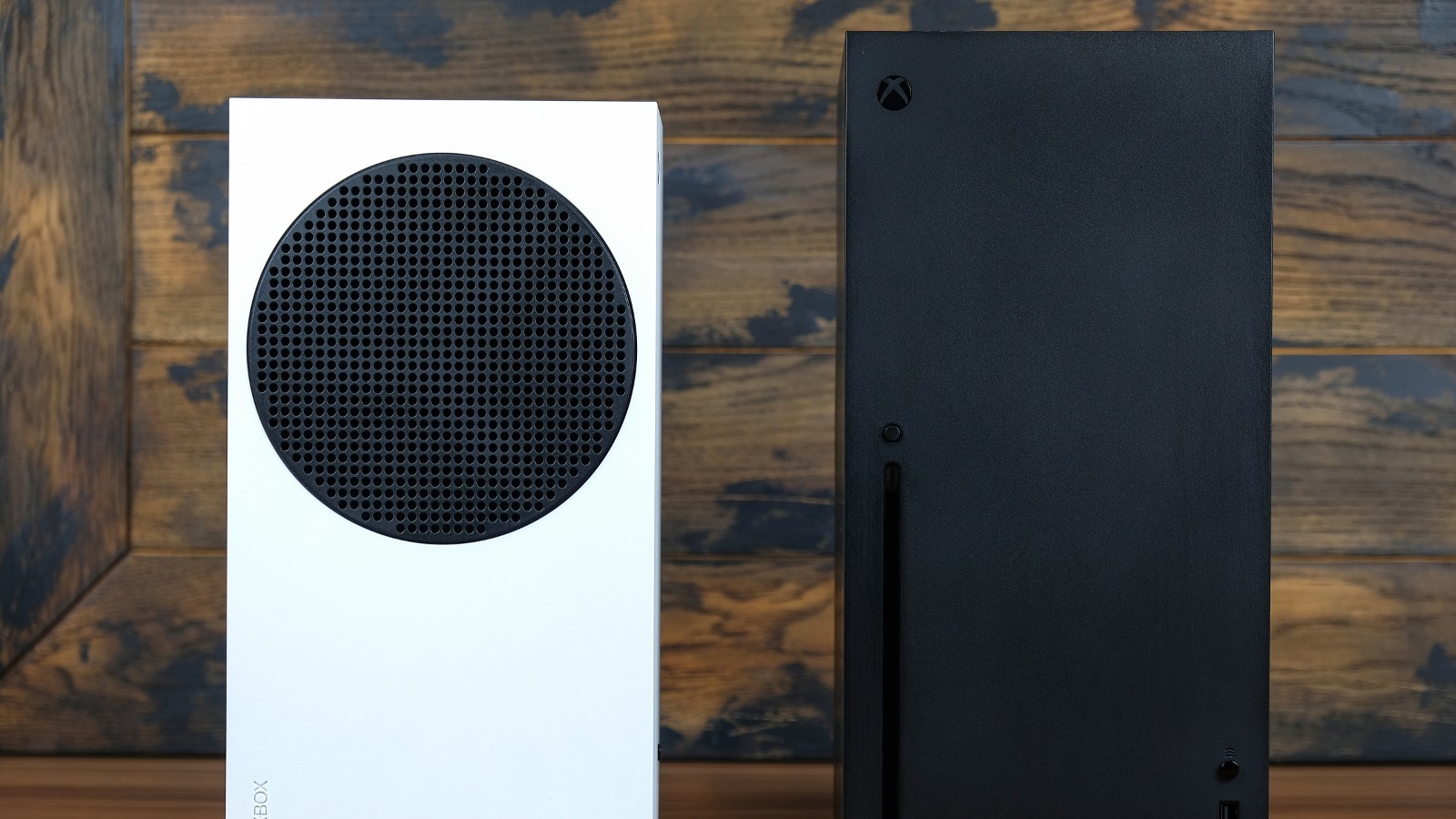
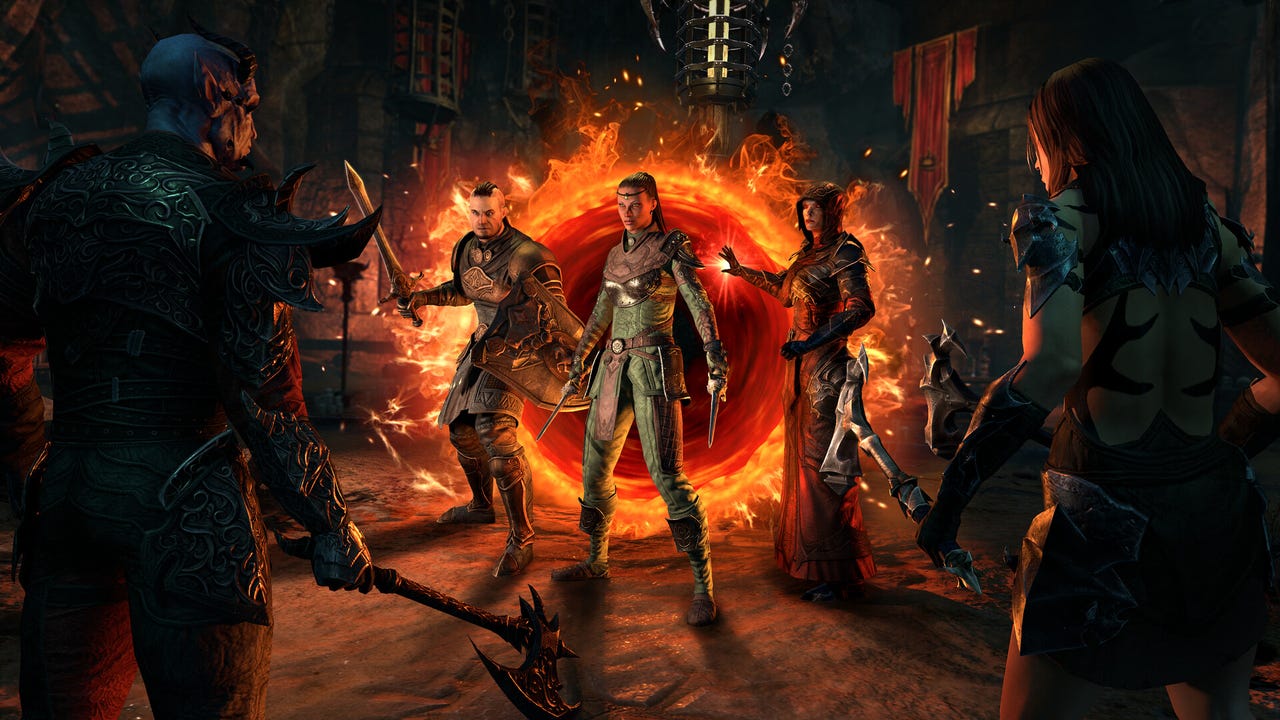
Both the Xbox Series X|S and PlayStation 5 are excellent gaming consoles to enjoy AAA games at high frame rates. Among the many reasons to buy an Xbox Series X over the PS5 are exclusive features like Quick Resume, and support for Dolby Vision in games. Despite being released a couple of years ago, the Xbox with its 12 teraflops GPU still has enough horsepower to push visually stunning games like “Elden Ring” and “Microsoft Flight Simulator” for not a whole lot of money.
****
The Xbox Series X|S benefits greatly from the Xbox Game Pass subscription service too, allowing gamers to enjoy a huge catalog of games at an affordable rate instead of buying each game individually. This is assuming you have access to a reliable internet connection, though, either through Wi-Fi or Ethernet.
If you’ve been wondering why your Xbox hasn’t been able to connect to the internet in your college dorm or office, it is because most of these establishments block unknown devices by default as a security measure, as well as to preserve bandwidth. Though unlikely, some Wi-Fi routers at home may also need an extra bit of tinkering to whitelist devices such as gaming consoles. If your Xbox is having similar issues with your connection, you first need to identify the MAC address of your device — here’s where you can find it on the Xbox Series X and Series S consoles.
****