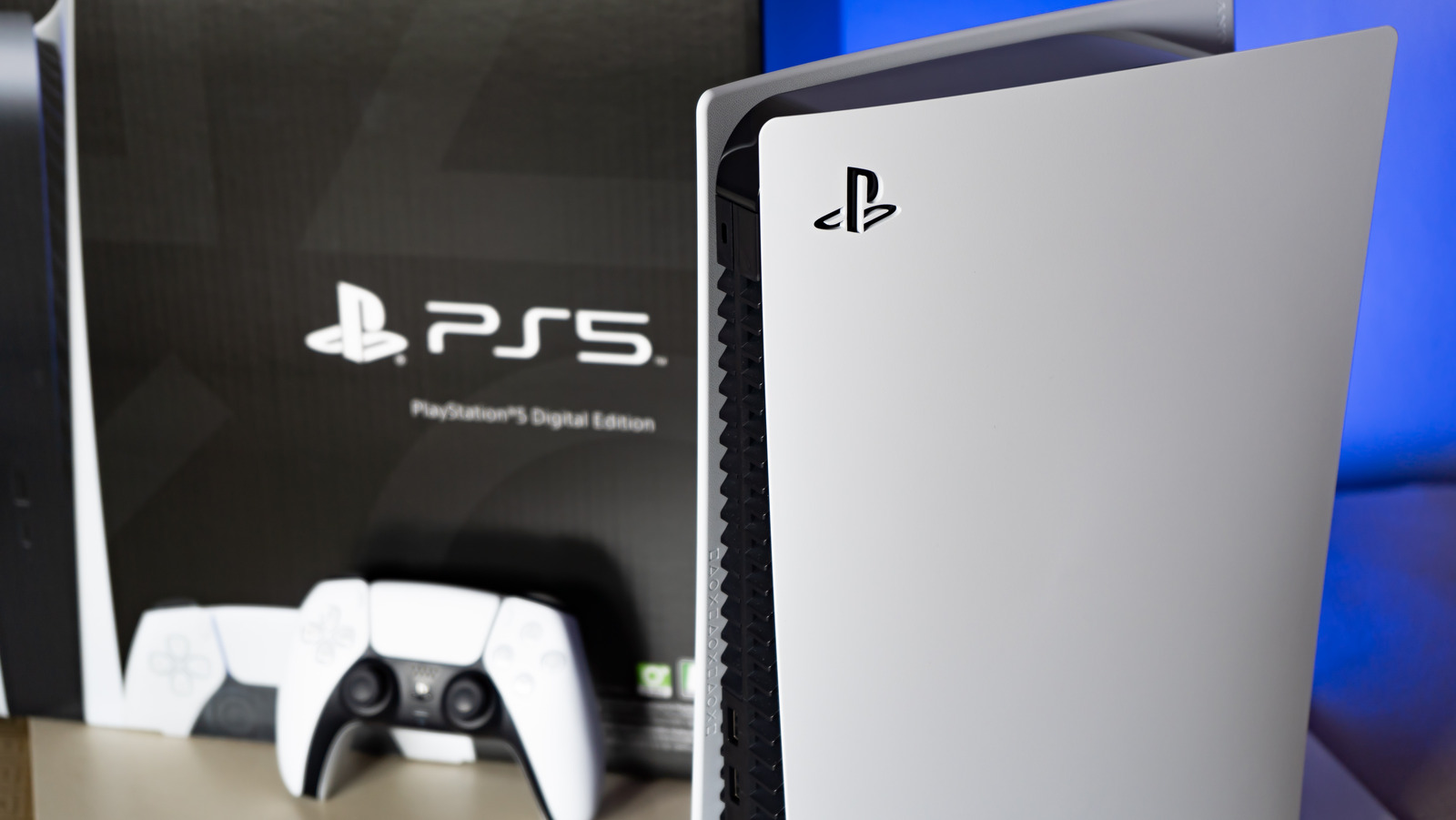
If you’re looking to perform a factory reset of your PS5 due to a software problem, your first step should be determining if it’s the best solution. For example, if the issue is that your PS5 isn’t responding to inputs from your DualSense controller, you should first check that the controller is correctly paired with the console. If it won’t connect or if it’s connected but unresponsive, try resetting your DualSense and repairing it to the PS5.
****
If your PS5 is totally unresponsive and not displaying an image to your TV, you should also check that your PS5 is receiving power and that the HDMI cable connecting it to the TV is securely plugged in at both ends.
If the issue remains unresolved, or if the PS5 shows an image on the TV but the system is unresponsive or glitchy, try a soft reset by holding down the PS5’s power button until it shuts down. Then, unplug the console from the wall and wait about 30 seconds before plugging it back in and switching it on.
If the problem still persists, boot your PS5 into Safe Mode with these steps:
Hold down the power button to shut down the console. Hold the power button again until you hear two beeps (one immediately upon pressing and another seven seconds later). Connect a DualSense controller to the PS5 with a cable (DualSense will not connect wirelessly in Safe Mode). Press the PS button to boot into Safe Mode.
In Safe Mode, you can change video output to troubleshoot screen issues, repair console storage, update the software, restore default settings, clear the cache, or rebuild the console database, all without deleting data.
****