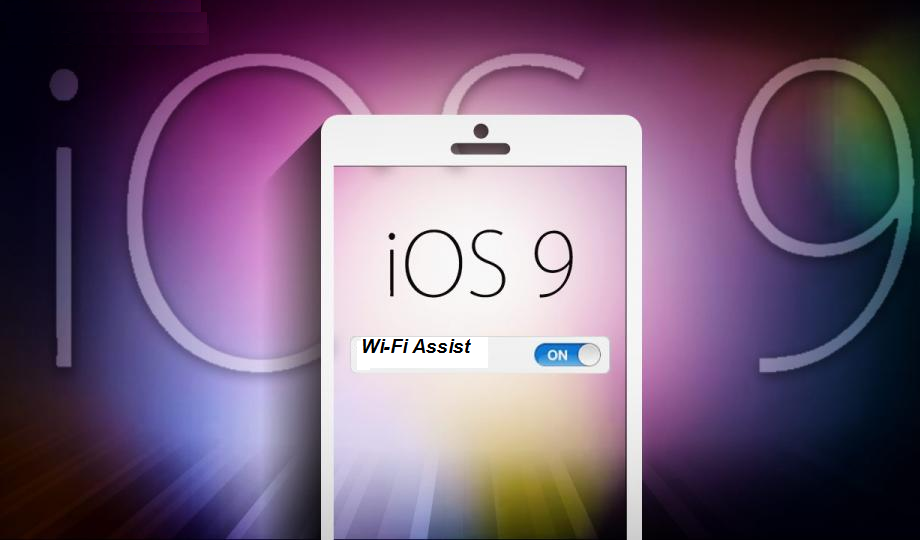
Like any other major iOS release, iOS 9 brought a new set of features to delight users and make their lives more comfortable. Or at least that’s the goal. We’ve seen multi-window multitasking on iPads and the space saving app slicing, for example. But like any other release as well, there are some features that may not always work to the user’s benefit, depending on how you see it. One of those is the Wi-Fi Assist feature, and Apple has now put up a support page to clarify what it does and does not do.

The idea behind Wi-Fi Assist is simple and, in theory, really useful. If you’re connected over Wi-Fi but are getting a poor connection, iOS 9 will automatically switch to using cellular data. Now you will no longer have to suffer slow loading web pages or content just because the Wi-Fi network you’re on sucks. At the expense of eating into your data cap, of course.
Apple assures users of a few things, however. One, Wi-Fi Assist doesn’t activate if you’re on roaming, so you don’t have to worry about exorbitant charges. It also only works on apps that are running in the background, so sneaky apps won’t benefit from your cellular data. It also doesn’t work with third party apps that stream media or download attachments, since those can quickly eat up your 3G or 4G allotment. And finally, it is completely optional.

That last part is important but is also the source of a some consternation. A new feature in iOS 9, Wi-Fi Assist is silently enabled by default. No first use prompt after upgrading. And no immediate way of knowing about. The switch to turn it off is buried at the bottom of the Cellular data settings, which makes it hard to find unless you know what you’re looking for in the first place.
Apple insists that the extra cellular usage is just a small percentage, perhaps even negligible, compared to unassisted data usage. Still, it might have been respectful to first ask the user about such an option, thought it probably goes against Apple’s usability guidelines.
(slashgear.com)